share map

Share Interactive Maps with Visitors

How to Share Interactive Maps with Visitors for Better Location Engagement

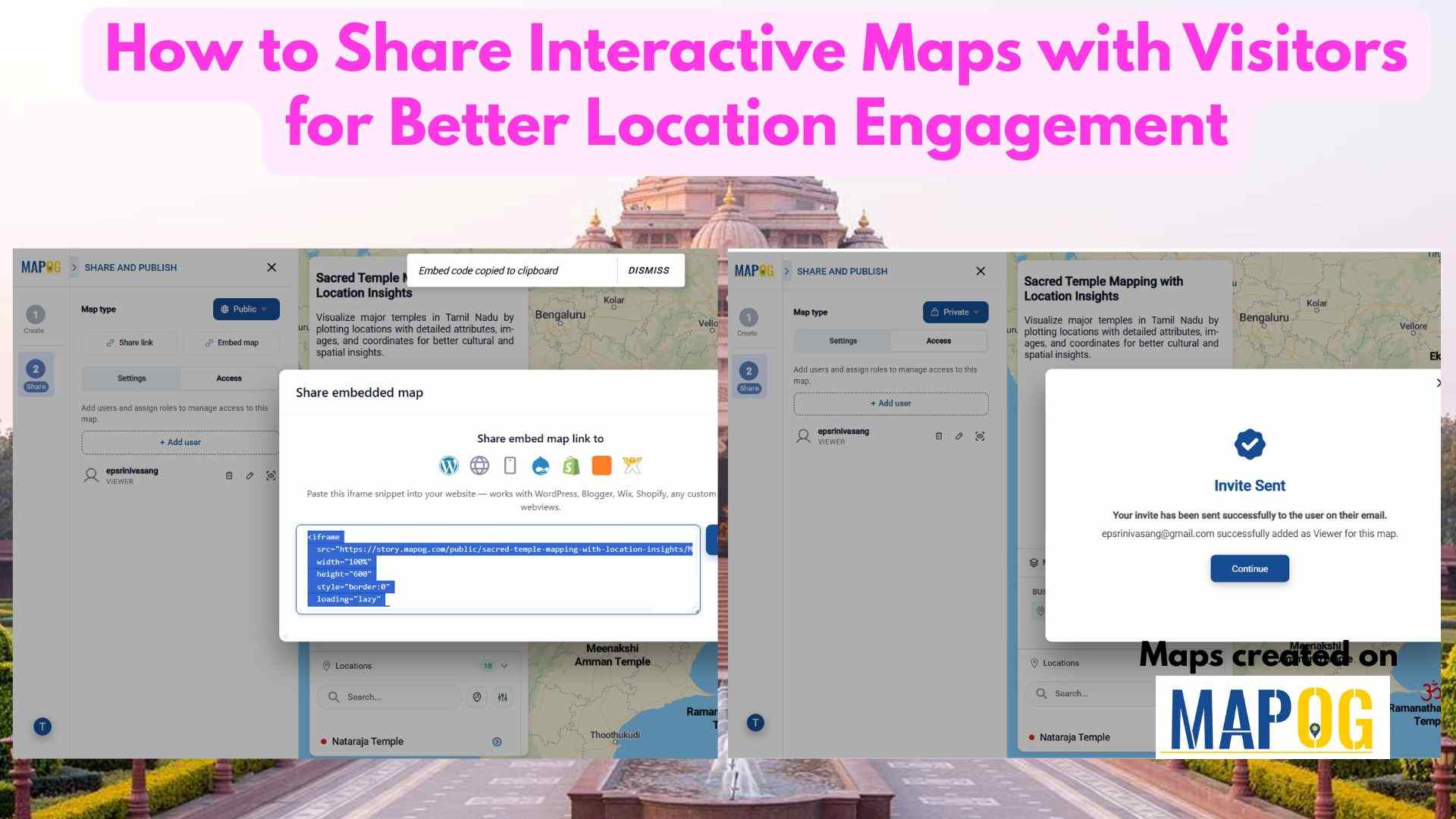
Share Interactive Maps with Visitors securely is a common challenge in today’s collaborative and data-driven environment, where sharing location intelligence is just as important as creating it. Static screenshots or exported files often fall short—they lose context, interactivity, and control. That’s where secure Interactive map sharing becomes essential. By enabling teams and clients to explore … Read more
3D Models on Maps

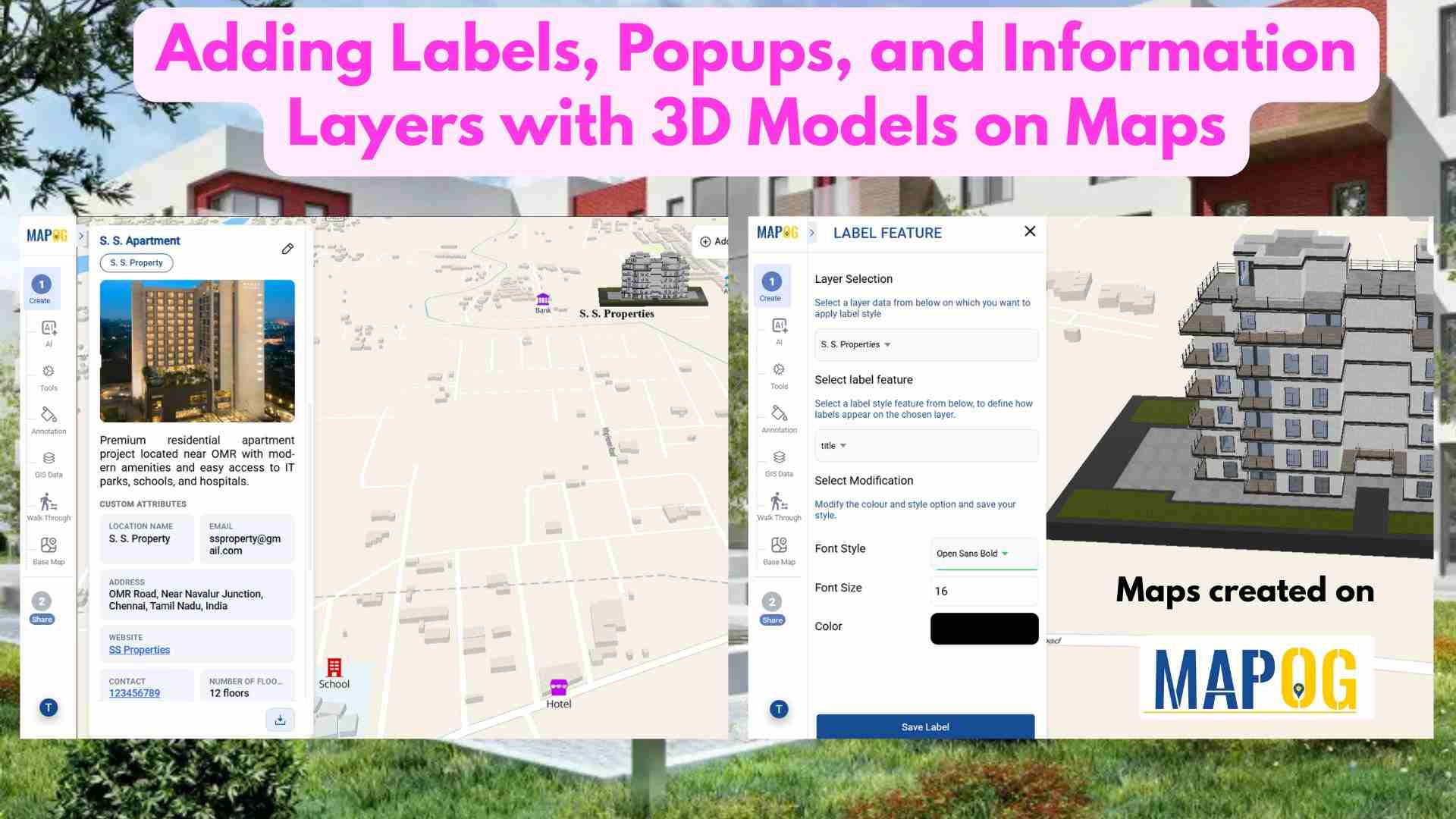
Adding Labels, Popups, and Information Layers with 3D Models on Maps

In real estate, property data is often scattered across multiple platforms, making it hard to compare options and gain clear insights. This lack of visibility slows decision-making. Today, clear and precise data visualization is essential for smarter property decisions. With MAPOG, developers can layer filters onto a property map and enhance listings using Information Layers … Read more

MAPOG Annotation Tool: A Complete Feature Guide for Every Use Case

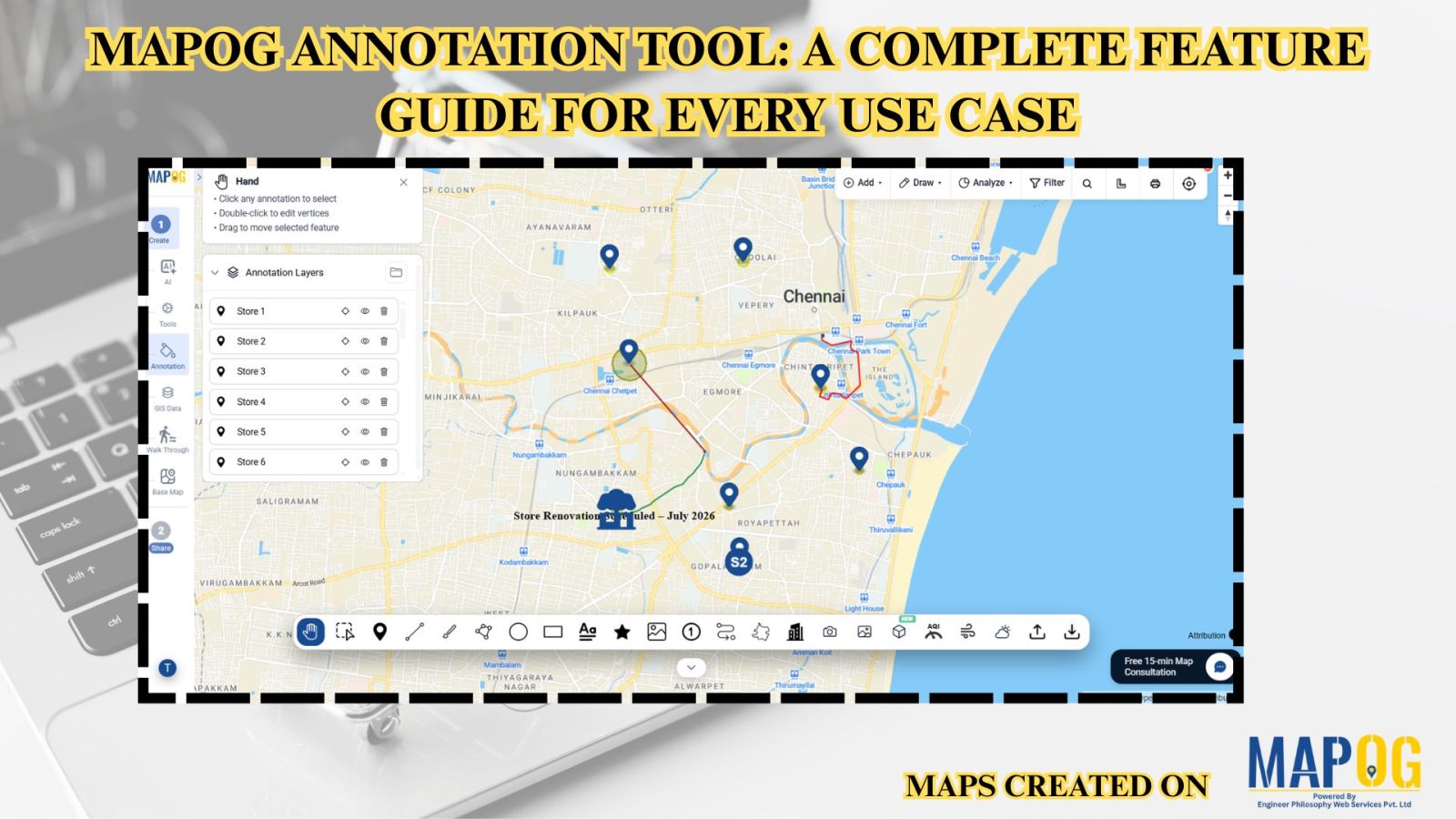
MAPOG Annotation Tool: A Complete Feature Guide for Every Use Case

Interactive maps become more effective when users can annotate locations, mark routes, and visualize important geographic information. Similarly, the MAPOG Annotation Tool offers powerful drawing and markup features that support planning, collaboration, and location-based decision-making across industries.  Why Use MAPOG Annotation Tool in GIS Maps? However, Annotations turn maps into interactive workspaces by enabling teams … Read more

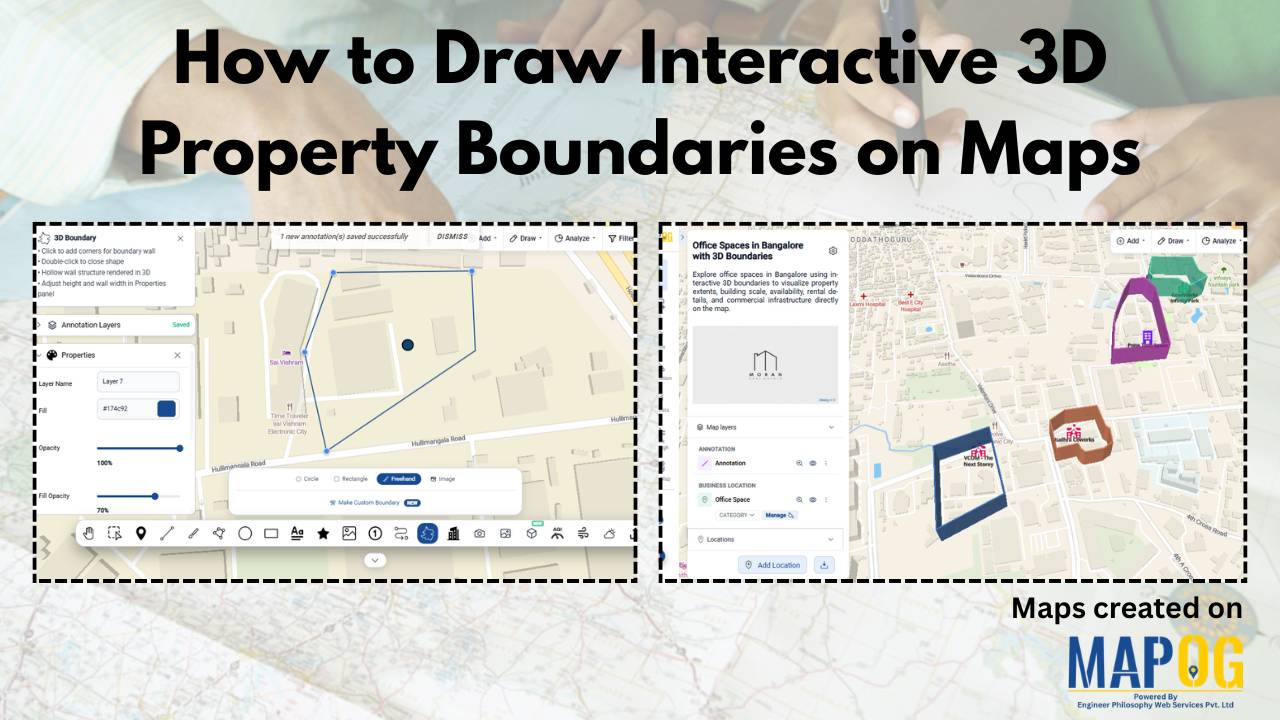
How to Draw Interactive 3D Property Boundaries on Maps

How to Draw Interactive 3D Property Boundaries on Maps

In industries like real estate, construction, infrastructure planning, campuses, and tourism, clearly defining areas on a map is essential for better visualization and decision-making. Interactive 3D property boundaries help transform flat maps into more engaging and easy-to-understand visual experiences. With MAPOG, you can create interactive 3D boundaries, customize their height and styling, organize locations, and … Read more

Custom Information Template

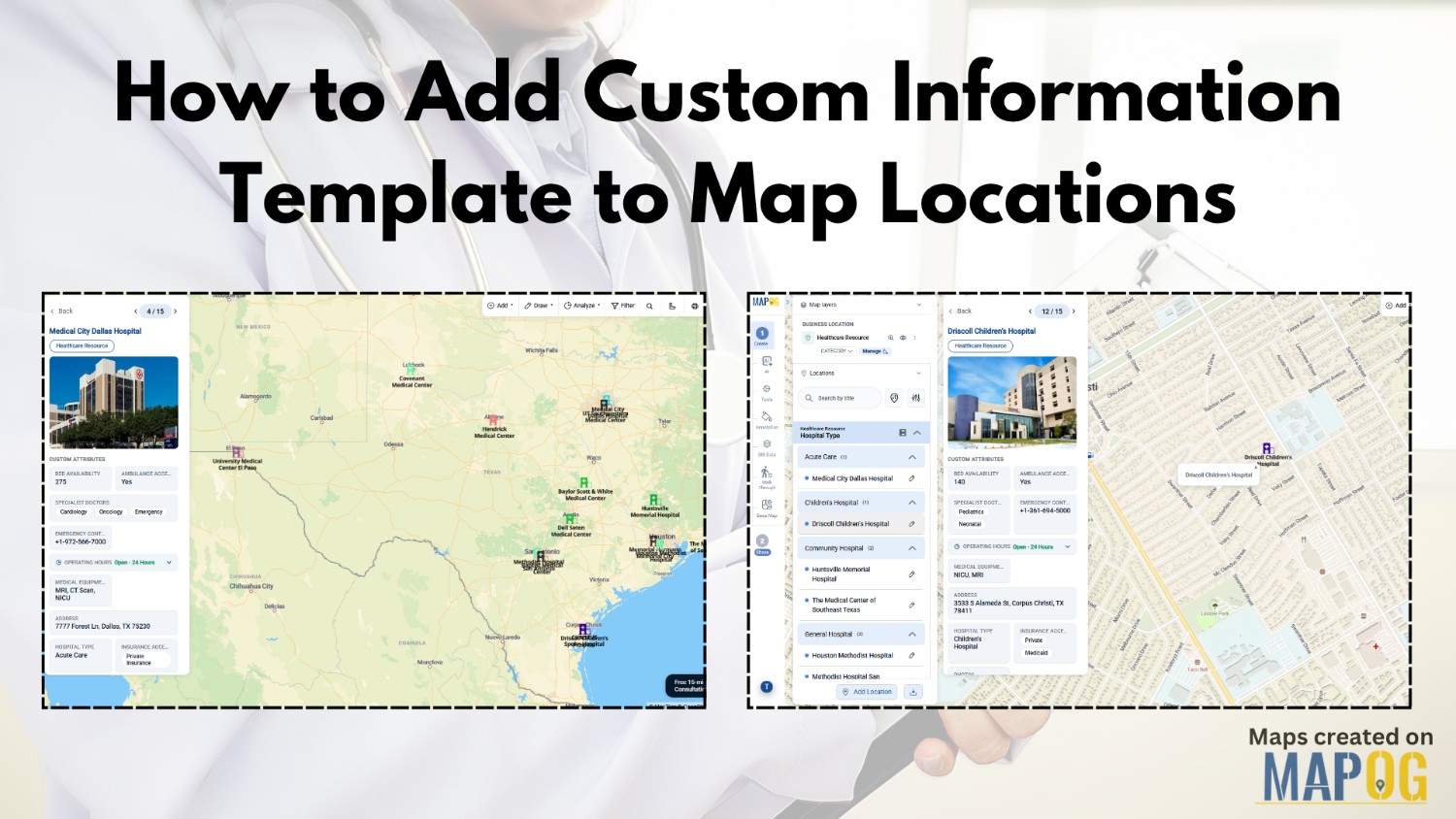
How to Add Custom Information Template to Map Locations

Managing location-based data is still a challenge for industries like healthcare, logistics, emergency response, and retail. Organizations often scatter data across spreadsheets, outdated records, and disconnected systems. As a result, teams struggle to update location details quickly or visualize important resources on a live map. However, MAPOG with custom information template is helping organizations create … Read more

Adding 3D Objects

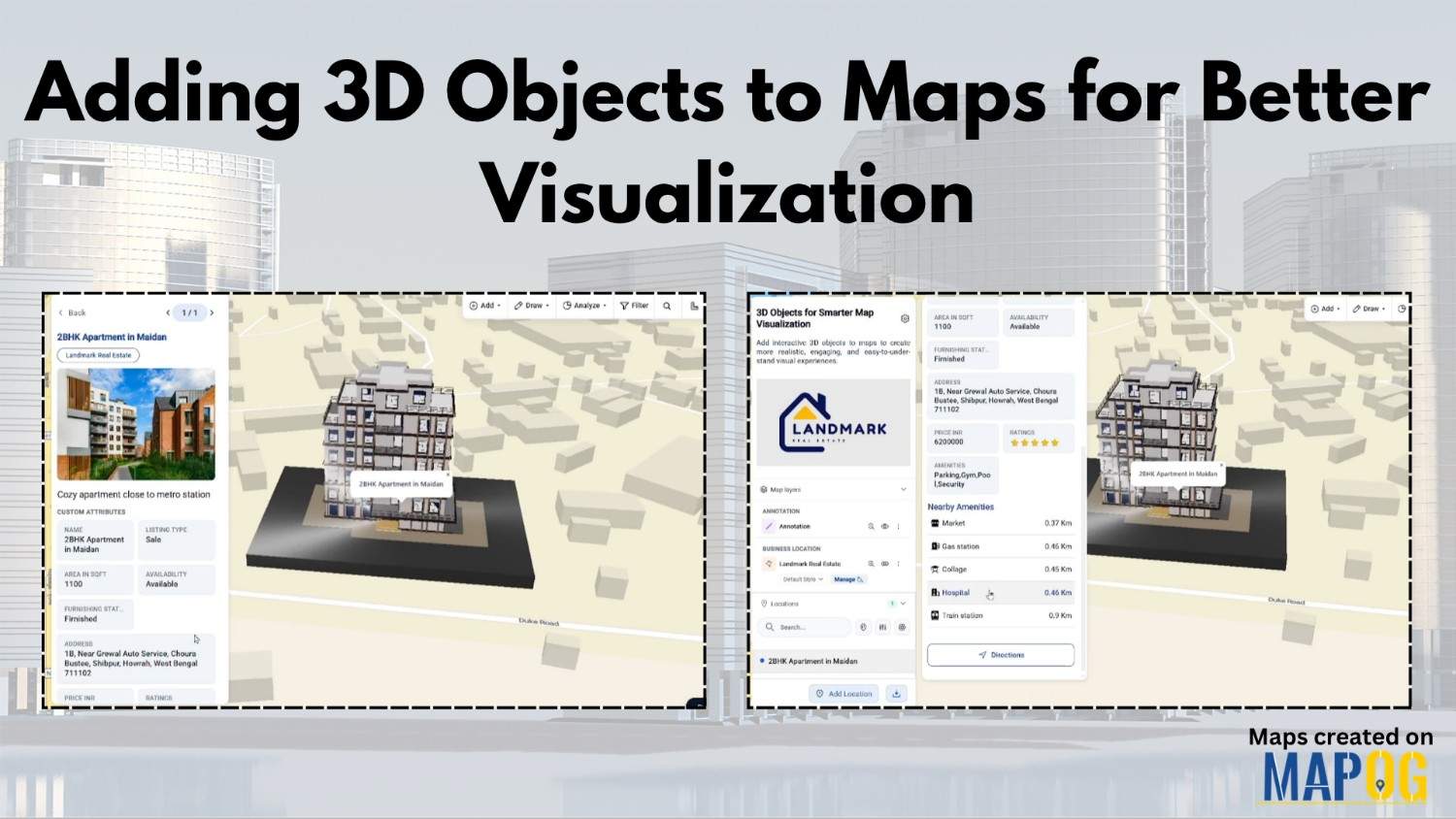
Adding 3D Objects to Maps for Better Visualization

Modern industries often struggle to present buildings, infrastructure, and location data in a way that feels realistic and easy to understand. Flat maps may display information, yet they usually fail to provide depth, scale, and spatial context. Because of this, architects, urban planners, tourism teams, and real estate businesses are now shifting toward Adding 3D … Read more

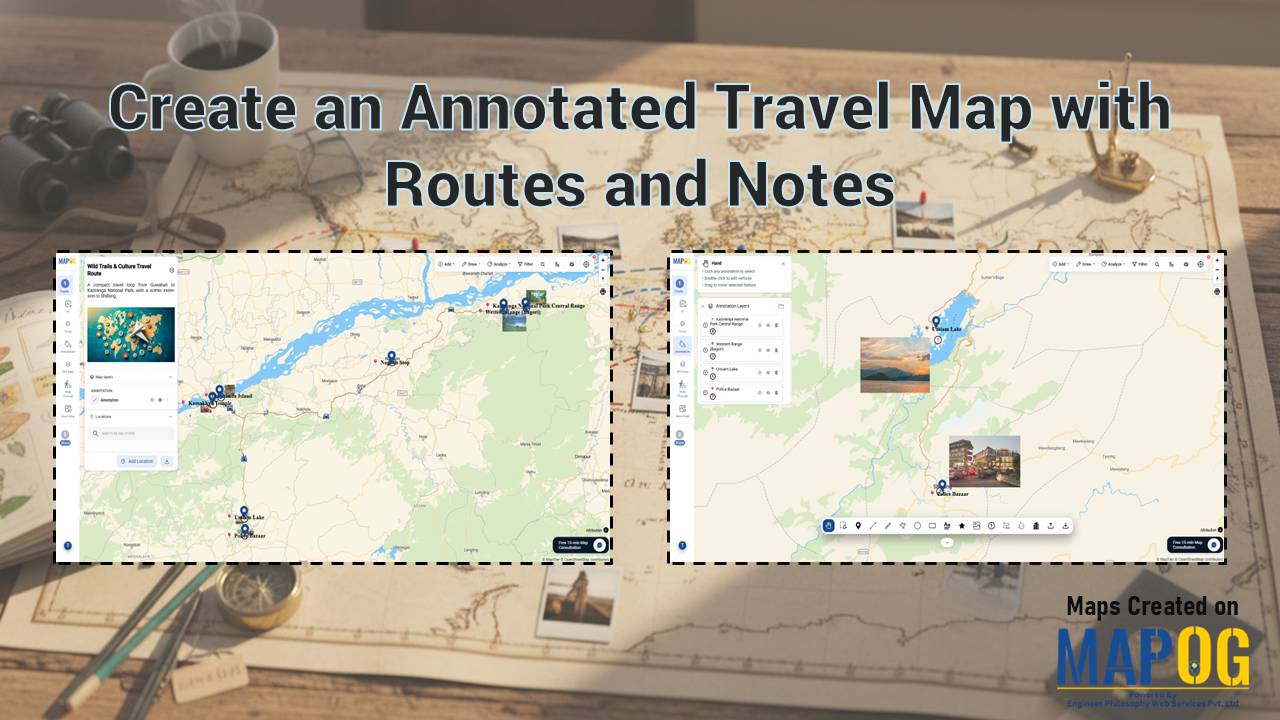
Create an Annotated Travel Map showing routes connecting locations with labels and images in a digital map interface

Create an Annotated Travel Map with Routes and Notes

To Create an Annotated Travel Map is to turn movement into meaning. Instead of static directions, you layer routes with insights, context, and memory. MAPOG elevates this workflow through precise annotation capabilities, so every path tells a story, not just a route. As a result, travelers, planners, and analysts move from “where” to “why it … Read more

Upload Your Base Map to create a shareable property plan with MAPOG georeferencing and interactive layout tools

Upload Your Base Map and Create a Shareable Property Plan Easily

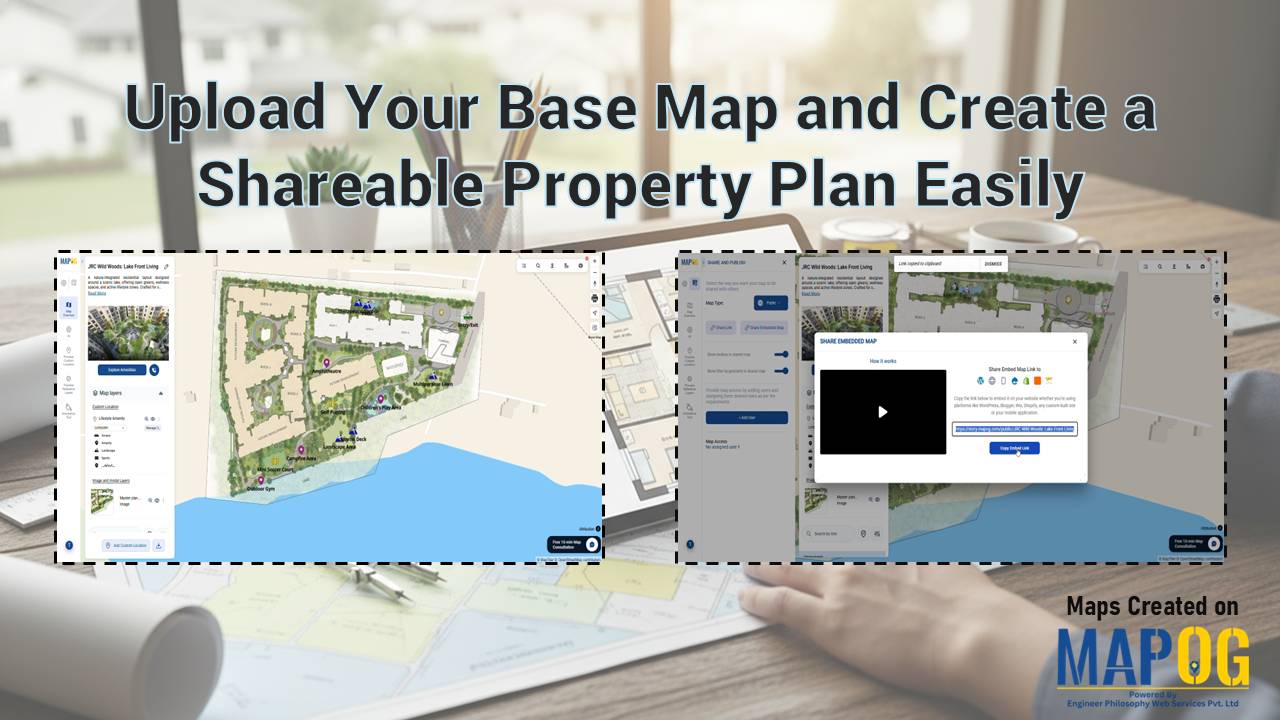
Static floor plans often confuse potential buyers because they lack real-world context. Brokers and developers struggle to convey a lifestyle when using a static PDF. Therefore, you should Upload Your Base Map and Create a Shareable Property Plan Easily to bridge this gap. By leveraging the MAPOG georeferencing capability, you transform a simple layout image … Read more

Person sharing a digital map publicly or privately using online map settings

How to Share Your Map Publicly or Privately

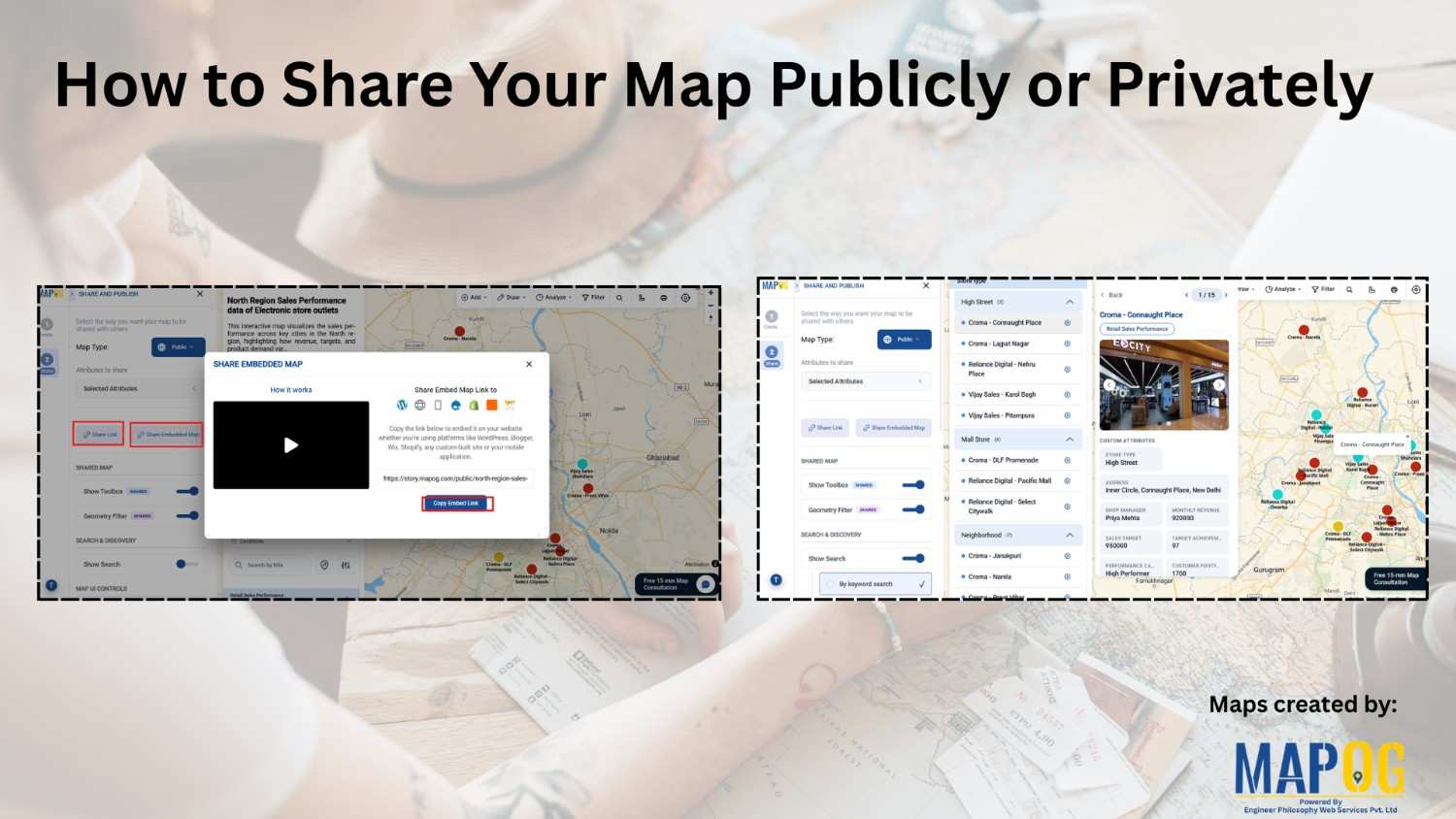
Creating a map is just the beginning. However, the real value comes from how you share it and how users interact with it. In many cases, maps are shared without proper controls or usability features. As a result, users either struggle to explore the data or fail to get meaningful insights. So, how can you … Read more

Interactive map showing business data locations, performance insights, and team collaboration

Create Shareable Maps to Present Business Data to Teams and Clients

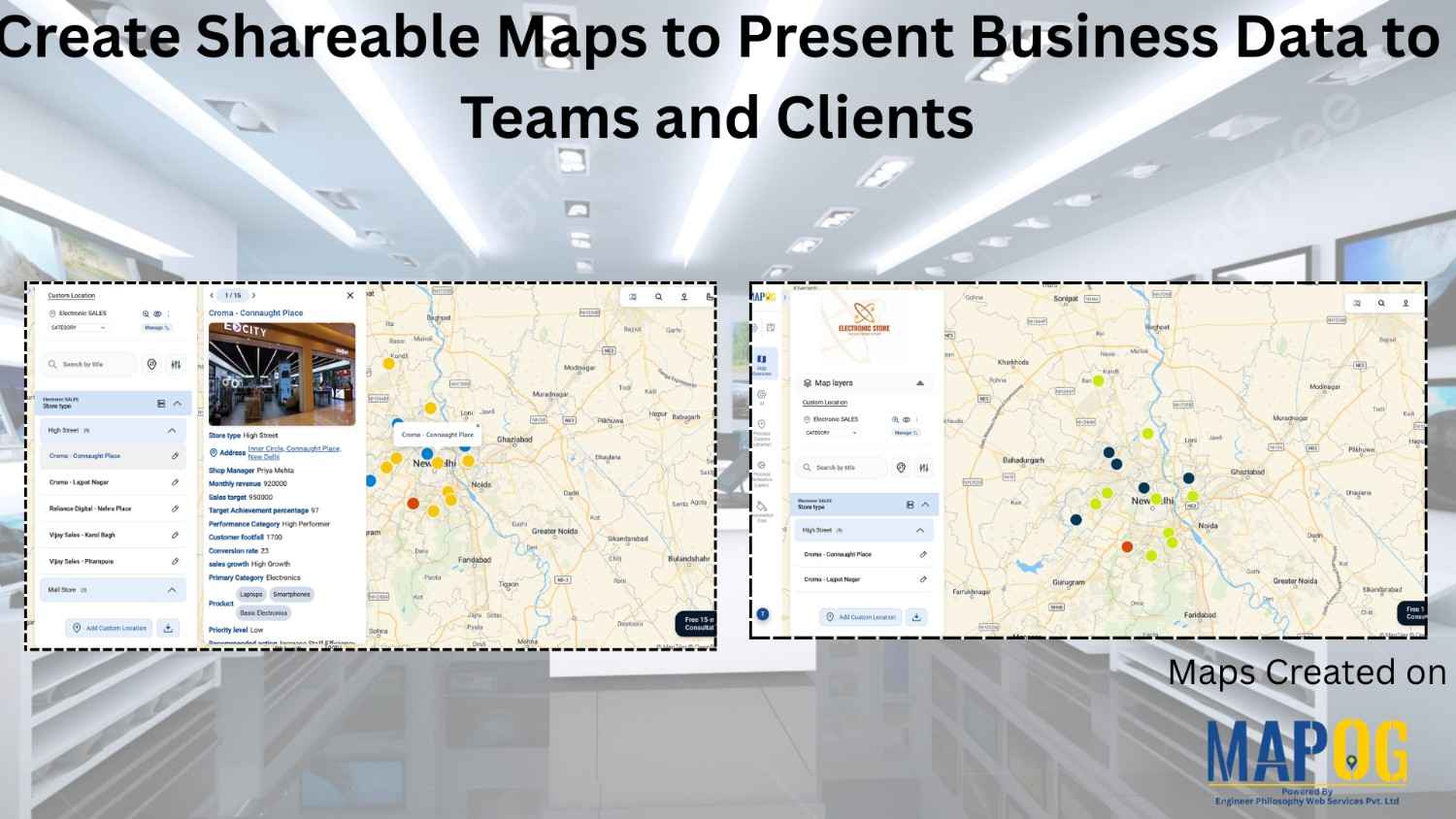
Managing business data across multiple store locations or sales territories often becomes challenging when teams rely on spreadsheets instead to Create Shareable Maps, emails, and scattered reports. As a result, it becomes difficult to track performance, identify trends, and communicate insights clearly to teams or clients. Moreover, static data lacks geographic context, making it harder … Read more