Annotation

Map Your GoPro Footage and GPS Photos Automatically

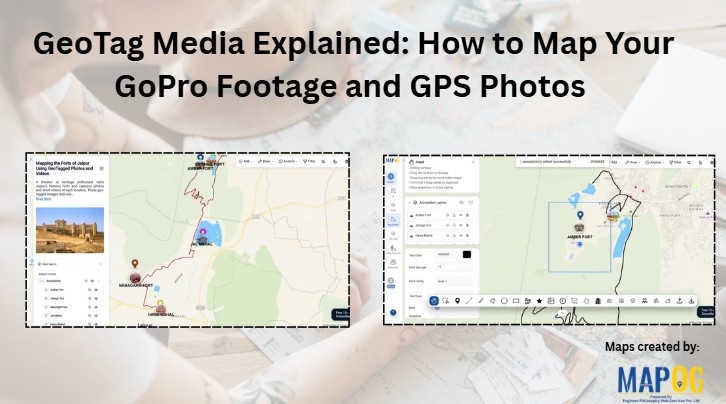
GeoTag Media Explained: How to Map Your GoPro Footage and GPS Photos
Location-based media adds a new layer of context to maps. Instead of simply marking places, you can attach real photos and videos to show what exists at each location. With MAPOG, users can upload Geotag Media and GoPro footage, allowing media files to appear automatically at their recorded locations. Consequently, maps become more interactive, informative, … Read more

How to Import and Export Map Annotations: Moving Your Data Between Tools
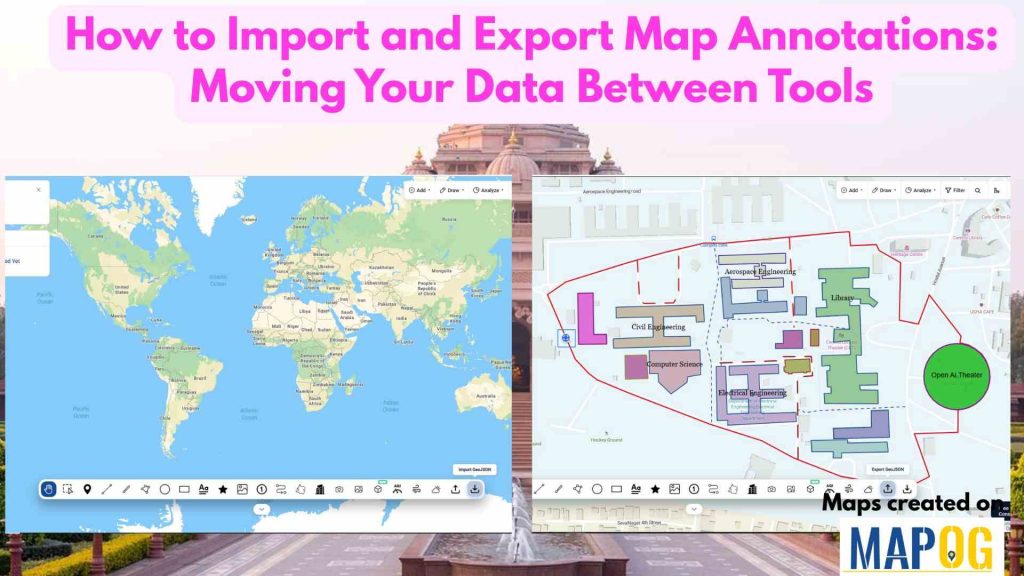
How to Import and Export Map Annotations: Moving Your Data Between Tools

Infrastructure and utility projects often involve multiple teams using different mapping and planning tools. Engineers may create project boundaries in one platform, contractors may review them in another, and field teams may need the same information on mobile devices. When annotation data cannot be transferred easily between systems, teams often redraw boundaries, routes, and project … Read more

How to Draw Lines, Polygons, and Shapes on a Map Without GIS Software
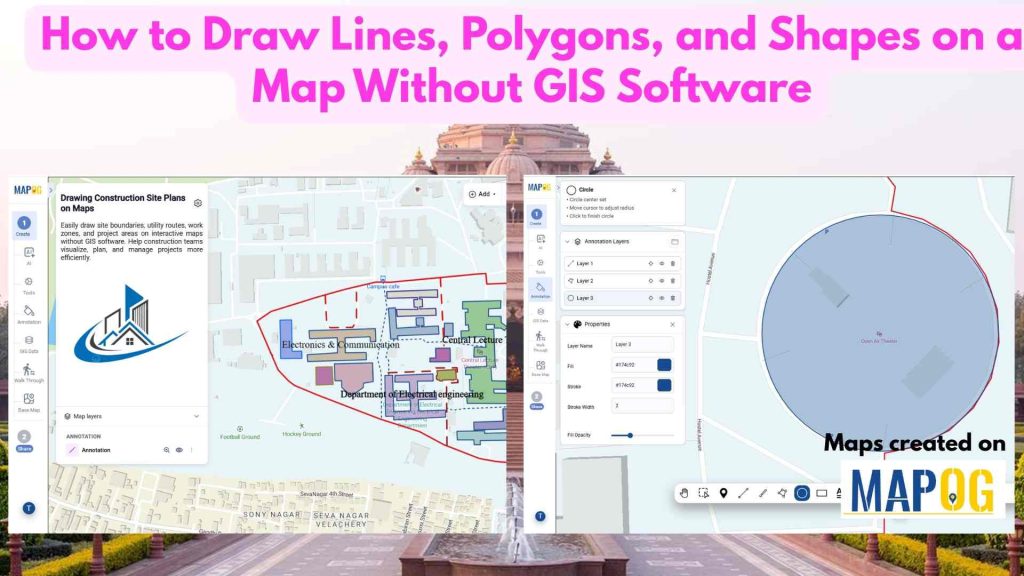
How to Draw Lines, Polygons, and Shapes on a Map Without GIS Software

Construction projects often rely on static plans that are difficult to update and share. As a result, teams may struggle to communicate site layouts effectively. However, to Draw Lines, Polygons, and Shapes on a Map makes site planning more interactive and efficient. Instead of using disconnected documents, teams can mark work zones, utilities, and project … Read more

3D Models on Maps

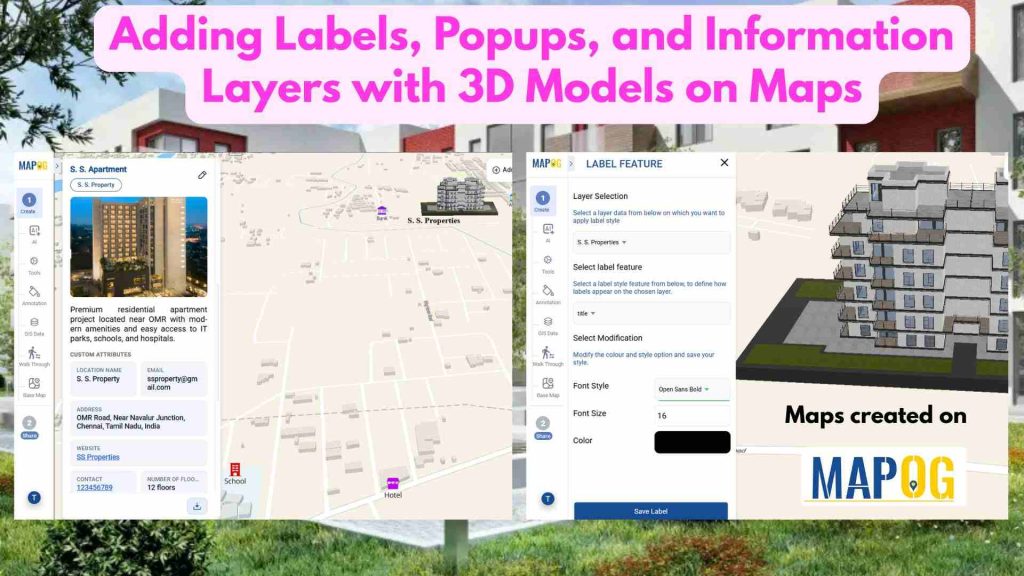
Adding Labels, Popups, and Information Layers with 3D Models on Maps
In real estate, property data is often scattered across multiple platforms, making it hard to compare options and gain clear insights. This lack of visibility slows decision-making. Today, clear and precise data visualization is essential for smarter property decisions. With MAPOG, developers can layer filters onto a property map and enhance listings using Information Layers … Read more

How to Create 3D Building Footprints on a Map (No CAD or GIS Required)

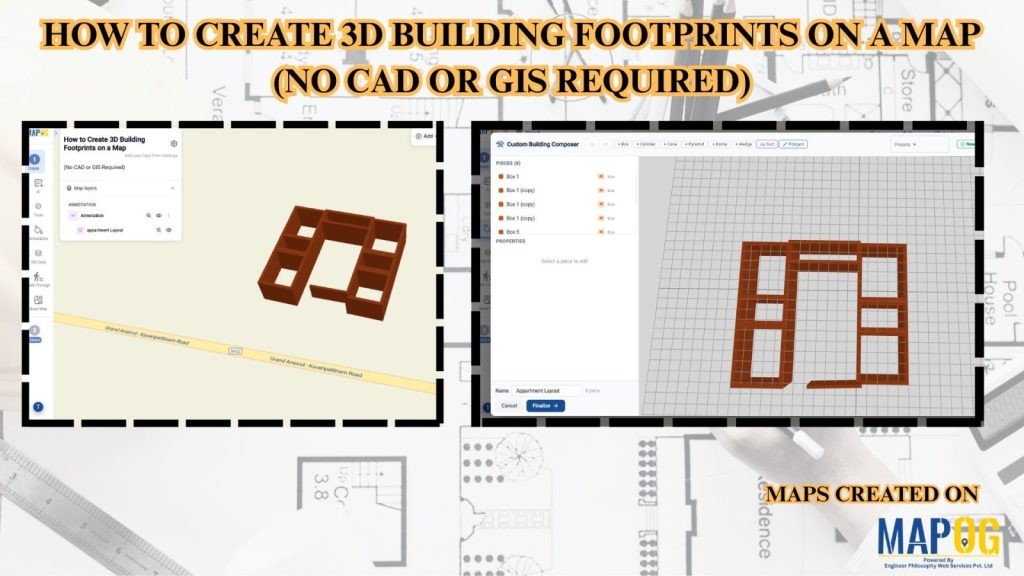
How to Create 3D Building Footprints on a Map (No CAD or GIS Required)

Managing building data and visualizing urban structures often requires specialized GIS or CAD software. MAPOG simplifies this process by allowing users to create and visualize 3D building footprints directly on an interactive map without any advanced technical skills. This helps planners, real estate professionals, educators, and businesses better understand building layouts, heights, and urban landscapes. … Read more

How to Add Annotated Text on Interactive Maps

How to Add Annotated Text on Interactive Maps

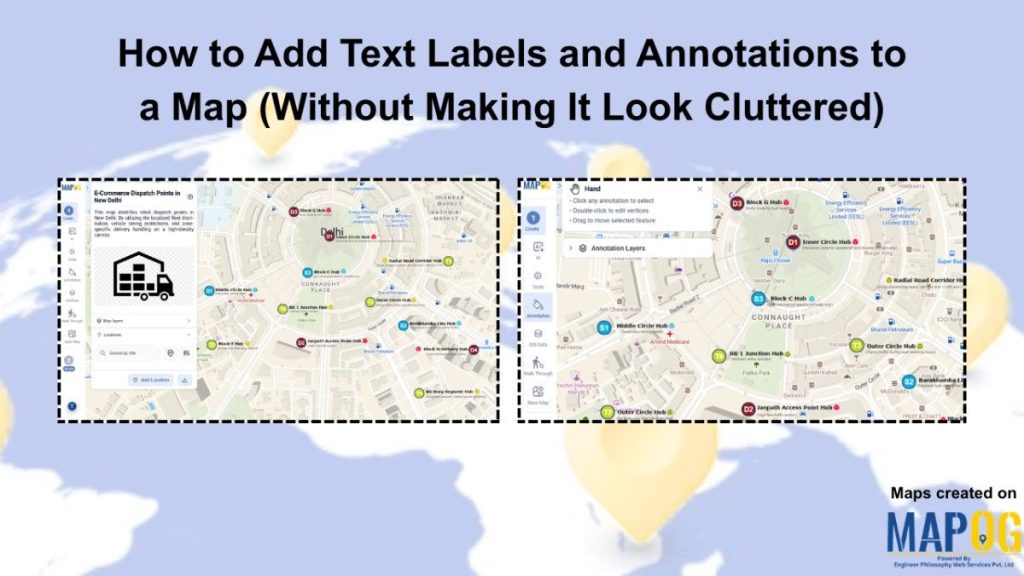
Traditional maps often only display locations without explaining why those places are important. Important details are usually separated into reports, documents, or datasets, making geographic information harder to understand and less engaging for users. Annotated text on interactive maps solve this problem by adding labels, notes, and pop-ups directly onto the map. This makes information … Read more

MAPOG Annotation Tool: A Complete Feature Guide for Every Use Case

MAPOG Annotation Tool: A Complete Feature Guide for Every Use Case

Interactive maps become more effective when users can annotate locations, mark routes, and visualize important geographic information. Similarly, the MAPOG Annotation Tool offers powerful drawing and markup features that support planning, collaboration, and location-based decision-making across industries.  Why Use MAPOG Annotation Tool in GIS Maps? However, Annotations turn maps into interactive workspaces by enabling teams … Read more

How to Draw Interactive 3D Property Boundaries on Maps

How to Draw Interactive 3D Property Boundaries on Maps

In industries like real estate, construction, infrastructure planning, campuses, and tourism, clearly defining areas on a map is essential for better visualization and decision-making. Interactive 3D property boundaries help transform flat maps into more engaging and easy-to-understand visual experiences. With MAPOG, you can create interactive 3D boundaries, customize their height and styling, organize locations, and … Read more

Adding 3D Objects

Adding 3D Objects to Maps for Better Visualization

Modern industries often struggle to present buildings, infrastructure, and location data in a way that feels realistic and easy to understand. Flat maps may display information, yet they usually fail to provide depth, scale, and spatial context. Because of this, architects, urban planners, tourism teams, and real estate businesses are now shifting toward Adding 3D … Read more

Using 3D Models on Maps for Real Estate and Infrastructure Projects

Using 3D Models on Maps for Real Estate and Infrastructure Projects

In real estate and infrastructure projects, 3D models often stay limited to design software or displays, making them difficult for clients to understand in real-world context. Consequently, they fail to show nearby roads, amenities, transport, or developments. MAPOG maps 3D models with location data. Key Concept – Why Use 3D Models on Maps Because maps … Read more