Urban Planning

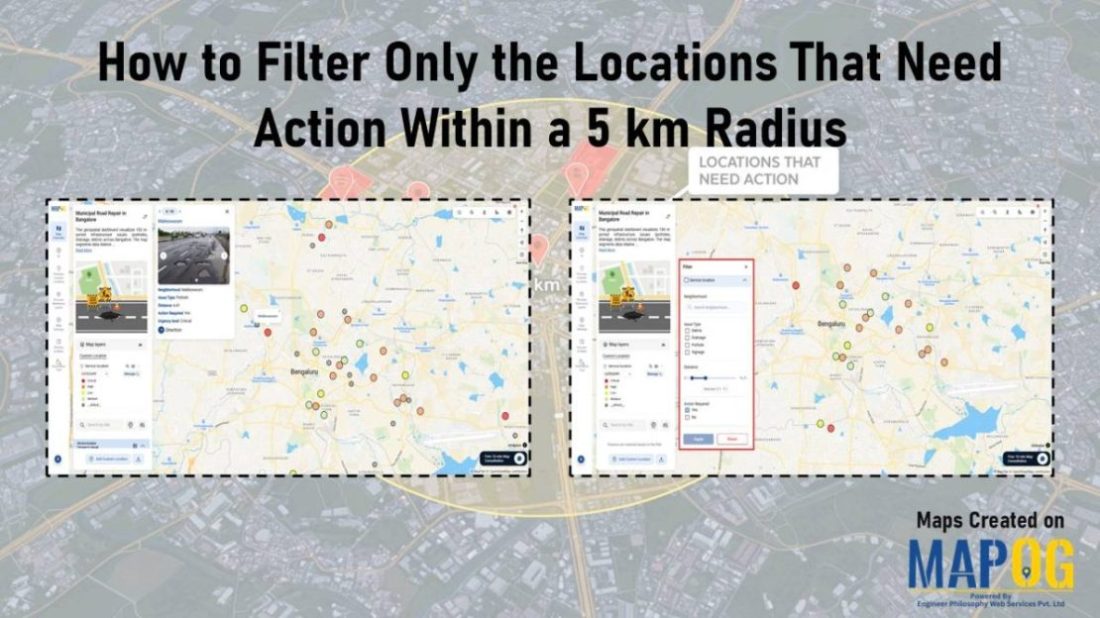
Dashboard view demonstrating how to Filter Only the Locations That Need Action within a 5 km radius on a map using proximity and status-based filters.

How to Filter Only the Locations That Need Action Within a 5 km Radius

Managing multiple locations efficiently becomes challenging when you need to identify which sites require immediate attention. MAPOG‘s dynamic filtering system helps businesses streamline operations by pinpointing critical locations within specific geographic boundaries. Learning how to filter only the locations that need action within a 5 km radius transforms scattered data into actionable insights. Key Concept: … Read more

Filter Properties for Insights

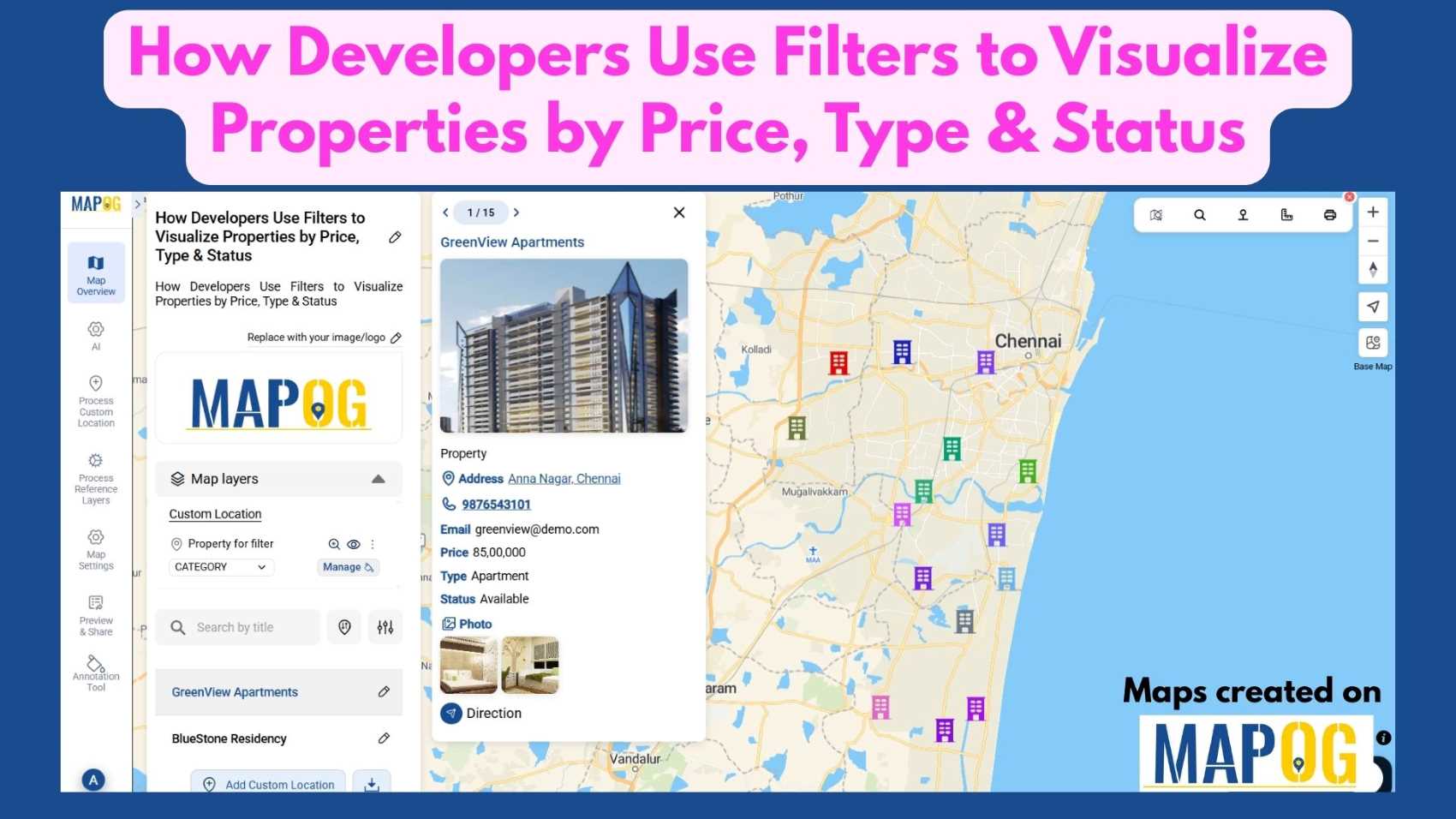
How Developers Use Filters to Visualize Properties by Price, Type & Status

In today’s real estate tech landscape, clarity and precision in data visualization are essential for smarter property decisions. Simply listing properties isn’t enough-you need a way to slice, sort, and understand them instantly. That’s where Interactive filters come in. By Filter Properties for Insights based on price range, property type, and availability status, maps become … Read more

Track Task Progress

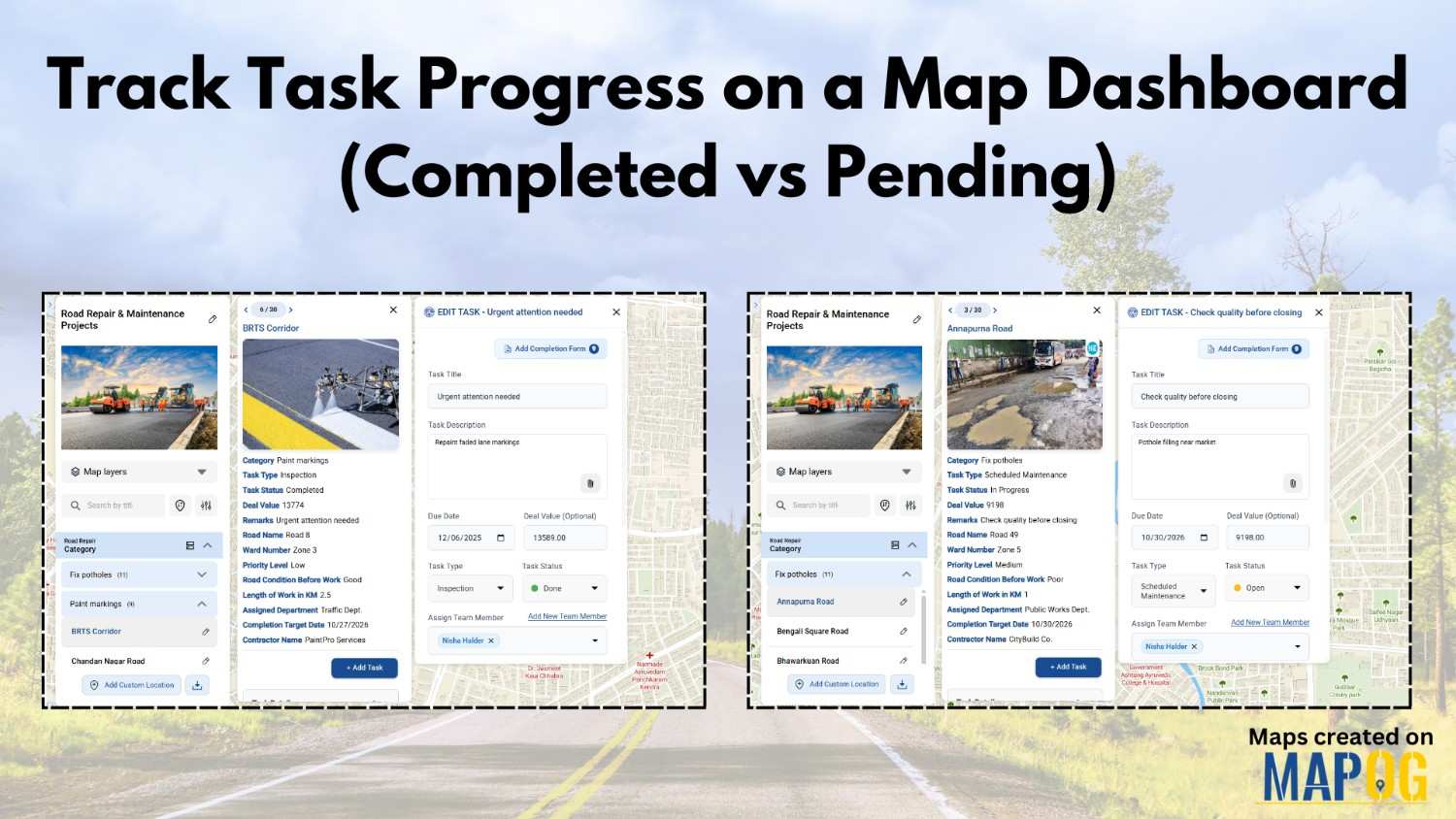
Track Task Progress on a Map Dashboard (Completed vs Pending)

Track Task Progress visually instead of relying on scattered spreadsheets or delayed updates. Today, many infrastructure and field teams prefer map dashboards because teams can see completed vs pending tasks instantly. Moreover, when teams link task data to real locations, planning becomes faster and accountability improves. In this article, you’ll discover how to Track Task … Read more

Nearby customers around new store

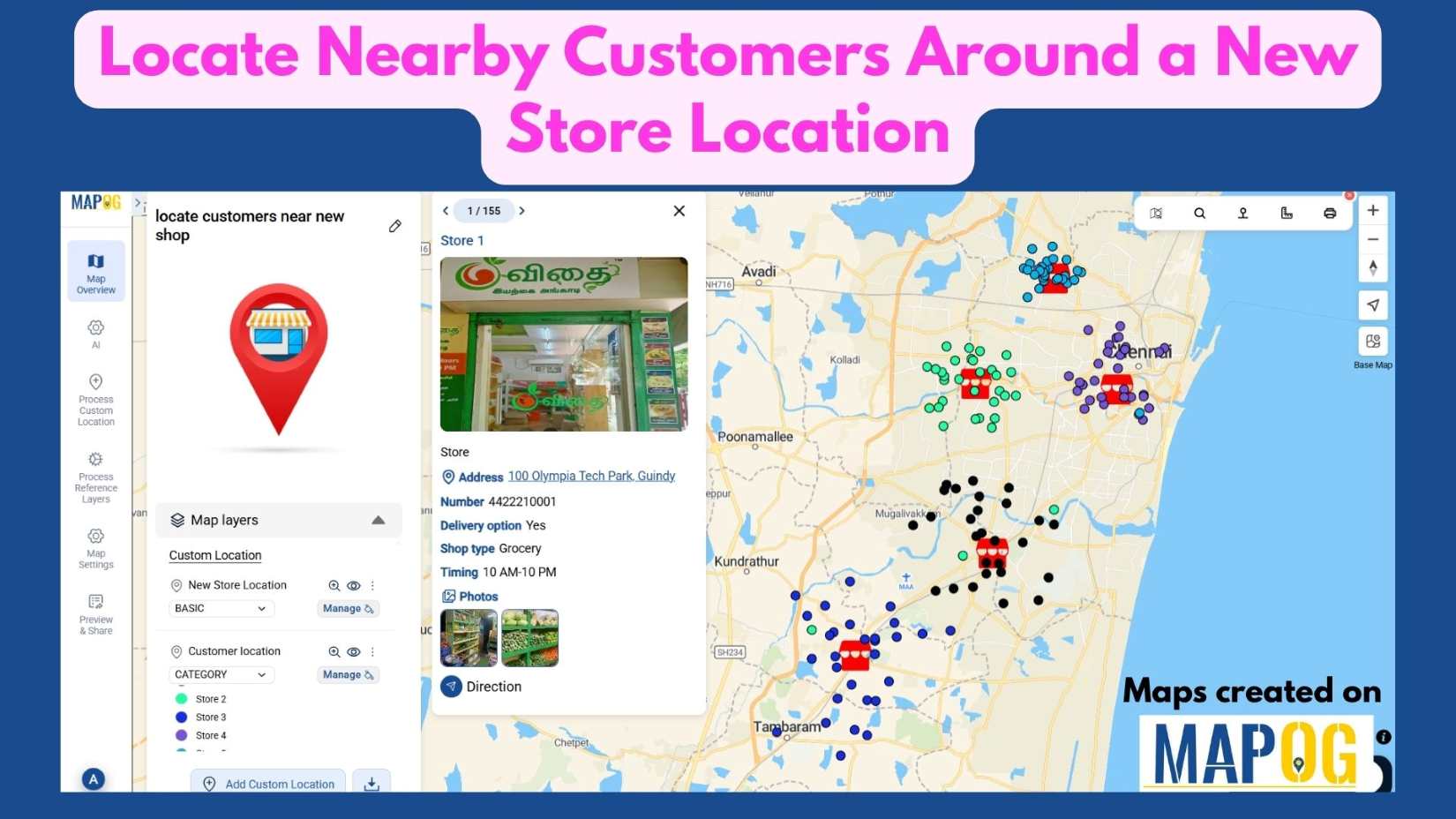
Locate Nearby Customers Around a New Store Location

In today’s data-driven landscape, understanding your customer geography is key to smart business growth. When opening a new store, it’s not enough to simply choose a location—you need to know who Locate Nearby Customers Around a New Store Location effectively. Interactive maps make this possible by visualizing customer clusters, highlighting high-demand zones, and revealing opportunities … Read more

Featured image how to use geospatial filters to your Map

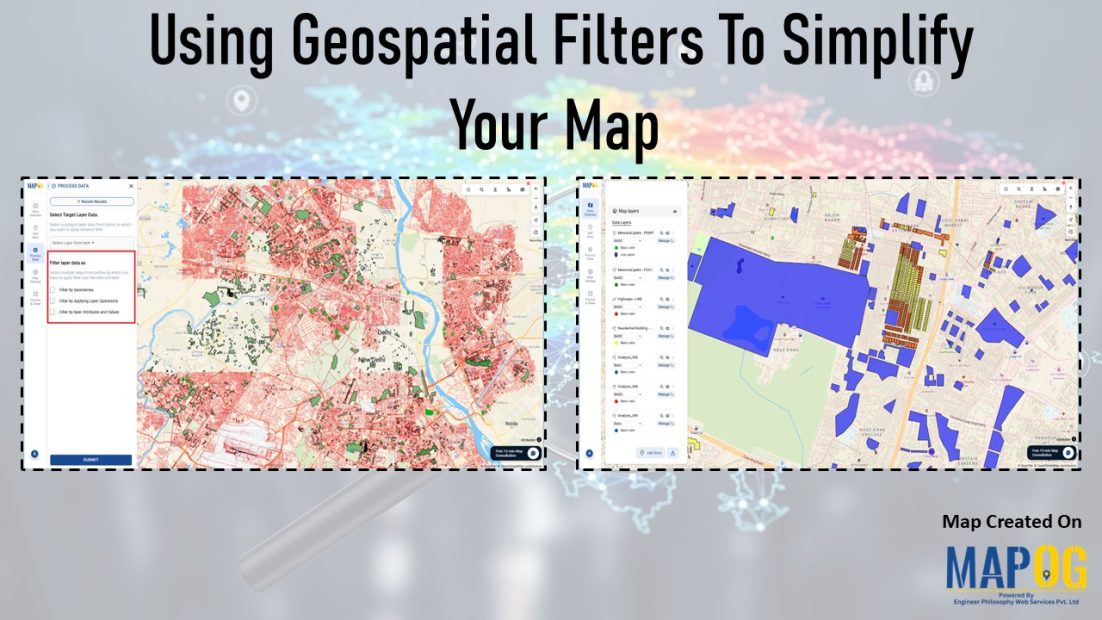
Using Geospatial Filters to Simplify Your Map

If your map feels crowded or confusing, you’re not alone. Many GIS projects start out clear but quickly become overwhelming as more layers and data are added. That’s where using geospatial filters to simplify your map can make all the difference. With MAPOG, which offers advanced filtering tools, this process becomes simple and accessible. Key … Read more

Creating 3D Building Maps

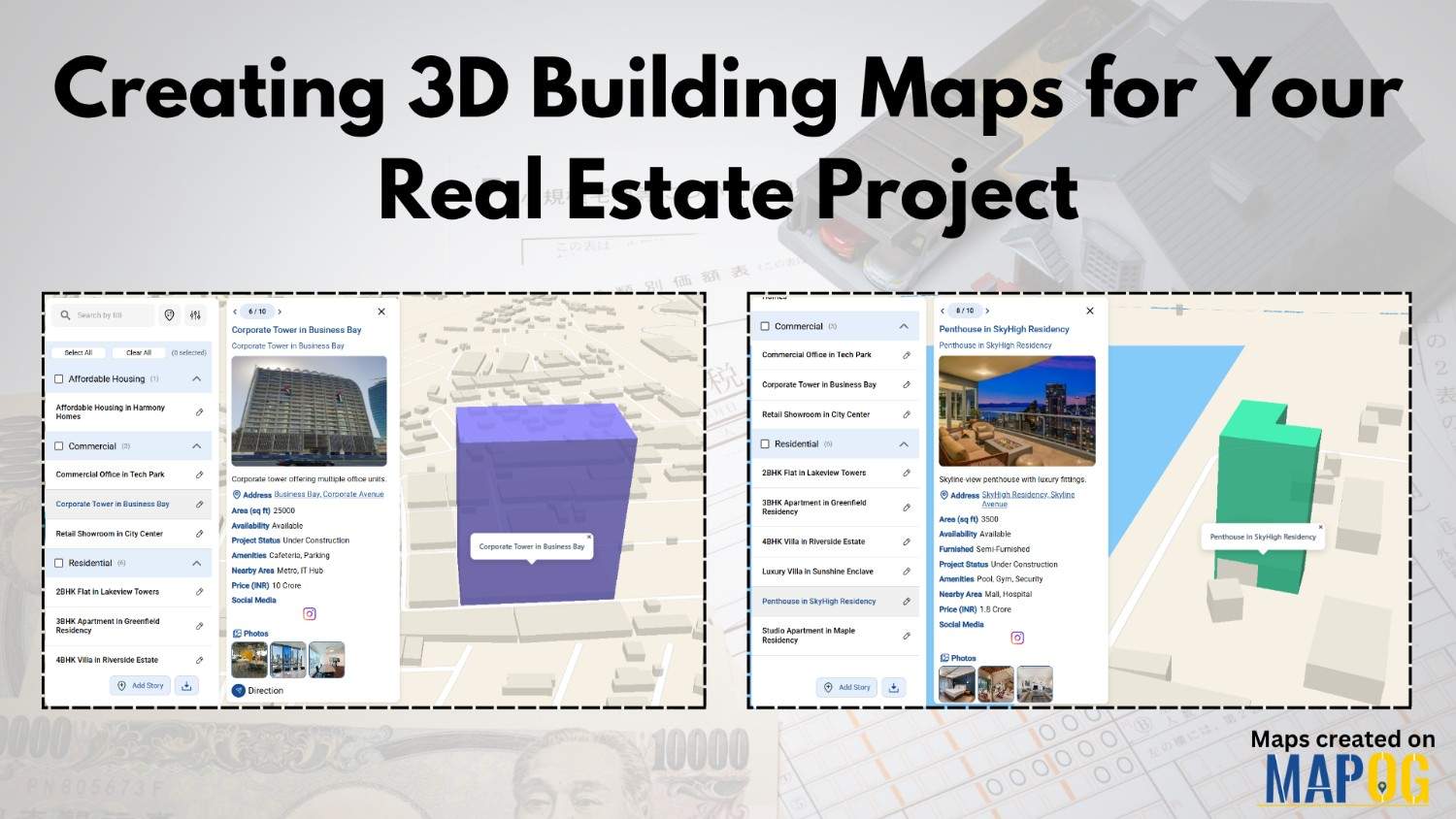
Creating 3D Building Maps for Your Real Estate Project

In the real estate industry, clients often struggle to understand brochures or flat layouts because they don’t provide enough clarity about building height, structure, or availability. 3D Building Maps can enhance communication by providing realistic height visualizations, property details, floor plans, and furnishing status for buildings. MAPOG make this process more intuitive through features such … Read more

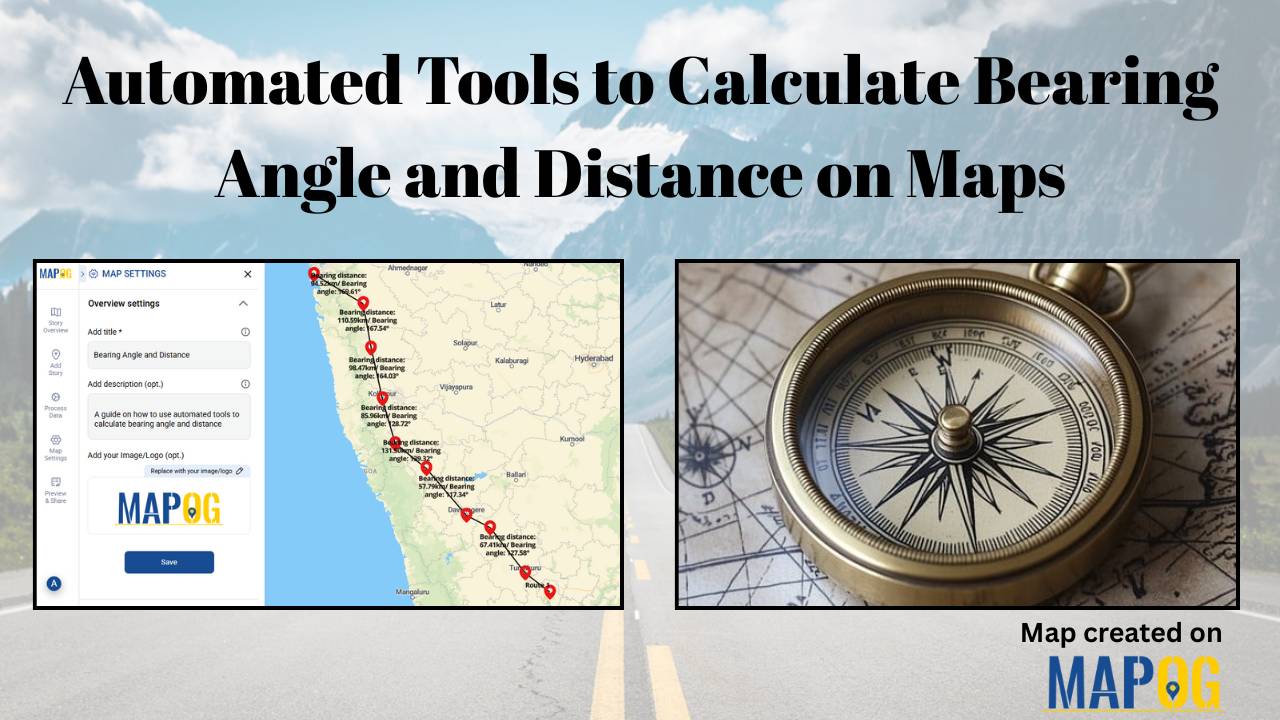
Automated Tools to Calculate Bearing Angle and Distance on Maps

Automated Tools to Calculate Bearing Angle and Distance on Maps

In the world of navigation and surveying, bearing angle and distance measurements—from true north, clockwise in degrees, and along the ground—form the core of accurate mapping. Traditionally, these demanded manual calculations with compasses and trigonometric tables, risking errors in everything from land deeds to flight paths. However, automation has transformed this process. MAPOG computes bearing … Read more

Properties with nearby Amenities

How Real Estate Agents Can Use Map to Show Real Estate Properties with nearby Amenities?

Looking to make your real estate property listings stand out? With MAPOG, real estate agents can map real estate properties with nearby amenities easily to create interactive property maps that enhance clarity, transparency, and decision-making for potential buyers and renters. By integrating accurate location coordinates with valuable contextual data—such as proximity to schools, hospitals, shopping … Read more

Add Georeferenced Image Overlays on Map (PNG/GeoTIFF)

Adding a georeferenced image overlays, such as PNGs or GeoTIFFs, to a map can be challenging, whether it’s a scanned map, satellite image, or custom visual. The main challenge lies in aligning images with real-world locations so landmarks appear at the correct scale. MAPOG simplifies this process, users can upload PNGs and GeoTIFFs, manually align … Read more

Manage and Share Location-Based Projects Online with an All-in-One Mapping Tool

In today’s fast-paced project environments, tracking multiple sites, teams, and resources across locations is a major challenge. Therefore, to manage and share location-based projects, and moreover to help construction managers track distributed sites, project mapping now provides an all-in-one solution. With MAPOG, even a simple Excel sheet can quickly transform into an interactive map; as … Read more