Story on Map

Shows features like geo-referencing layout image and adding attribute details for creating an interactive campus map for real estate projects.

Create an Interactive Campus Map for Real Estate Projects

Modern real estate developments such as campuses, townships, and estates involve many buildings and amenities. However, they are still shown through static layouts or spreadsheets, which fragment information and hinder navigation. Therefore, MAPOG resolves these challenges by enabling an interactive campus map for real estate projects that combines geo-referenced layouts, structured attributes, indicators, and filters. … Read more

Map interface showing cycling route across the UK with breakpoints, photos, and text annotations.

How to Map Your Complete Cycling Journey with Breakpoints, Photos & Route Lines

Many cyclists struggle to preserve their journeys because GPS tracks, photos, and notes often end up scattered across different apps; as a result, breakpoints lose context, memories fade, and sharing becomes fragmented. However, when you map your complete cycling journey with MAPOG, everything comes together, routes, breakpoints, photos, and reflections; into one interactive storytelling map … Read more

Cover image showing annotated travel routes.

How to Explain Travel Routes Using Map Annotations

Travel agencies struggle to present complex itineraries because raw GPS tracks and scattered notes often confuse tourists. Consequently, travelers lose context, and memories fade into fragmented data. However, businesses now Explain Travel Routes Using these Travel Maps to transform these fragments into interactive experiences. By using the MAPOG’s Map annotation tool, travel professionals weave routes, … Read more

Dashboard view demonstrating how to Filter Only the Locations That Need Action within a 5 km radius on a map using proximity and status-based filters.

How to Filter Only the Locations That Need Action Within a 5 km Radius

Managing multiple locations efficiently becomes challenging when you need to identify which sites require immediate attention. MAPOG‘s dynamic filtering system helps businesses streamline operations by pinpointing critical locations within specific geographic boundaries. Learning how to filter only the locations that need action within a 5 km radius transforms scattered data into actionable insights. Key Concept: … Read more

how to apply multiple filters

How to Apply Multiple Filters Together on a Map

When you work with location-heavy data, simply placing points on a map is not enough. You need a way to apply multiple filters on map , compare categories, and instantly highlight visuals that matter. That is why applying multiple filters together on a map becomes so powerful. It helps you narrow down results, spot patterns … Read more

Share Interactive Maps with teams

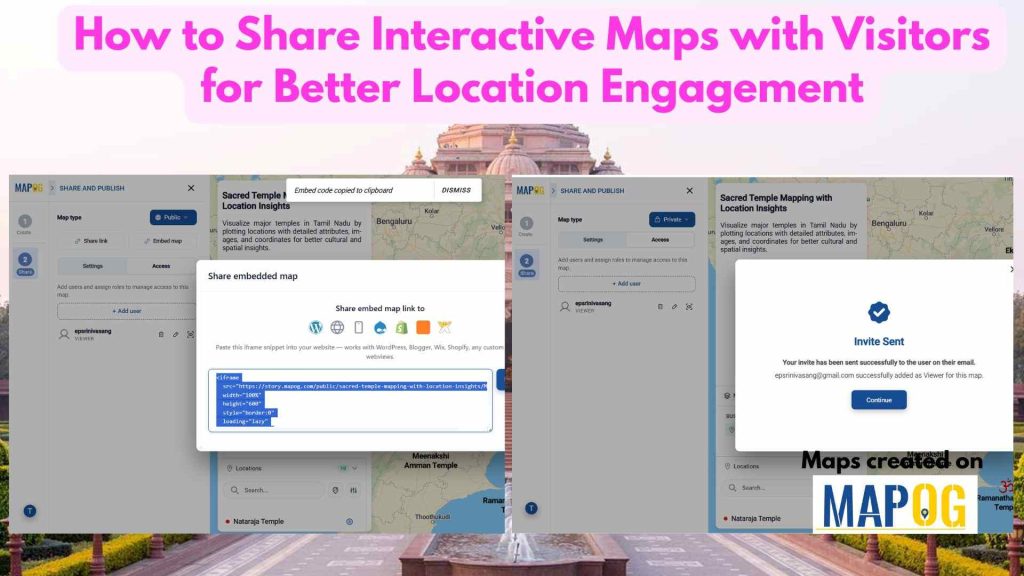
How to Share Interactive Maps with Teams or Clients Securely

In today’s collaborative and data-driven environment, sharing location intelligence securely is just as important as creating it. Static screenshots or exported files often fall short—they lose context, interactivity, and control. That’s where secure Interactive map sharing becomes essential. By enabling teams and clients to explore live maps with controlled access, you ensure everyone sees the … Read more

Filter Properties for Insights

How Developers Use Filters to Visualize Properties by Price, Type & Status

In today’s real estate tech landscape, clarity and precision in data visualization are essential for smarter property decisions. Simply listing properties isn’t enough-you need a way to slice, sort, and understand them instantly. That’s where Interactive filters come in. By Filter Properties for Insights based on price range, property type, and availability status, maps become … Read more

Capture Drug Inspection Data

Capture Drug Inspection Data and Photos from the Field

Capture Drug Inspection Data efficiently is no longer optional—especially when inspections happen across multiple locations and teams. Today, field teams need a reliable way to collect store details, verify compliance, and upload photos in real time. With MAPOG’s Mobile Data Collection and the MAPOG Contributor App, we can plan drug inspections, assigned, captured, and reviewed … Read more

Use Filters to View Only the Data You Need on Your Map

Use Filters to View Only the Data You Need on Your Map

Using filters to view only the data you need on your map is one of the most effective ways to turn complex location datasets into clear, actionable insights. Instead of navigating through cluttered points, filters help you spotlight the information that truly matters, whether it’s by category, status, rating, or any other attribute. This focused … Read more

Track Task Progress

Track Task Progress on a Map Dashboard (Completed vs Pending)

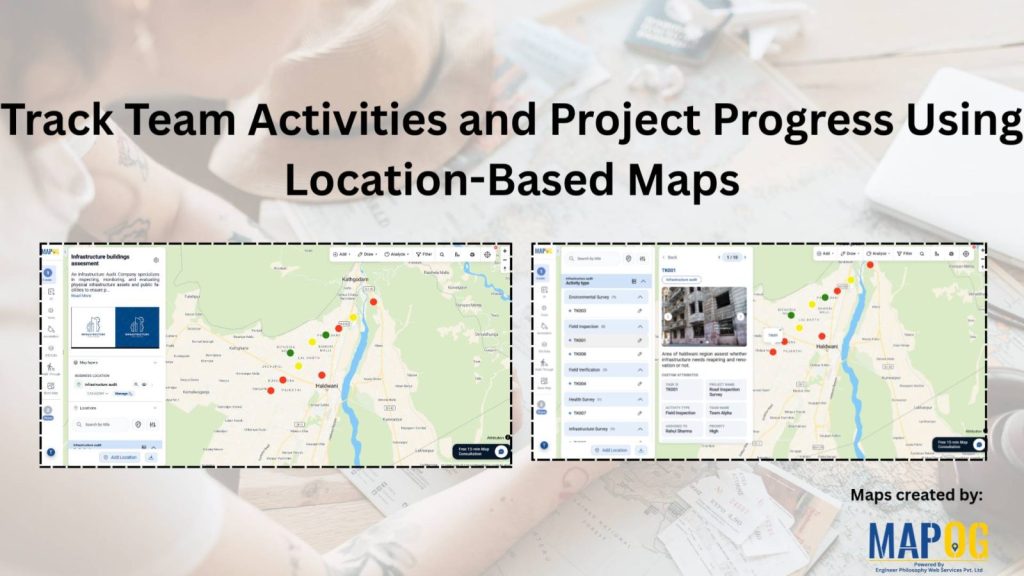
Track Task Progress visually instead of relying on scattered spreadsheets or delayed updates. Today, many infrastructure and field teams prefer map dashboards because teams can see completed vs pending tasks instantly. Moreover, when teams link task data to real locations, planning becomes faster and accountability improves. In this article, you’ll discover how to Track Task … Read more