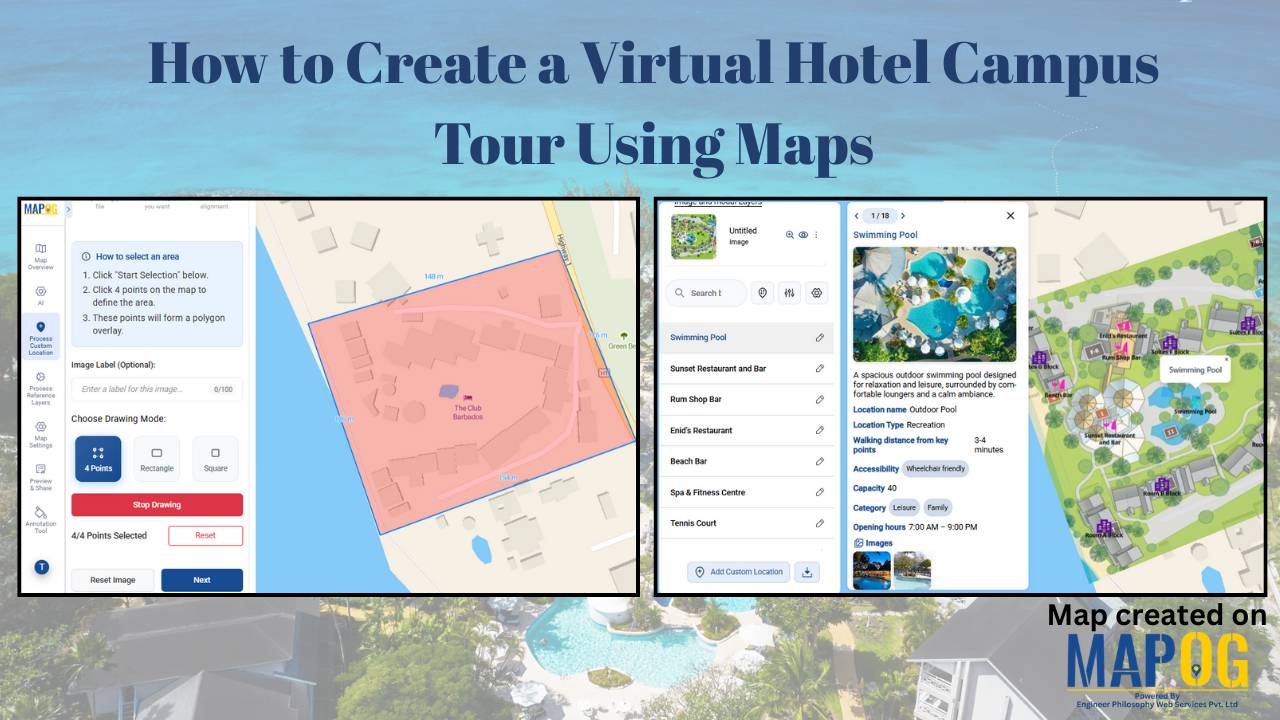
Georeferenced

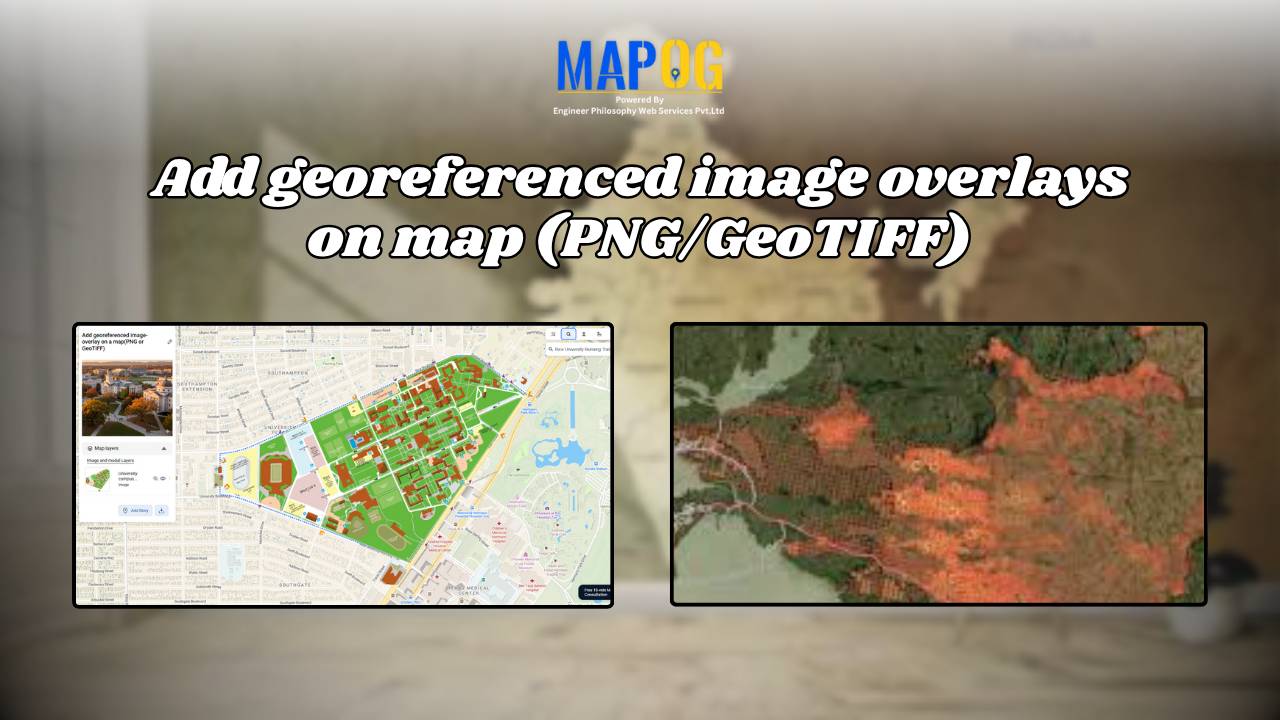
Add Georeferenced Image Overlays on Map (PNG/GeoTIFF)

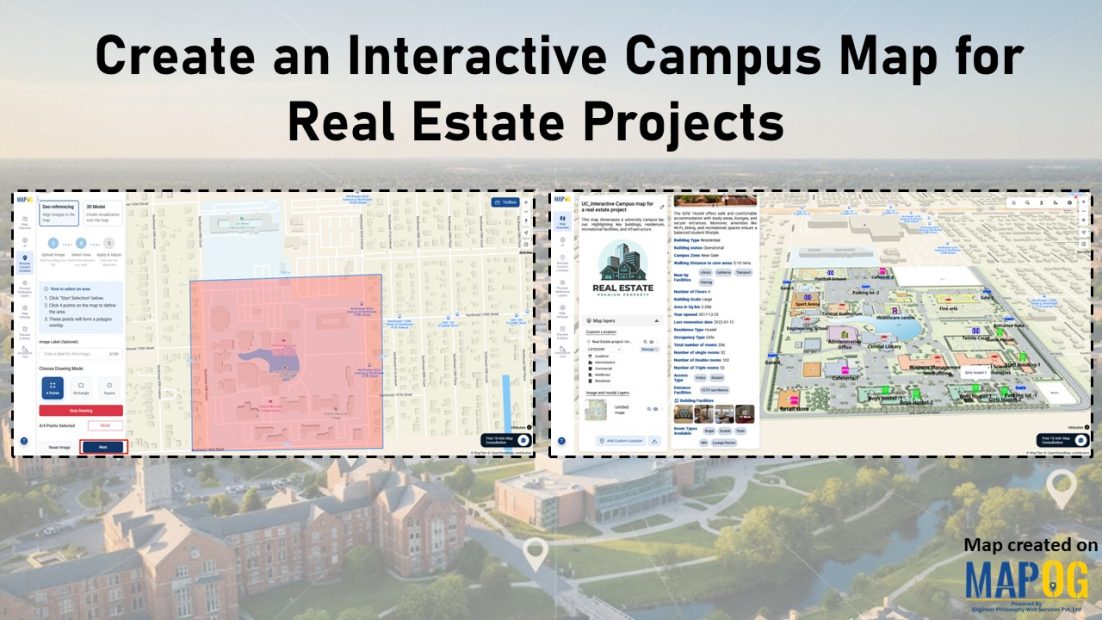
Adding a georeferenced image overlays, such as PNGs or GeoTIFFs, to a map can be challenging, whether it’s a scanned map, satellite image, or custom visual. The main challenge lies in aligning images with real-world locations so landmarks appear at the correct scale. MAPOG simplifies this process, users can upload PNGs and GeoTIFFs, manually align … Read more

Download Your Mapped Data in Different Formats

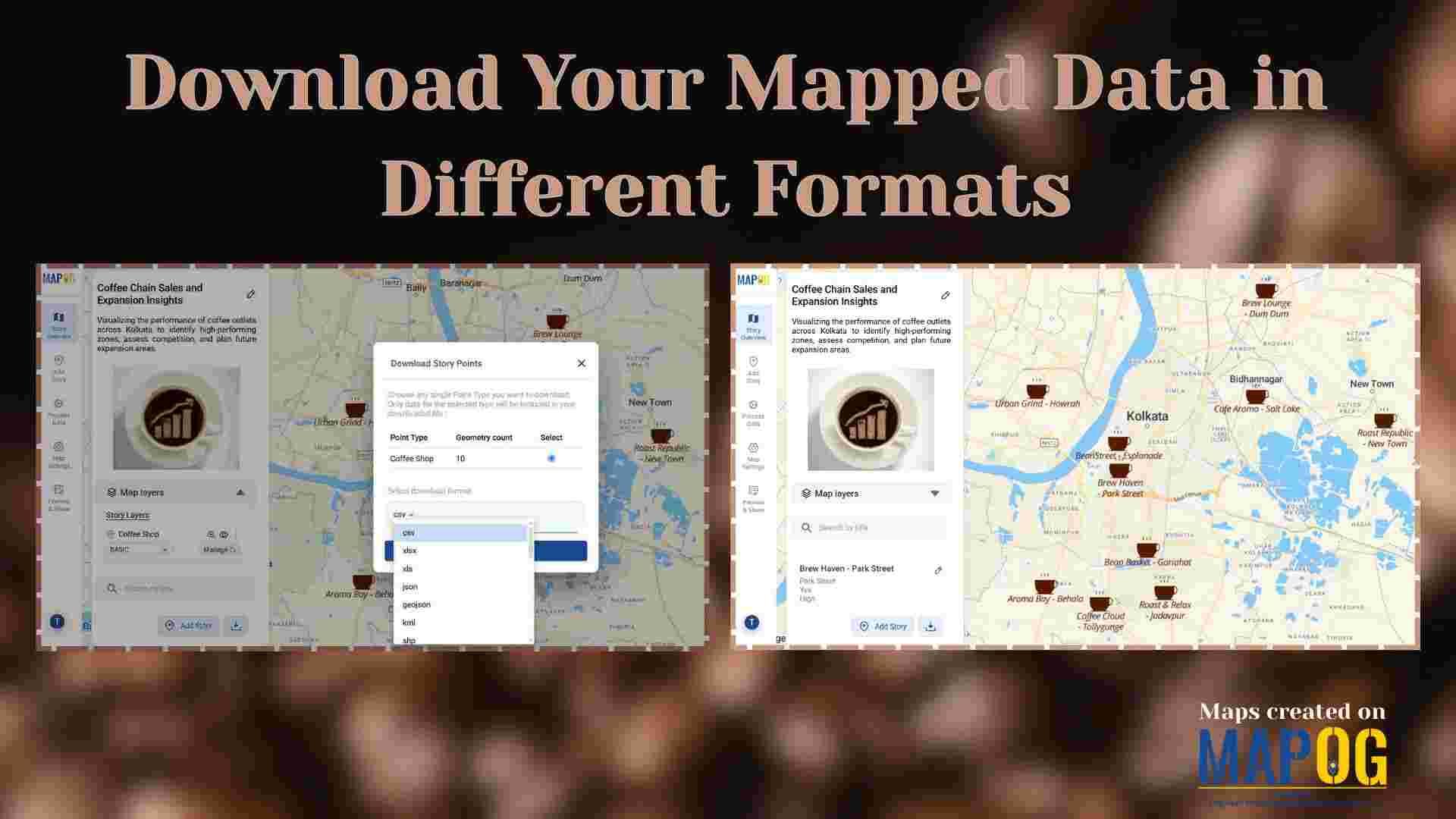
Download Your Mapped Data in Different Formats

Interactive maps do more than just visualize locations—they also store valuable data that can be exported, shared, and analyzed across multiple platforms. For instance, whether you’re tracking coffee shops, field points, real estate listings, or even survey data. MAPOG lets you download your mapped data layers in formats like CSV, XLS, JPG, KML, or SHP. … Read more

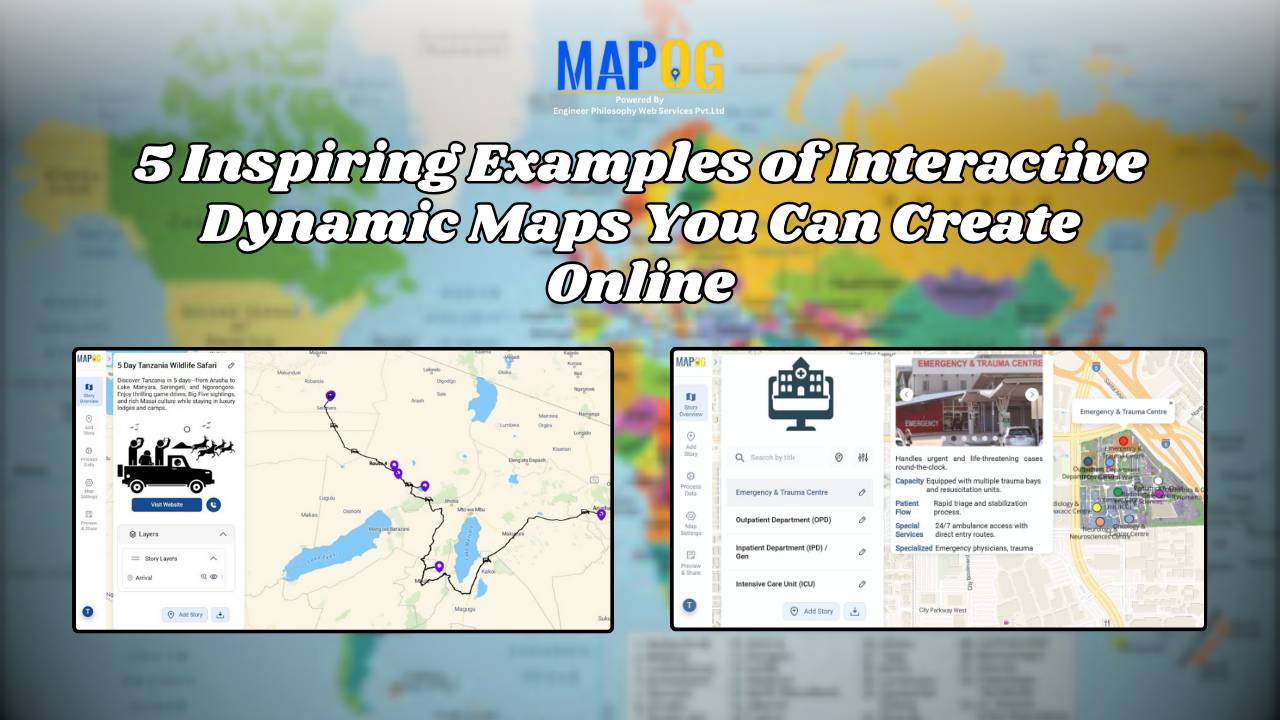
5 Inspiring Examples of Interactive Dynamic Maps You Can Create Online

Interactive and dynamic maps not only transform data into actionable visuals but also let users explore, interpret, and share insights. With MAPOG, you can not only map portfolios, campuses, routes, or stores but also organize, analyze, and visualize trends; moreover, this enables clearer, faster, and connected decisions. Key Concept: Why Create Interactive Dynamic Maps? Interactive … Read more

georefrencing the image

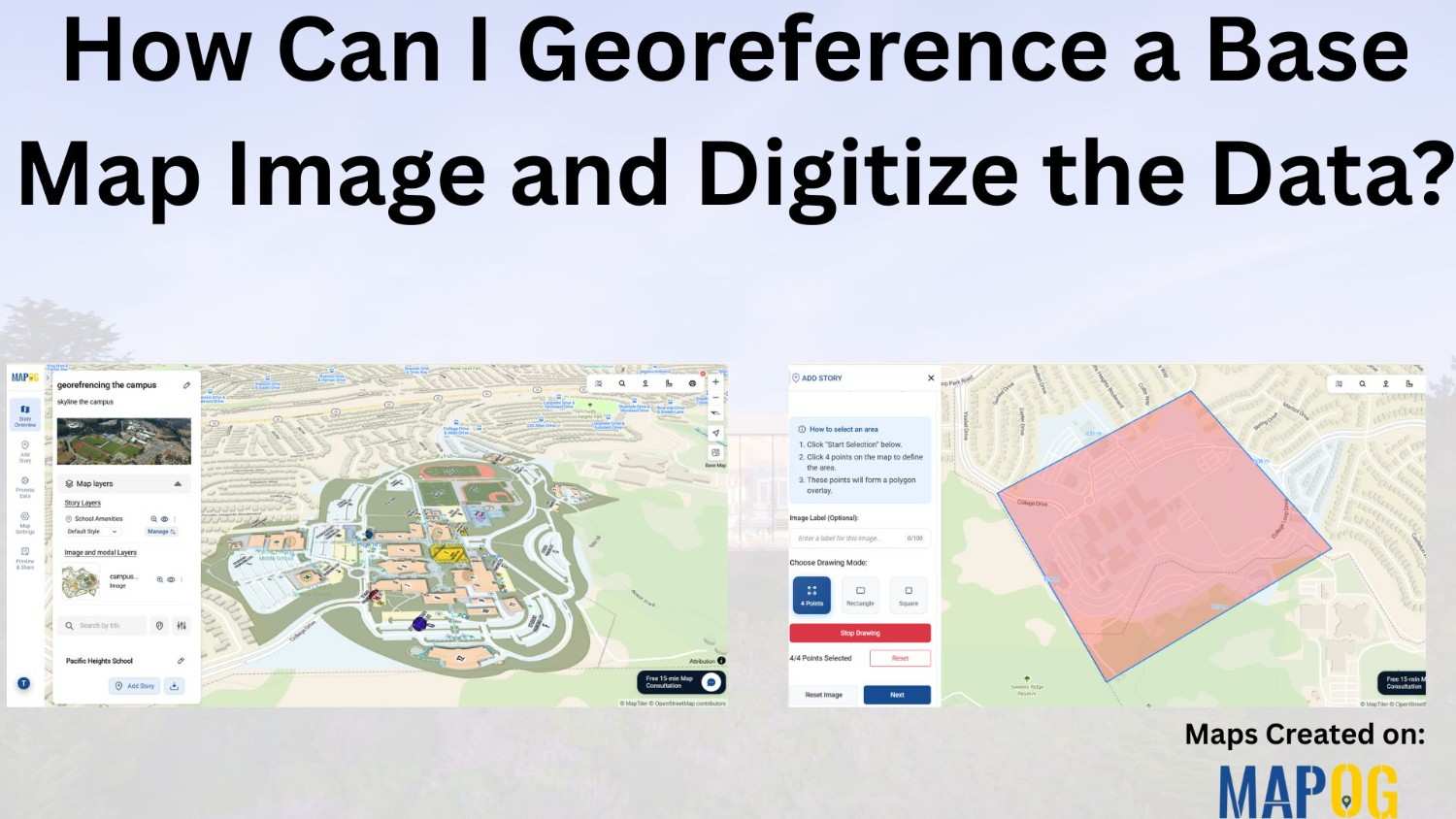
How Can I Georeference a Base Map Image and Digitize the Data?

Adding georeferenced image overlays—such as PNGs or GeoTIFFs—to a map can be challenging. Especially when working with , georeference a base map image or custom visuals. The main difficulty lies in aligning the image with real-world locations so that landmarks and features appear at the correct scale and position. While many GIS platforms support raster … Read more