Interactive Mapping

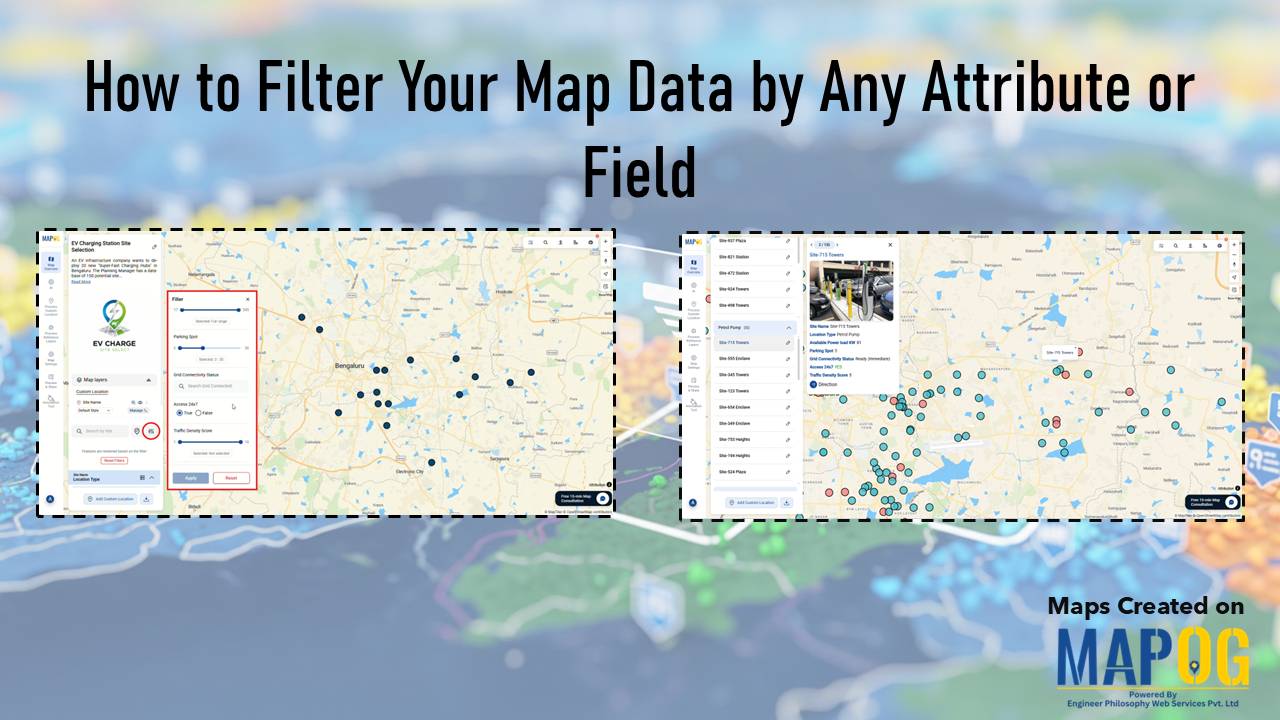
MAPOG interface showing tools to Filter Your Map Data by attributes for smarter location and site selection.

How to Filter Your Map Data by Any Attribute or Field

Modern planning teams operate in environments where speed, accuracy, and clarity directly influence outcomes. Consequently, the ability to filter your map data by any attribute becomes a core strategic skill. In high-growth sectors like EV infrastructure, teams often evaluate hundreds of potential locations before selecting only a few high-impact sites. While this process traditionally demands … Read more
Cover Image

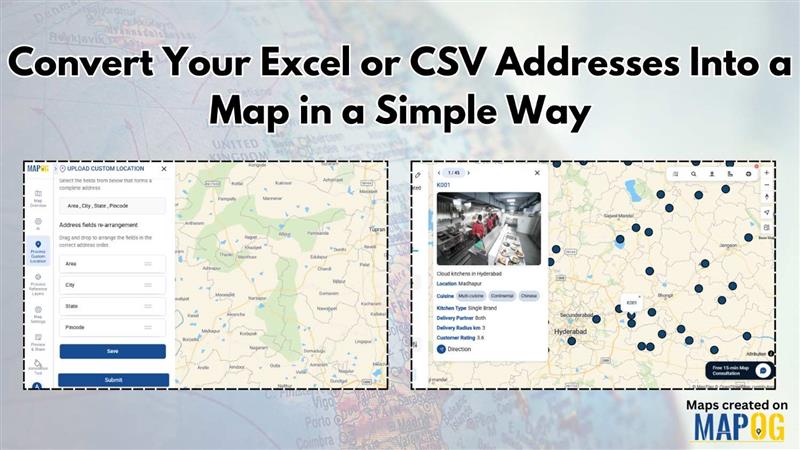
Convert Your Excel or CSV Addresses Into a Map in a Simple Way

Working with address data in Excel or CSV is common, but understanding that data becomes much easier when you can see it on a map. Whether you’re managing customer locations, store outlets, survey responses, or delivery points, visualizing them geographically helps you uncover patterns, plan better, and make faster decisions. This is why many users now … Read more

How to Geocode Your Addresses

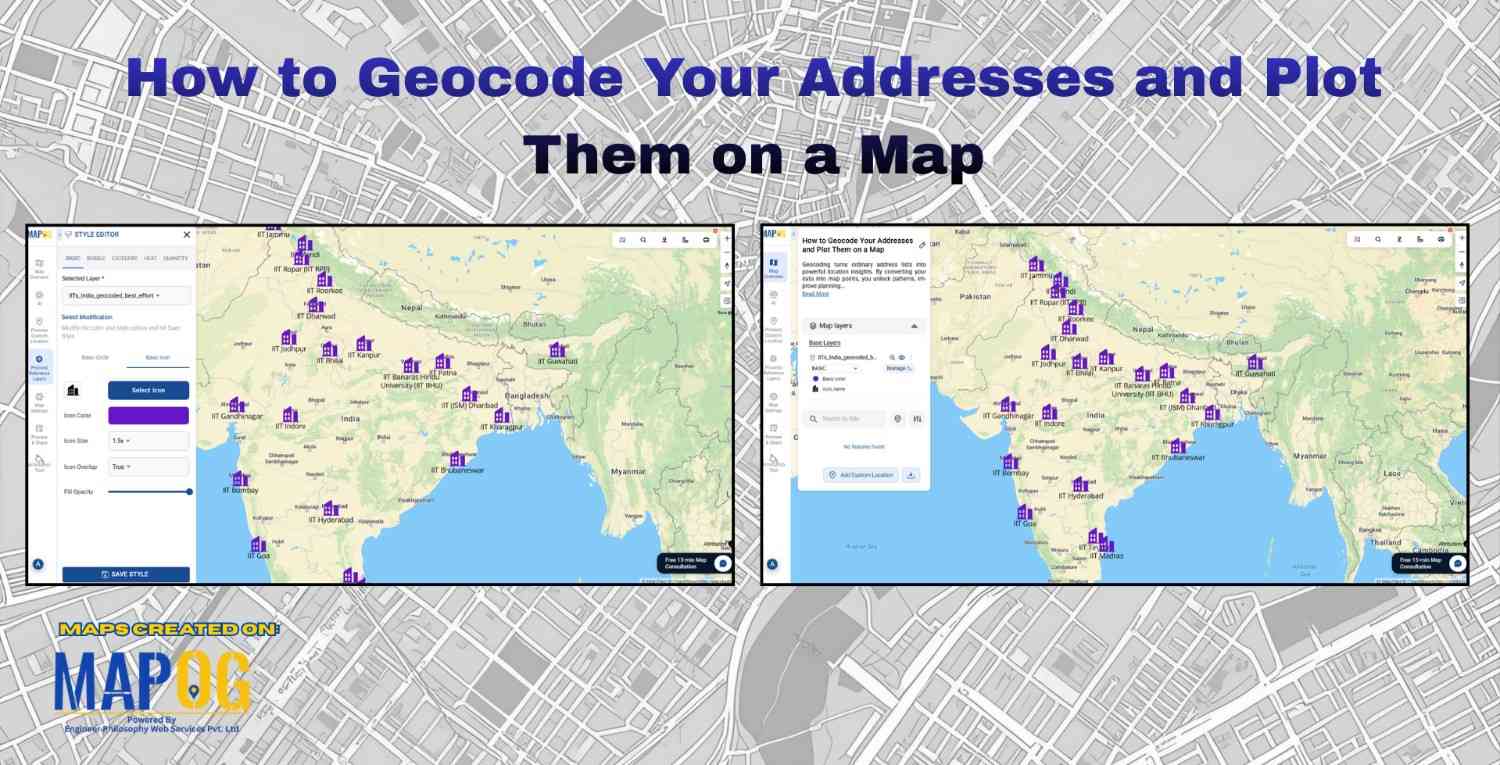
How to Geocode Your Addresses and Plot Them on a Map

How to Geocode Your Addresses and Plot Them on a Map is one of the most essential skills today for businesses, researchers, developers, and organizations who utilize location-based insights. Geocoding simply means converting a physical address into geographic coordinates such as latitude and longitude. Once those coordinates are generated, they can be plotted on a … Read more

Visualize Field Office

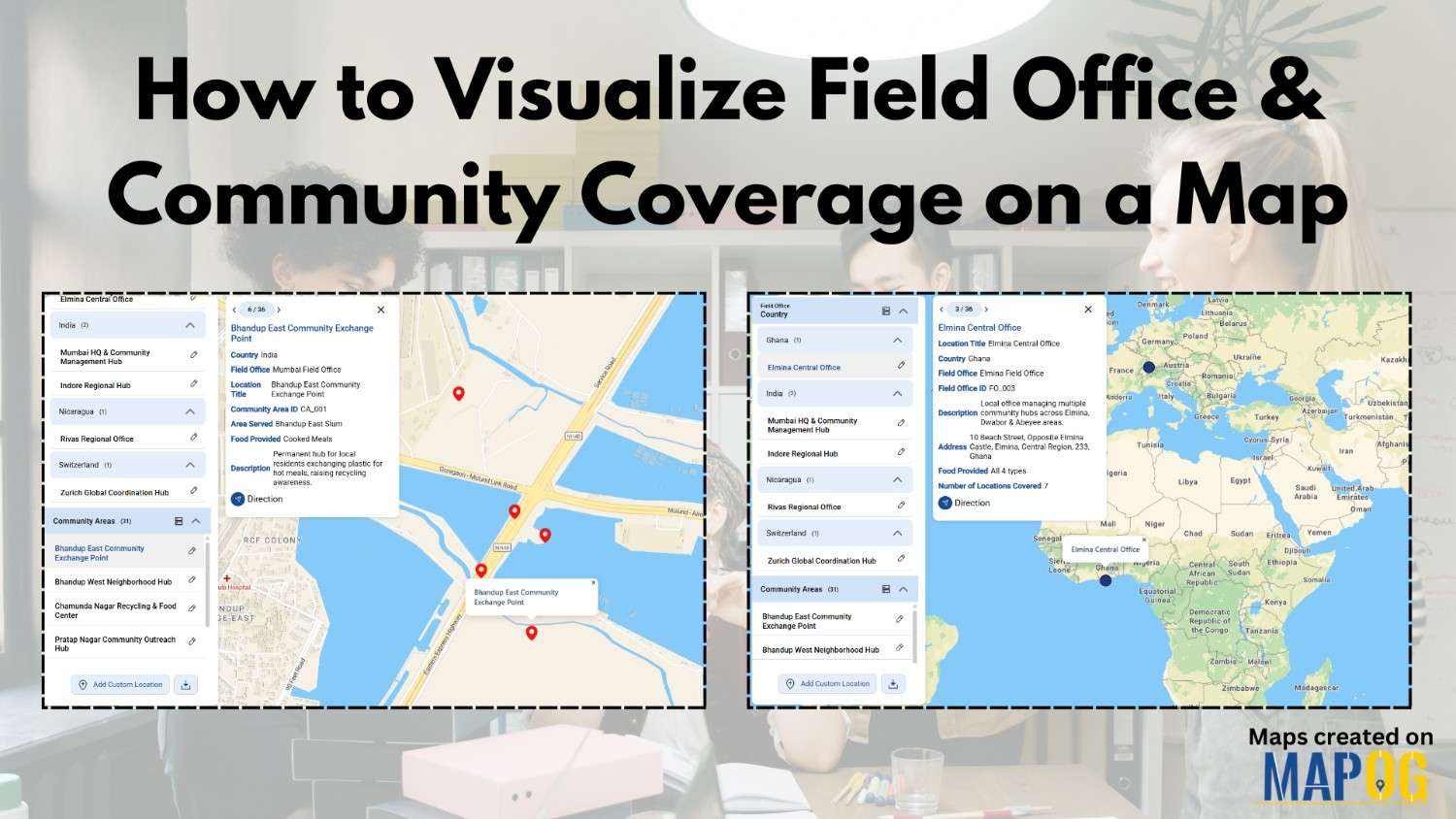
How to Visualize Field Office & Community Coverage on a Map

To visualize field office coverage, organizations increasingly rely on maps because they present operational data clearly and quickly. Instead of managing scattered spreadsheets, you can see how field offices and communities connect spatially. Moreover, when coverage areas are visualized together, planning gaps become obvious. Using MAPOG, which support Excel uploads, GIS Data, and custom location … Read more

Customer Photos or Documents

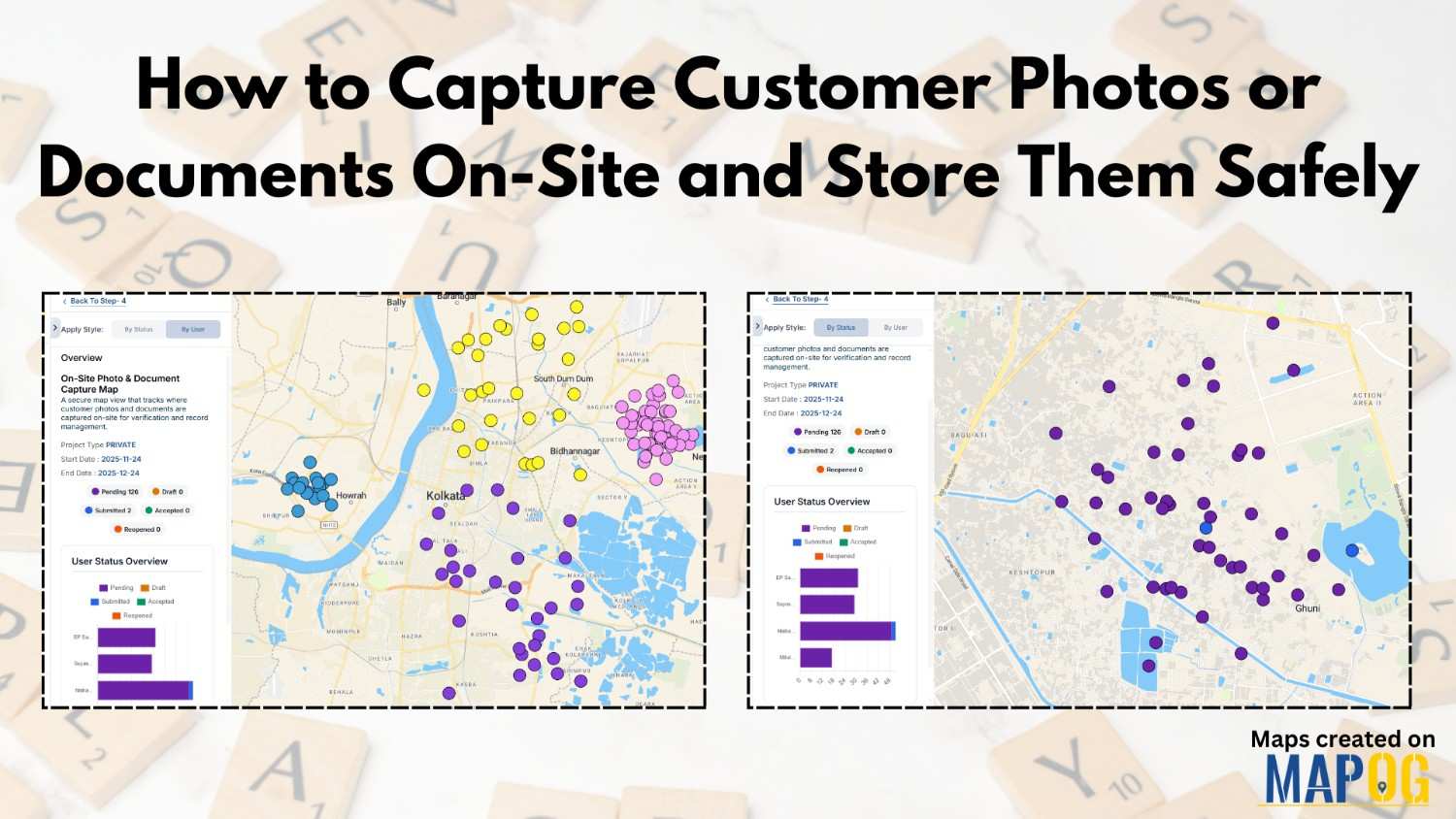
How to Capture Customer Photos or Documents On-Site and Store Them Safely

In many field-based workflows, teams treat on-site customer photos and documents collection as a crucial task. But capturing and organizing everything securely often turns messy. MAPOG, especially its Mobile Data Collection workflow, solves this by giving teams a smooth, structured, trackable, and safe way to handle customer documents on-site. Key Concept: Why Customer Documents Onsite … Read more

Assign & Track Field Tasks Directly on a Map (With Photos & Status)

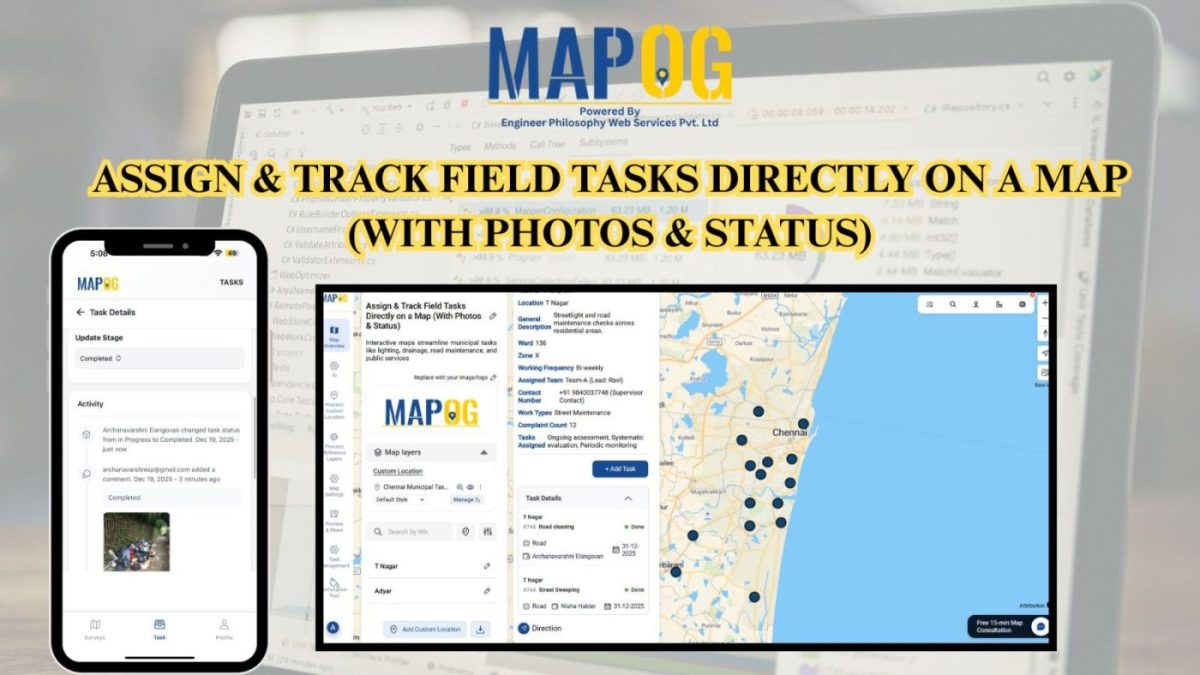
Assign & Track Field Tasks Directly on a Map (With Photos & Status)

Interactive maps turn static operations into visual workflows to assign and track field tasks, monitor routes, verify cleaning with real-time updates and photos.. Key Concept: Assign & Track Field Tasks Interactive task mapping centralizes field work, assigns tasks, tracks completion, verifies results with photos, and improves coordination and transparency. What is Assign & Track Field … Read more

how to collect correct customer details without manual mistakes

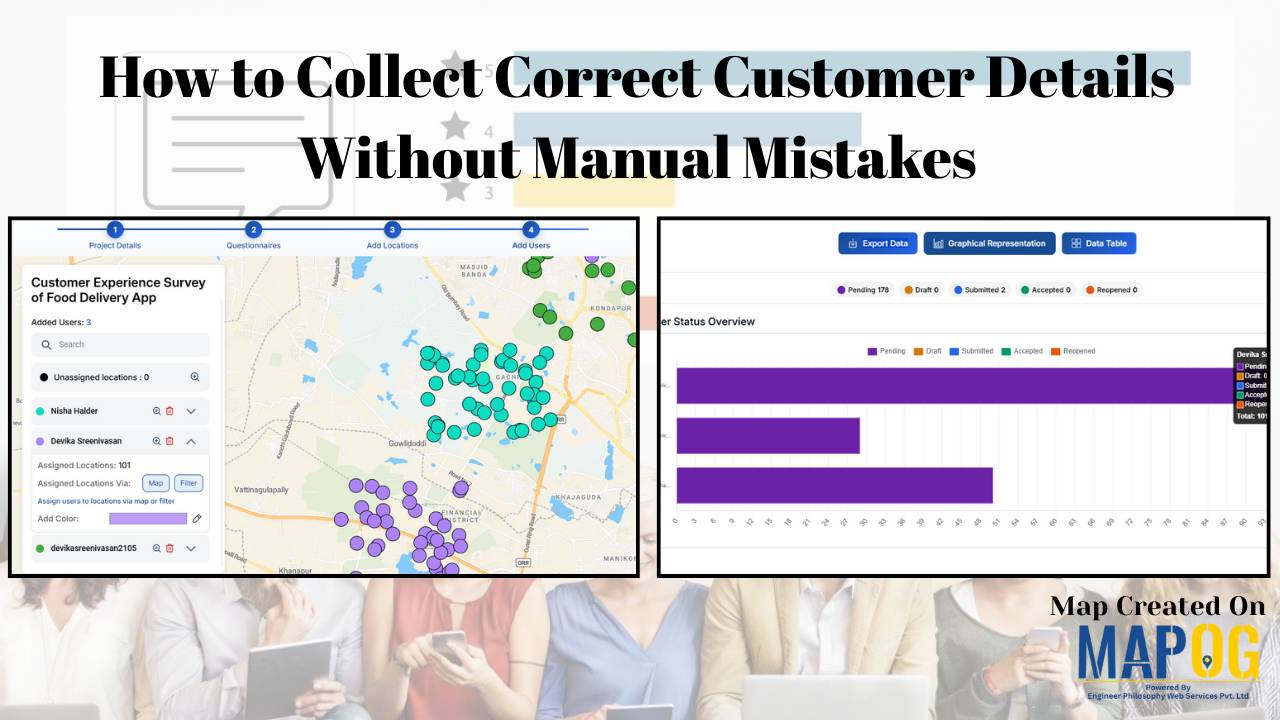
How to Collect Correct Customer Details Without Manual Mistakes

Accurate customer details are the backbone of reliable surveys, market analysis, and business decision-making. However, traditional paper-based methods and manual data entry often lead to errors such as missing information, incorrect locations, and delays in processing. As a result, it has become challenging to collect correct customer details becomes challenging when data is handled manually, … Read more

Add New Customer Locations

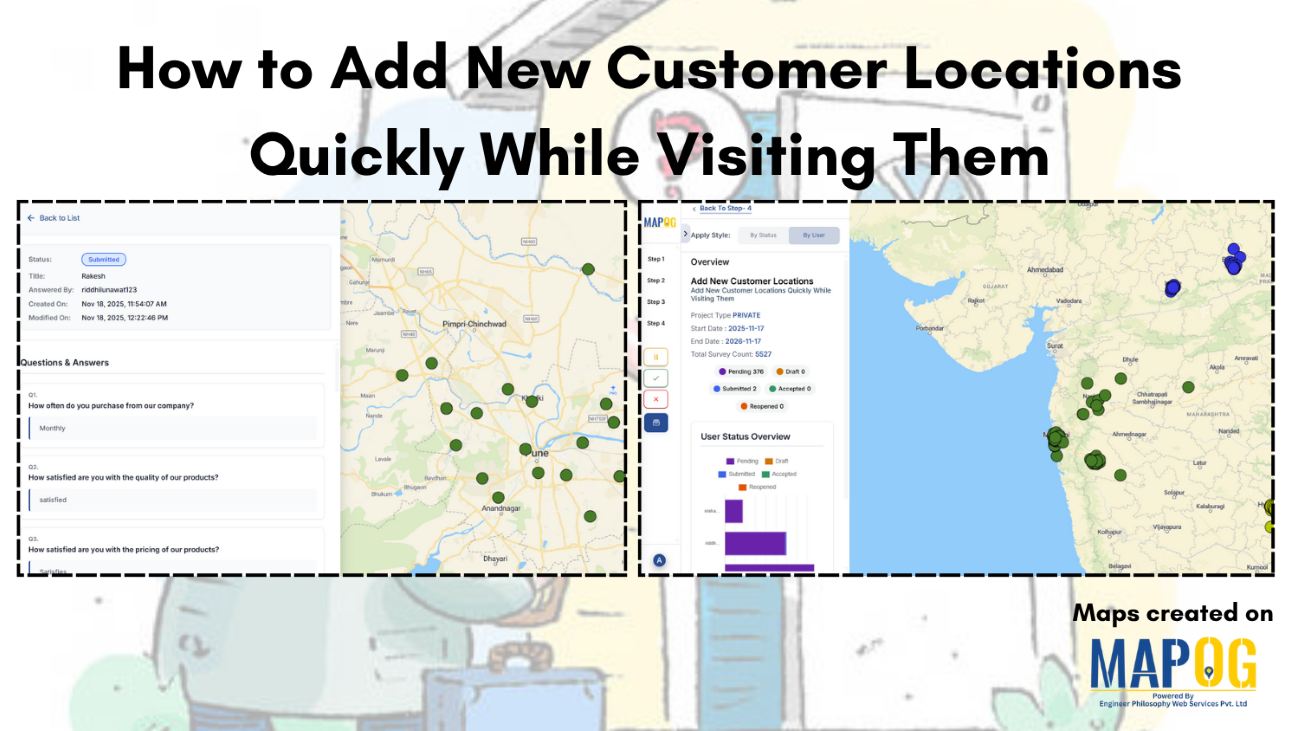
How to Add New Customer Locations Quickly While Visiting Them

In field surveys, speed and accuracy are everything. Whether collecting customer data, mapping market outlets or conducting household surveys, field teams often struggle with manually recording locations or entering customer details long after the visit. MAPOG solves these challenges by allowing surveyors to capture and register new customer locations instantly, right at the point of … Read more

Nearby customers around new store

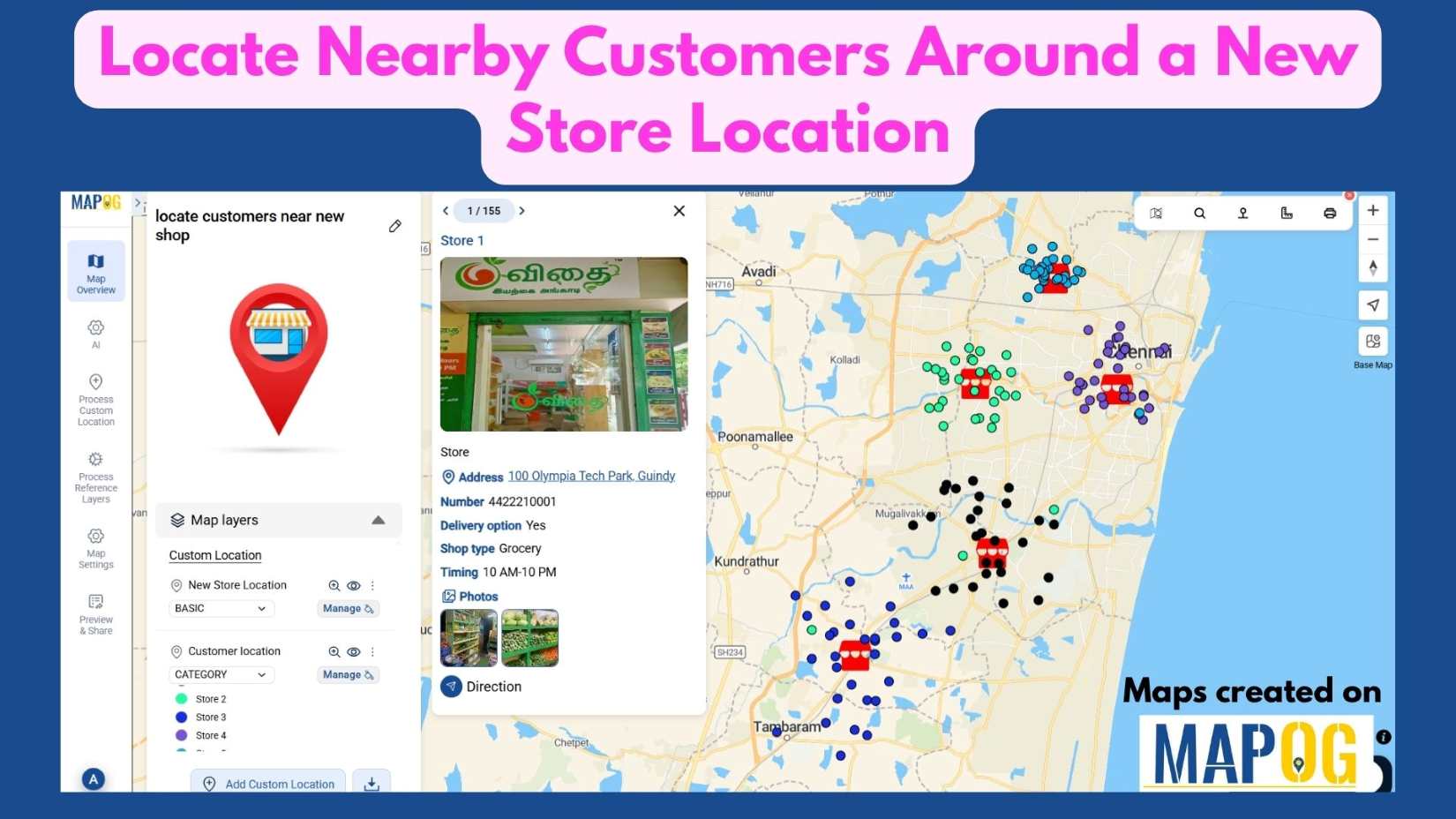
Locate Nearby Customers Around a New Store Location

In today’s data-driven landscape, understanding your customer geography is key to smart business growth. When opening a new store, it’s not enough to simply choose a location—you need to know who Locate Nearby Customers Around a New Store Location effectively. Interactive maps make this possible by visualizing customer clusters, highlighting high-demand zones, and revealing opportunities … Read more

Filter Map Points

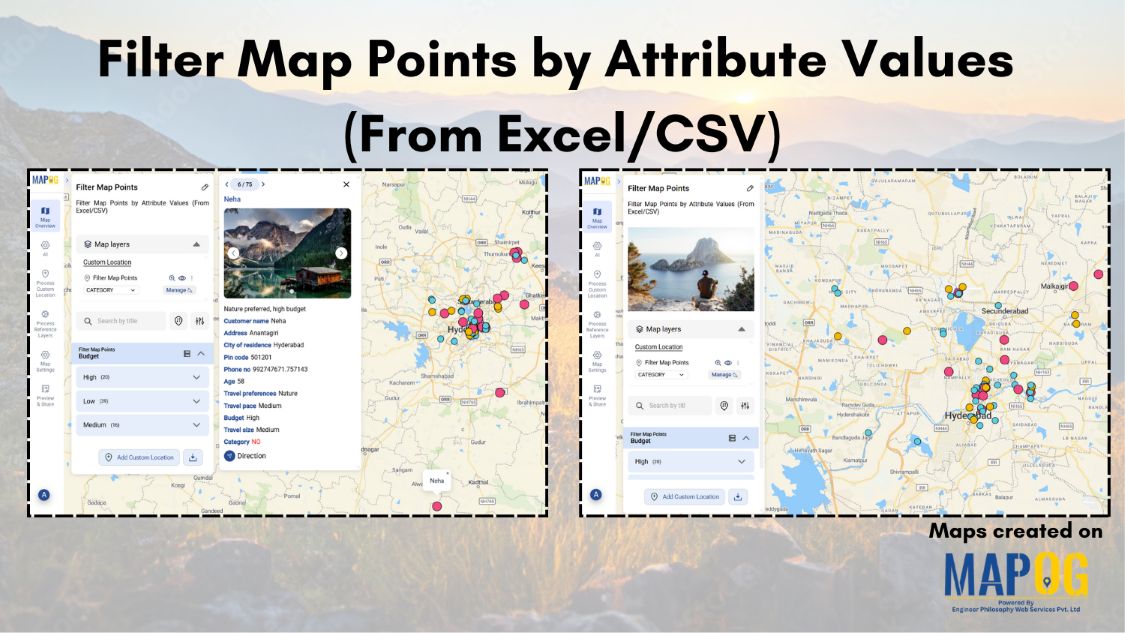
Filter Map Points by Attribute Values (From Excel/CSV)

When working with large datasets on a map, it can be difficult to focus on only the information you need. By filtering map points using attribute values stored in an Excel or CSV file, you can quickly highlight specific categories, ranges, or conditions—such as cities above a certain population, demographics, or locations with active status. … Read more