Advice

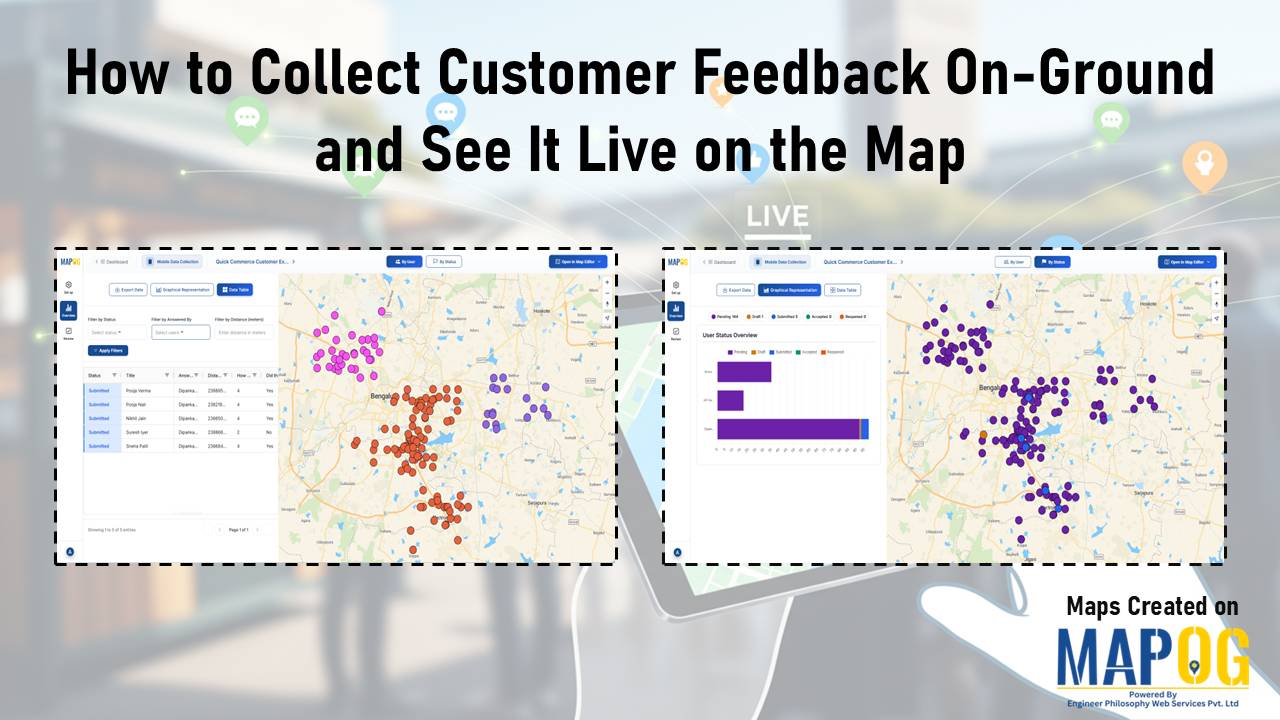
How to Collect Customer Feedback On-Ground and view real-time responses on a live map using a mobile data collection platform.

How to Collect Customer Feedback On-Ground and See It Live on the Map

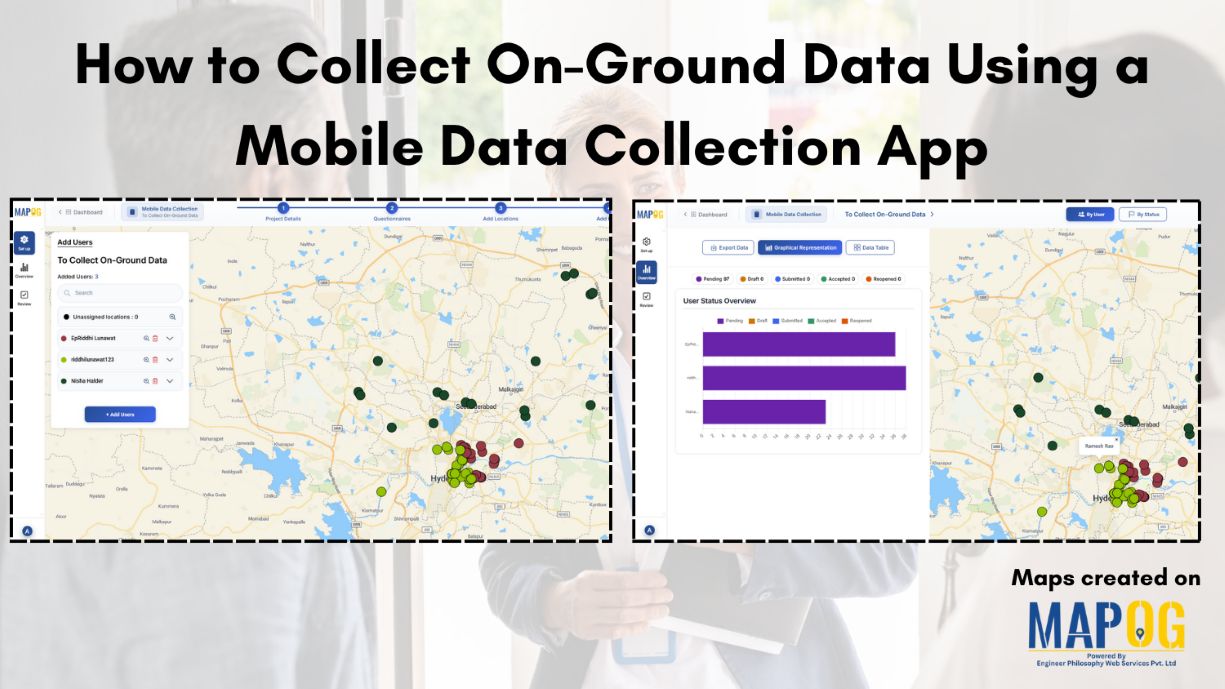
Today’s teams need real, unfiltered insights straight from the field. When you Collect Customer Feedback On-Ground, you get honest input right where customer experiences actually happen. MAPOG’s mobile data collection capability helps make this easier by letting teams gather feedback on-site and see it instantly on a map, giving everyone a clear and immediate view … Read more

Assign & Track Field Tasks Directly on a Map (With Photos & Status)

Assign & Track Field Tasks Directly on a Map (With Photos & Status)

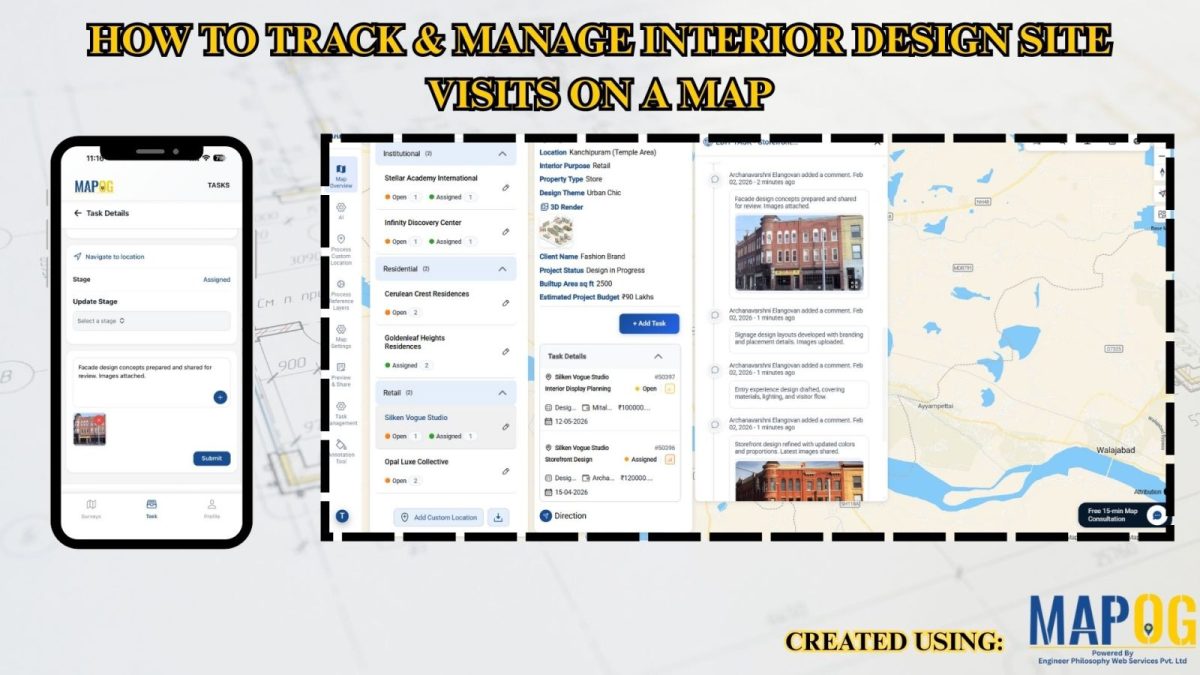
Interactive maps turn static operations into visual workflows to assign and track field tasks, monitor routes, verify cleaning with real-time updates and photos.. Key Concept: Assign & Track Field Tasks Interactive task mapping centralizes field work, assigns tasks, tracks completion, verifies results with photos, and improves coordination and transparency. What is Assign & Track Field … Read more

How to Download Only Your Filtered Map Data in One Click

How to Download Only Your Filtered Map Data in One Click

To begin with, downloading only your filtered map data is an easy way to extract clean, relevant datasets without exporting your entire project. Moreover, this approach helps planners, teams, and analysts avoid cluttered exports and get only the insights they need. As a result, you save time and download small, ready-to-use files directly from your … Read more

Maintain Your Customers

How to Maintain Your Customers and Collect Feedback On-Site

Businesses today prioritize maintaining customers and collecting on-site feedback. Manual methods slow teams down, so digital mapping workflows help them work faster. MAPOG, especially its Mobile Data Collection feature, gives teams a location-based system to maintain Your Customers and gather insights during visits. Key Concept: Why Maintaining Your Customers On-Site Matters When field executives visit … Read more

Mapping and Planning Products Sales

Mapping and Planning Products Sales and Customers Efficiently

In today’s data-driven business world Mapping and Planning product sales is a necessary step, location is more than just an address; it’s an opportunity. Visualizing your customers on an interactive map helps your team uncover patterns, understand buying behaviors, and plan sales strategies that are not only smarter but also more efficient. With MAPOG, mapping … Read more

How to Update Customer Segments During Field Visits Easily

How to Update Customer Segments During Field Visits Easily

Field teams meet customers for checks or update Customer Segments Field, but manual recording makes data outdated and unclear. MAPOG solves this by letting teams update customer segments on-site with GPS-verified changes that sync instantly to the dashboard. Managers then get clean, real-time information without manual follow-ups. Key Concept: Update Customer Segments Field Updating customer … Read more

edit update points

Import Customer Feedback and Ratings into an Online Mapping Tool

Customer data often comes in spreadsheets filled with names, addresses, coordinates, and feedback—but viewing such information in raw tables can limit insight. By importing this data into MAPOG, additionally visualize customer locations, projects or buildings ratings, or import customer feedback into online mapping tool and reviews directly on an interactive map. This not only makes … Read more

tracking customer

How to track customer visits without calling the team again and again

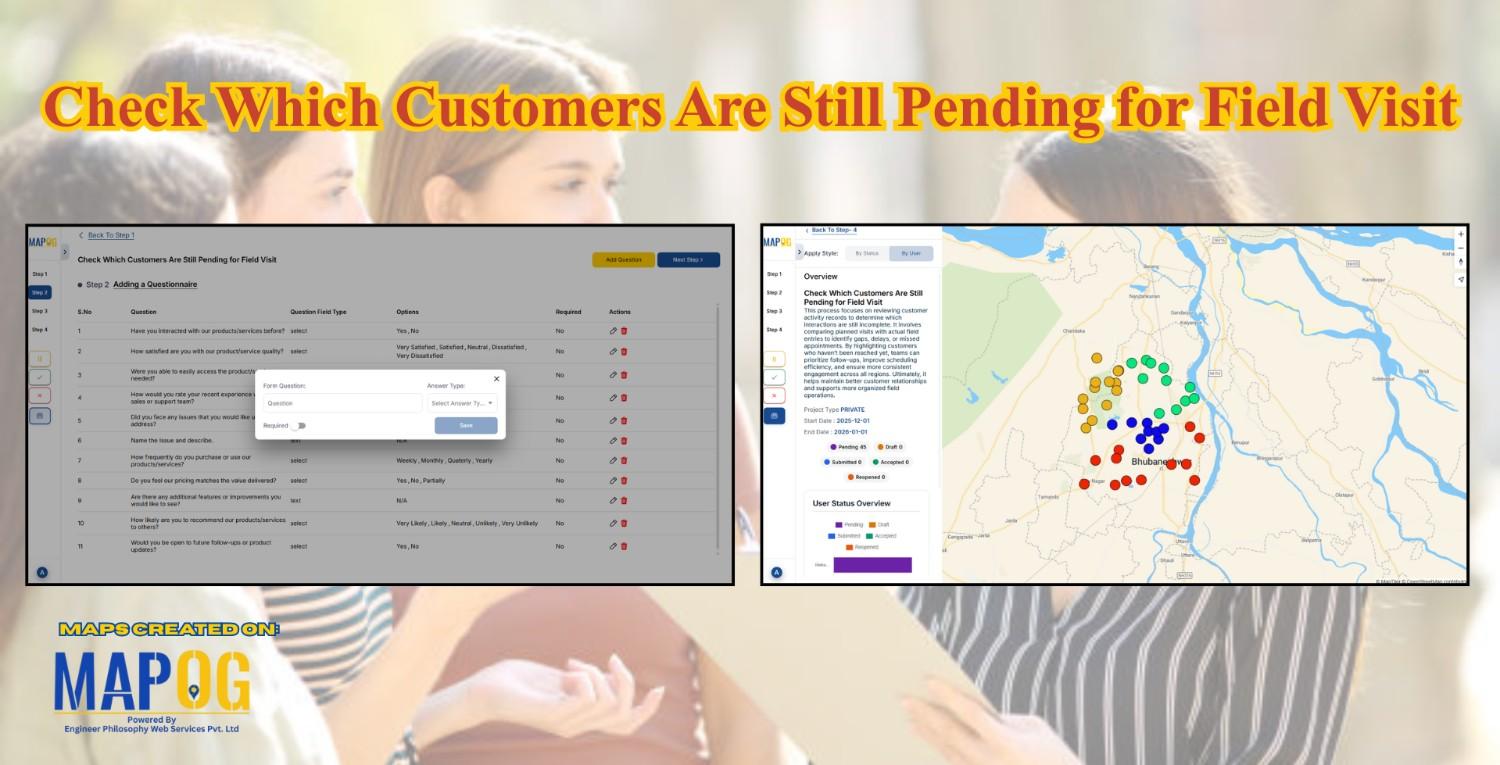
Many organizations struggle to keep track of customer visits without calling in real time zones  , which often leads to repeated phone calls, confused updates, and inefficient coordination. As a result, teams end up relying on scattered verbal reports, causing delays, and inconsistent follow-ups. Consequently, managers find it difficult to monitor field activity, assign tasks, … Read more

Cover image showing color-coded customer locations on a digital map and a field data table used to Add Notes and Important Information to Customer records in real time on MAPOG.

How to Add Notes and Important Information to Customer Locations from the Field

When field teams visit customer sites, capturing observations and service details at each location transforms visits into documentation. Ability to add notes and important information to customer locations from the field keeps data accurate, operations transparent, and teams aligned without delays of manual reporting. However MAPOG make this seamless, enabling field workers to update records, … Read more

Cover image with article title and MAPOG screenshots showing customer location assignments to field teams.

How to Assign Customer Locations to Field Teams for Surveys

Efficient field surveys start with a clear plan, so you need a simple and accurate way to assign customer locations to field teams. When each member knows where to go, your operations move faster, data quality improves, and field time decreases. This structured approach strengthens tracking, balances workloads, and improves coverage. You can manage all … Read more