GIS in Education

How to Build Data-Driven Maps for Better Decision Making

How to Build Data-Driven Maps for Better Decision Making

Flood management teams use rainfall, river, and elevation data to assess risks and improve planning. However, analyzing rainfall records, river networks, elevation data, and flood-prone locations through spreadsheets alone can be challenging. Moreover, MAPOG simplifies this process by enabling users to build data-driven maps that combine multiple datasets into a single visual platform. Also, This … Read more

GIS Heatmaps to Analyse Lacation-Based Data

Using GIS Heat Map to Analyze Location-Based Data

Teams across utilities, logistics, retail, infrastructure, and field operations collect large amounts of location-based data every day. Using GIS Heat Map is an effective way to visualize and analyze geographic patterns. For example, this data can include survey submissions, customer visits, complaint locations, service requests, and operational records. However, analyzing it through coordinates or large … Read more

Location-based map showing team activity tracking and project progress monitoring in real time

Track Team Activities and Project Progress Using Location-Based Maps

In the infrastructure audit industry, track team activities managing field teams and  monitoring   project progress becomes difficult when inspection updates are scattered across calls, spreadsheets, WhatsApp chats, and manual reports. As audit projects expand across multiple sites and locations, organizations often face delays, limited visibility into field activities, and poor coordination between teams. Therefore, … Read more

Spreadsheet Data into Interactive Maps

Transform Spreadsheet Data into Interactive Maps in Minutes

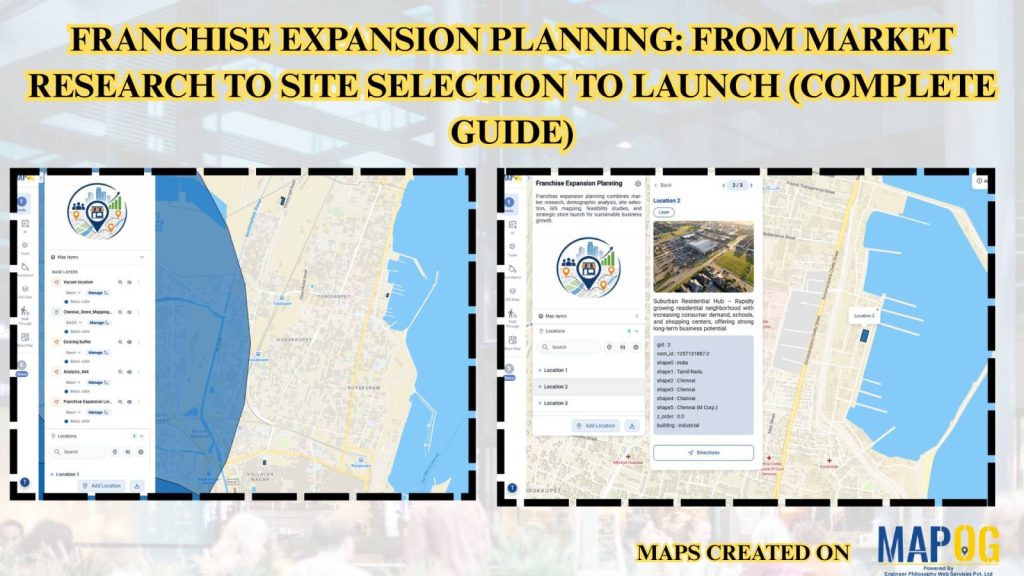
In the real estate industry, managing property listings, project locations, and franchise networks through spreadsheets alone can make it difficult to understand market coverage and location patterns. Businesses often deal with scattered property data, making it challenging to compare sites, track developments, and share location insights with teams and customers. With MAPOG, you can transform … Read more

How to Import and Export Map Annotations: Moving Your Data Between Tools

How to Import and Export Map Annotations: Moving Your Data Between Tools

Infrastructure and utility projects often involve multiple teams using different mapping and planning tools. Engineers may create project boundaries in one platform, contractors may review them in another, and field teams may need the same information on mobile devices. When annotation data cannot be transferred easily between systems, teams often redraw boundaries, routes, and project … Read more

Share Interactive Maps with Visitors

How to Share Interactive Maps with Visitors for Better Location Engagement

Share Interactive Maps with Visitors securely is a common challenge in today’s collaborative and data-driven environment, where sharing location intelligence is just as important as creating it. Static screenshots or exported files often fall short—they lose context, interactivity, and control. That’s where secure Interactive map sharing becomes essential. By enabling teams and clients to explore … Read more

How to Create 3D Building Footprints on a Map (No CAD or GIS Required)

How to Create 3D Building Footprints on a Map (No CAD or GIS Required)

Managing building data and visualizing urban structures often requires specialized GIS or CAD software. MAPOG simplifies this process by allowing users to create and visualize 3D building footprints directly on an interactive map without any advanced technical skills. This helps planners, real estate professionals, educators, and businesses better understand building layouts, heights, and urban landscapes. … Read more

MAPOG Annotation Tool: A Complete Feature Guide for Every Use Case

MAPOG Annotation Tool: A Complete Feature Guide for Every Use Case

Interactive maps become more effective when users can annotate locations, mark routes, and visualize important geographic information. Similarly, the MAPOG Annotation Tool offers powerful drawing and markup features that support planning, collaboration, and location-based decision-making across industries.  Why Use MAPOG Annotation Tool in GIS Maps? However, Annotations turn maps into interactive workspaces by enabling teams … Read more

Using 3D Models on Maps for Real Estate and Infrastructure Projects

Using 3D Models on Maps for Real Estate and Infrastructure Projects

In real estate and infrastructure projects, 3D models often stay limited to design software or displays, making them difficult for clients to understand in real-world context. Consequently, they fail to show nearby roads, amenities, transport, or developments. MAPOG maps 3D models with location data. Key Concept – Why Use 3D Models on Maps Because maps … Read more

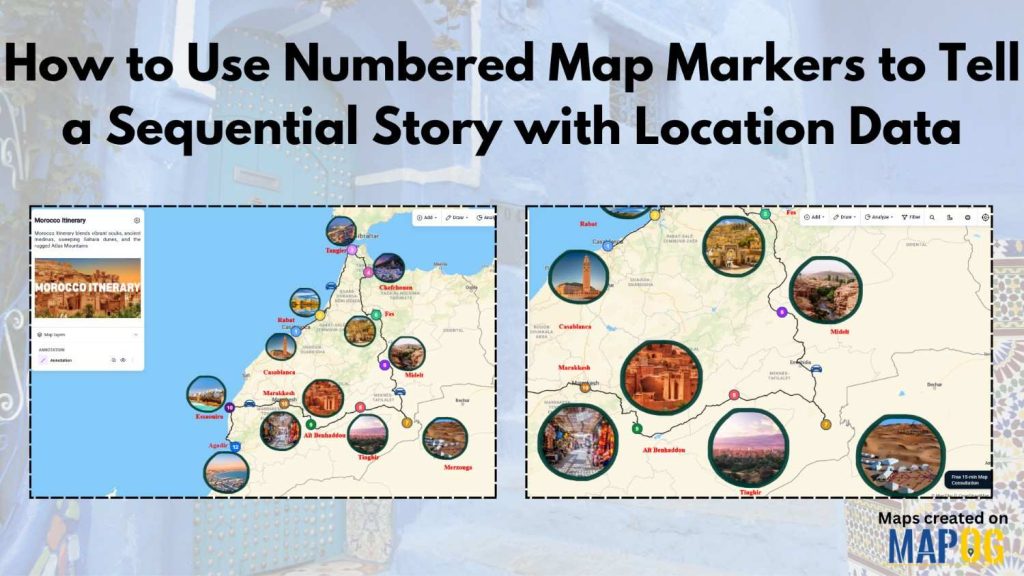
Create an Annotated Travel Map showing routes connecting locations with labels and images in a digital map interface

Create an Annotated Travel Map with Routes and Notes

To Create an Annotated Travel Map is to turn movement into meaning. Instead of static directions, you layer routes with insights, context, and memory. MAPOG elevates this workflow through precise annotation capabilities, so every path tells a story, not just a route. As a result, travelers, planners, and analysts move from “where” to “why it … Read more