Category Filters

sales area

How to Spot High and Low Sales Areas Using Interactive Maps

When businesses work with sales data spread across multiple locations, spreadsheets alone often fail to reveal meaningful insights. Simply listing numbers does not clearly show where performance is strong or weak. That is why MAPOG  plays a crucial role in sales  visuals . By visualizing sales data geographically, you can instantly high and low sales … Read more

Filter Map Points

Filter Map Points by Attribute Values (From Excel/CSV)

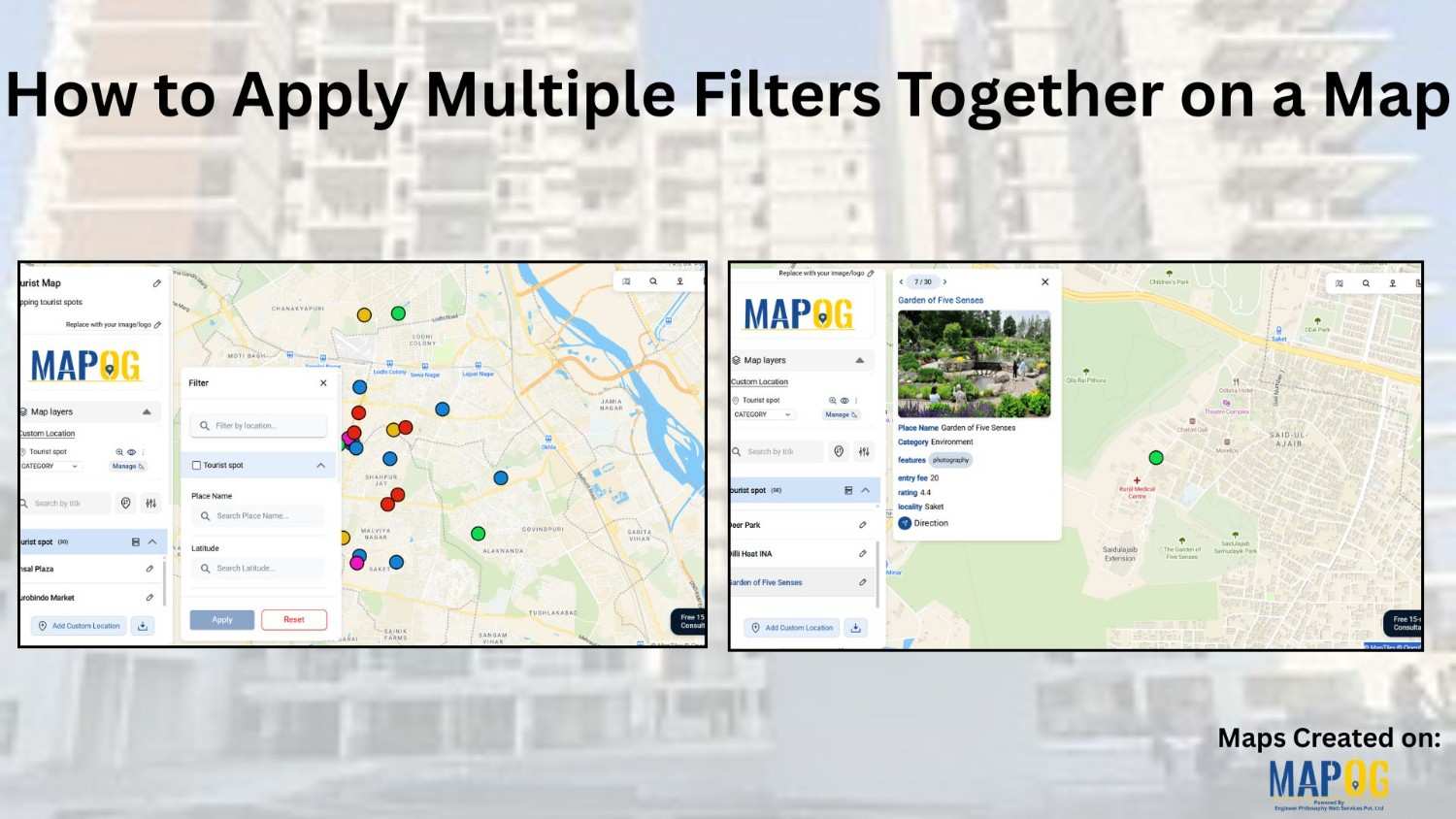
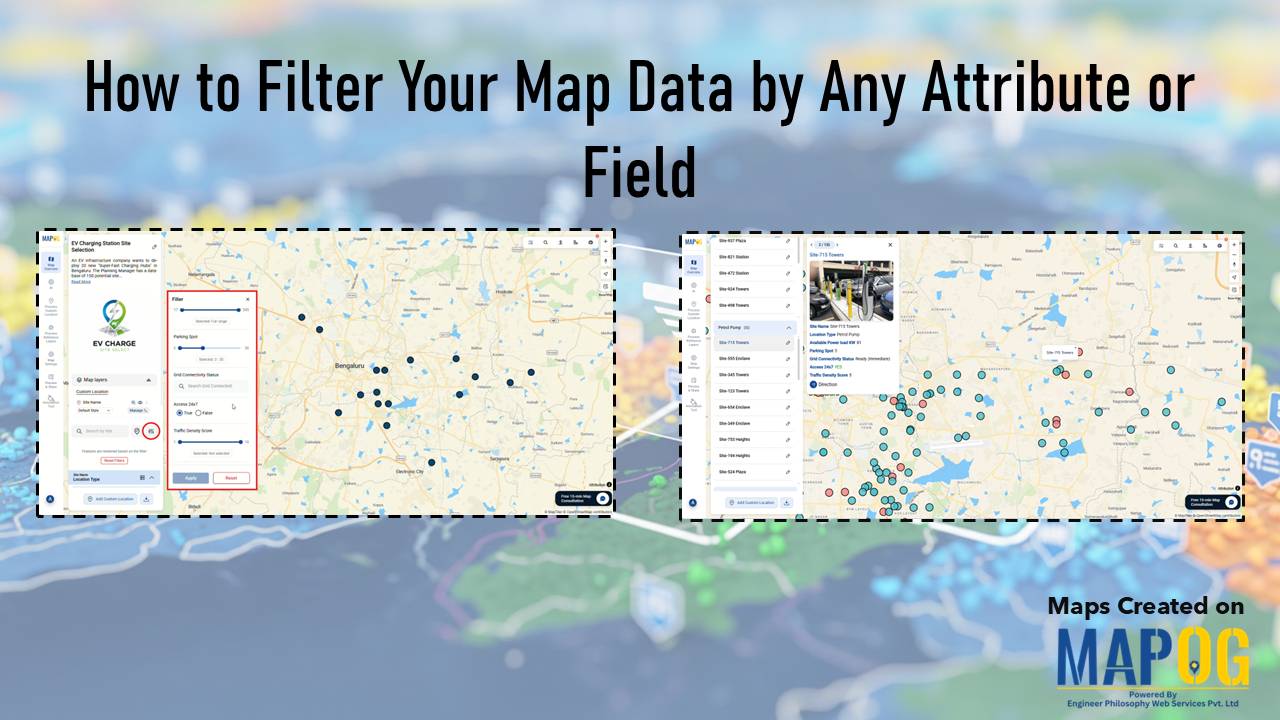
When working with large datasets on a map, it can be difficult to focus on only the information you need. By filtering map points using attribute values stored in an Excel or CSV file, you can quickly highlight specific categories, ranges, or conditions—such as cities above a certain population, demographics, or locations with active status. … Read more

Interface showing customer data points segmented and filtered instantly using dynamic filters, with color-coded clusters for real-time insights

Segment and Filter Customers Instantly with Interactive Filters

Most teams already have customer data, but the way it’s managed often hides the details that matter. Consequently, diverse attributes collapse into uniform rows, obscuring meaningful distinctions. As a result, strategies become generic, and critical signals stay hidden. However, static reports flatten complexity, leaving no room for precision. With MAPOG, teams can segment and filter … Read more

tracking customer

How to track customer visits without calling the team again and again

Many organizations struggle to keep track of customer visits without calling in real time zones  , which often leads to repeated phone calls, confused updates, and inefficient coordination. As a result, teams end up relying on scattered verbal reports, causing delays, and inconsistent follow-ups. Consequently, managers find it difficult to monitor field activity, assign tasks, … Read more

Smart Labelling

Smart Labelling in Maps: How to Create Clear, Interactive, and Professional Map Designs

In today’s world, where Interactive maps have become an essential tool for everything from navigation to data analysis, clarity and readability are key. A map becomes effective when it presents its data clearly and meaningfully. One of the most overlooked yet crucial elements of good map design is smart labelling; the art of making map … Read more

How to Draw 3D Buildings

How to Draw 3D Buildings on a Live or Dynamic Map

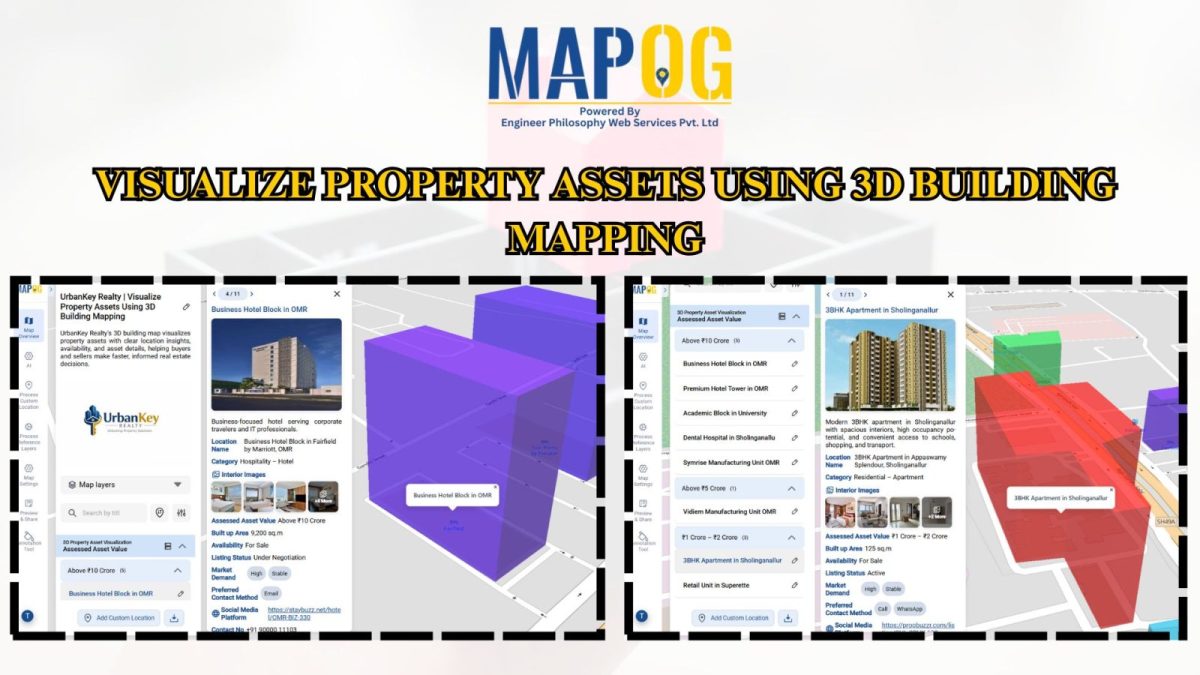
In the world of digital mapping, the concept of 3D mapping has changed how we visualize spaces. MAPOG is a mapping tool which allows users to draw realistic 3D buildings with ease, specifically for urban planning, real estate visualization, or educational use. Key Concepts of 3D Buildings You Should Know Drawing 3D buildings on a … Read more

5 Inspiring Examples of Interactive Dynamic Maps You Can Create Online

Interactive and dynamic maps not only transform data into actionable visuals but also let users explore, interpret, and share insights. With MAPOG, you can not only map portfolios, campuses, routes, or stores but also organize, analyze, and visualize trends; moreover, this enables clearer, faster, and connected decisions. Key Concept: Why Create Interactive Dynamic Maps? Interactive … Read more

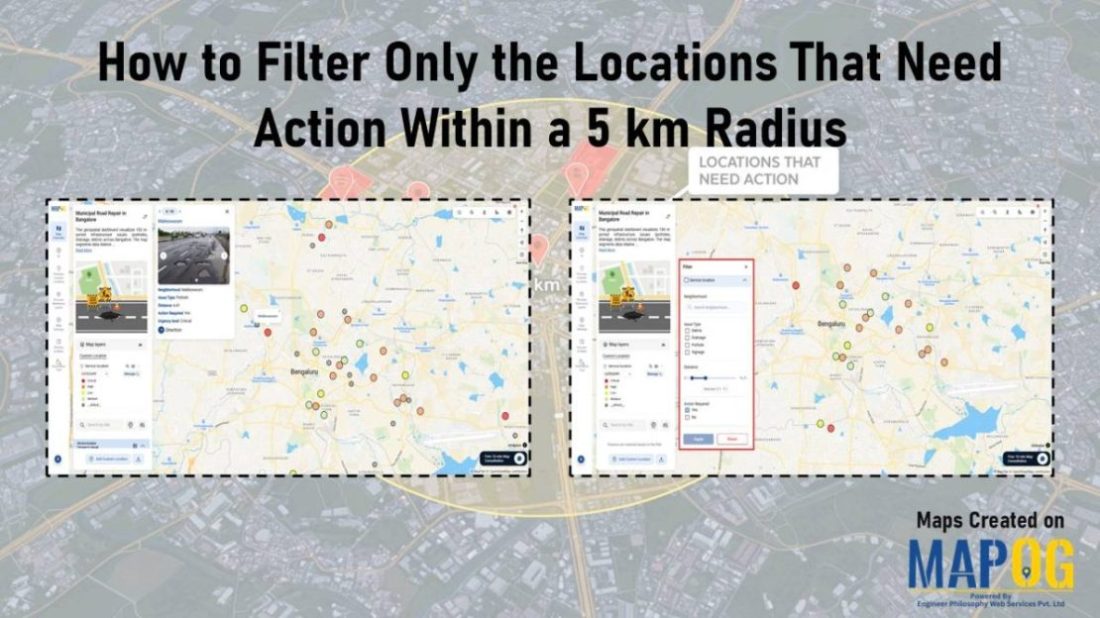
How to Filter Your Map Points Easily Using Category Filters

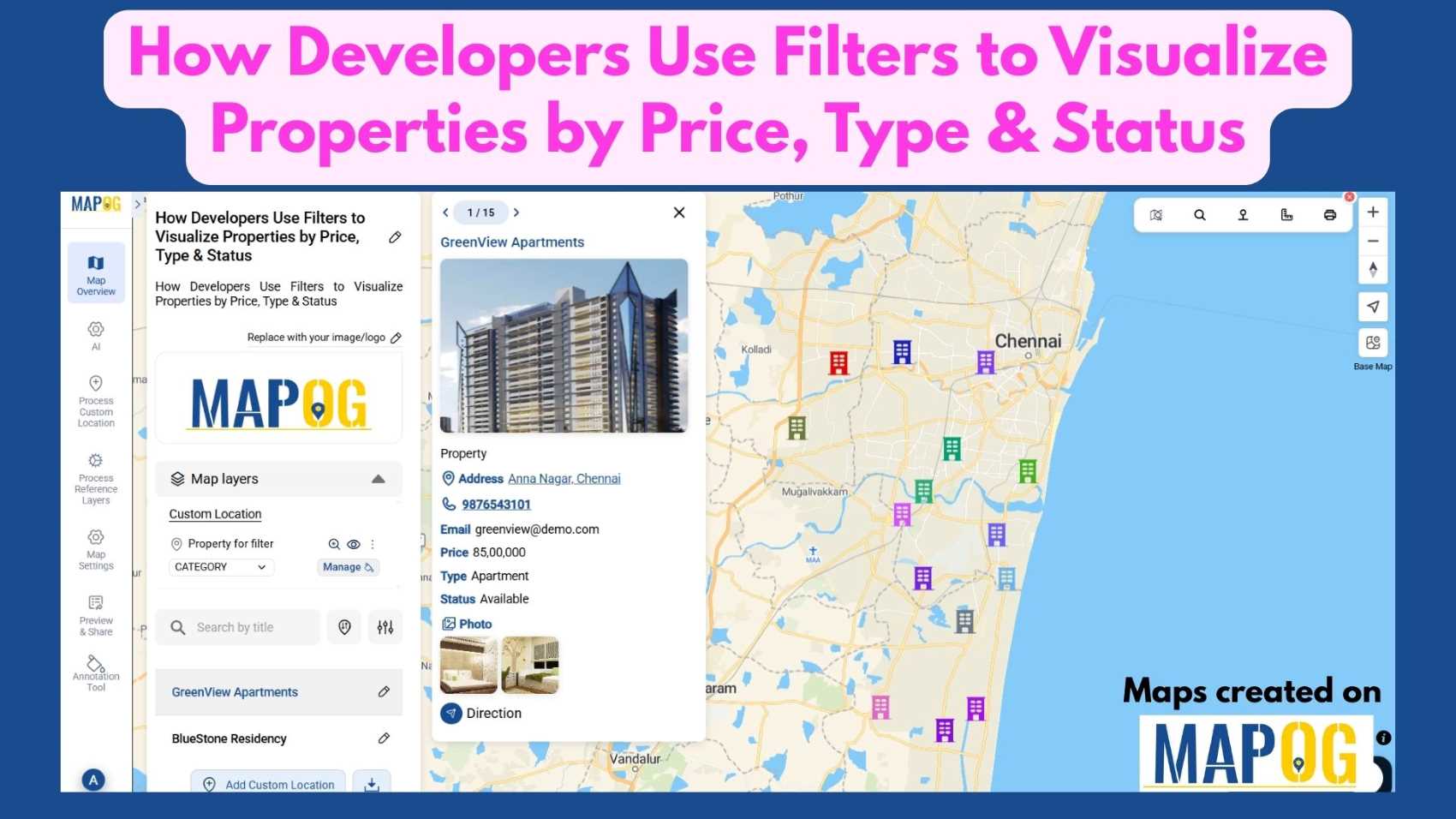
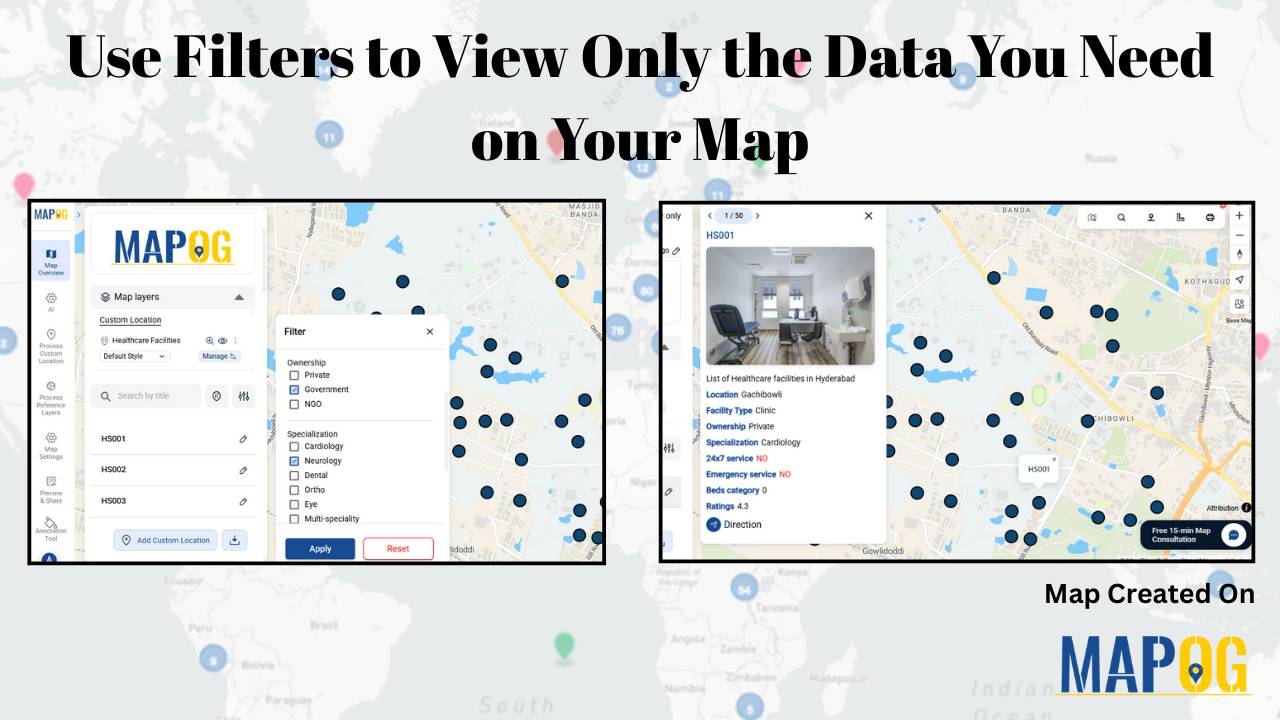
In a world where maps have become increasingly interactive and data-rich, organizing your map points is no longer just a “nice-to-have” feature — it’s essential. Whether you’re building a travel guide, a real estate visualization, or even a business dashboard, learning how to Filter Your Map Points easily using category filters can, therefore, make your … Read more