Filter Data

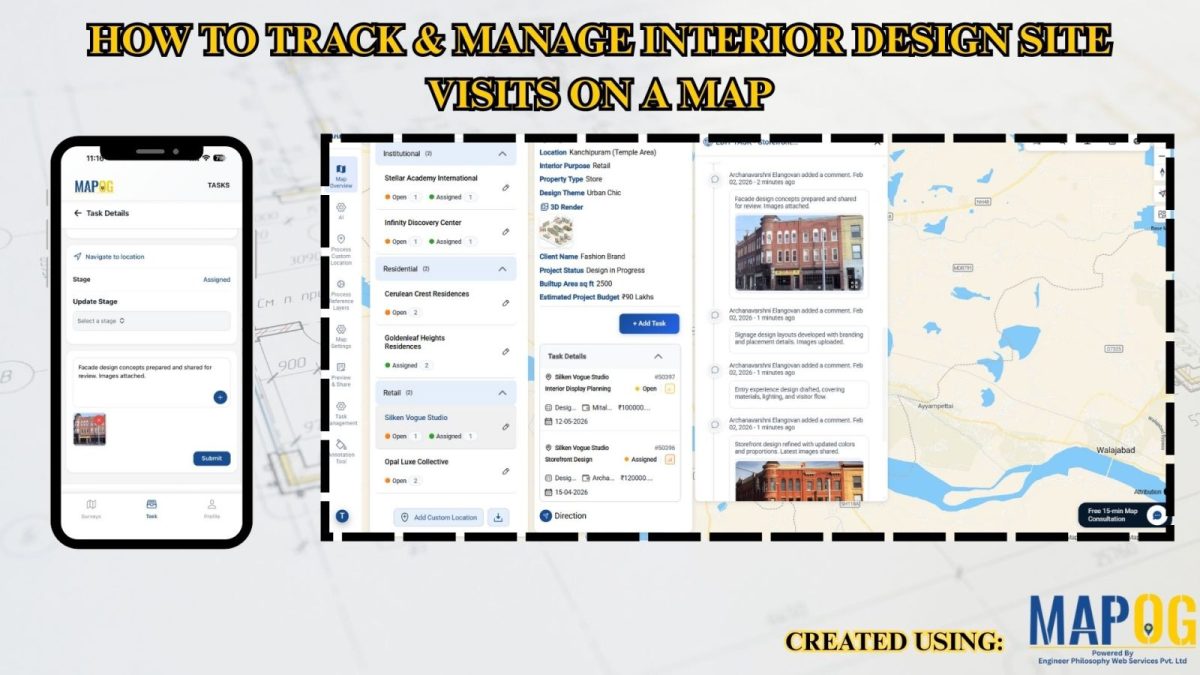
How to Track & Manage Interior Design Site Visits on a Map

How to Track & Manage  Interior Design Site Visits on a Map

Interior design teams often struggle with multiple site visits, scattered updates, delayed follow-ups, and low project visibility. When data is spread across tools, coordination slows and decisions take longer. Manage Interior Design Site Visits with MAPOG by bringing all locations, visit status, tasks, timelines, and teams into one clear, interactive map with real-time data, improving … Read more
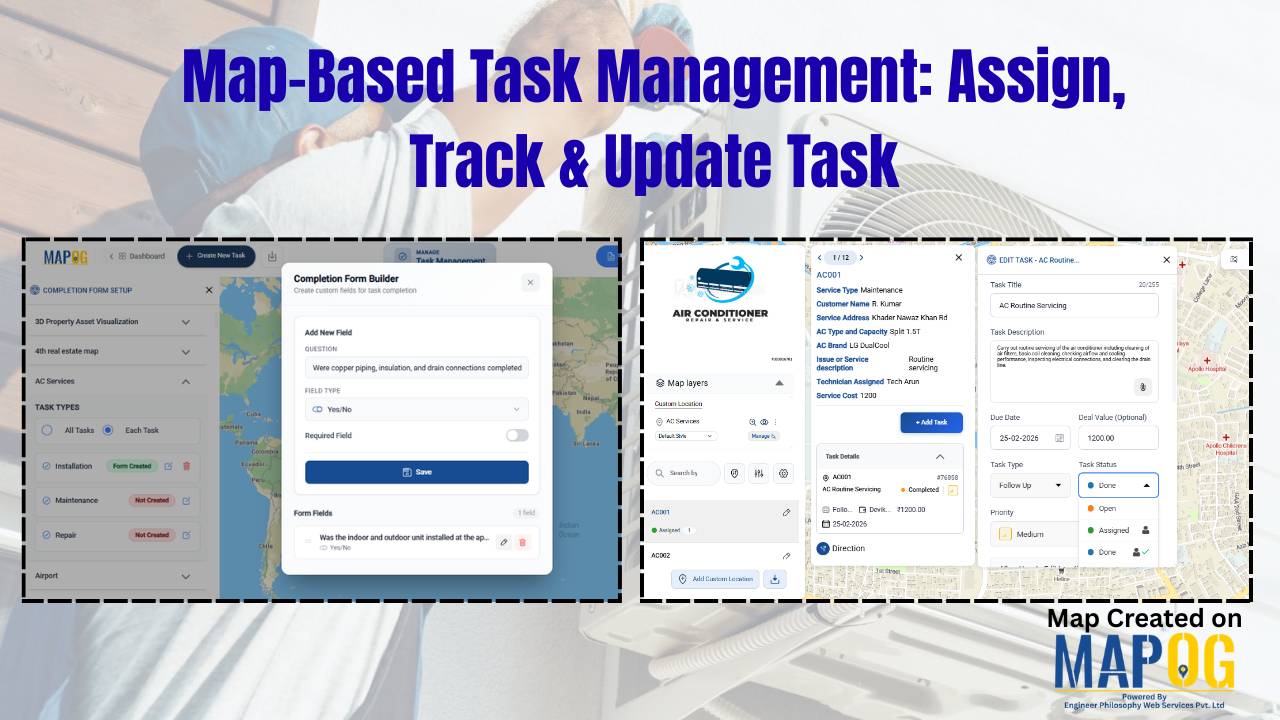
Cover image of map based task management map

Map-Based Task Management: Assign, Track & Update Task

Across industries, managing field tasks through spreadsheets, calls, or scattered messages often leads to coordination issues. Maintenance services, construction, logistics, utilities, and property management teams struggle with unclear task locations, delayed updates, and limited visibility across multiple sites. As a result, without geographic context, tracking progress and coordinating operations becomes inefficient. MAPOG’s  map-based task management … Read more

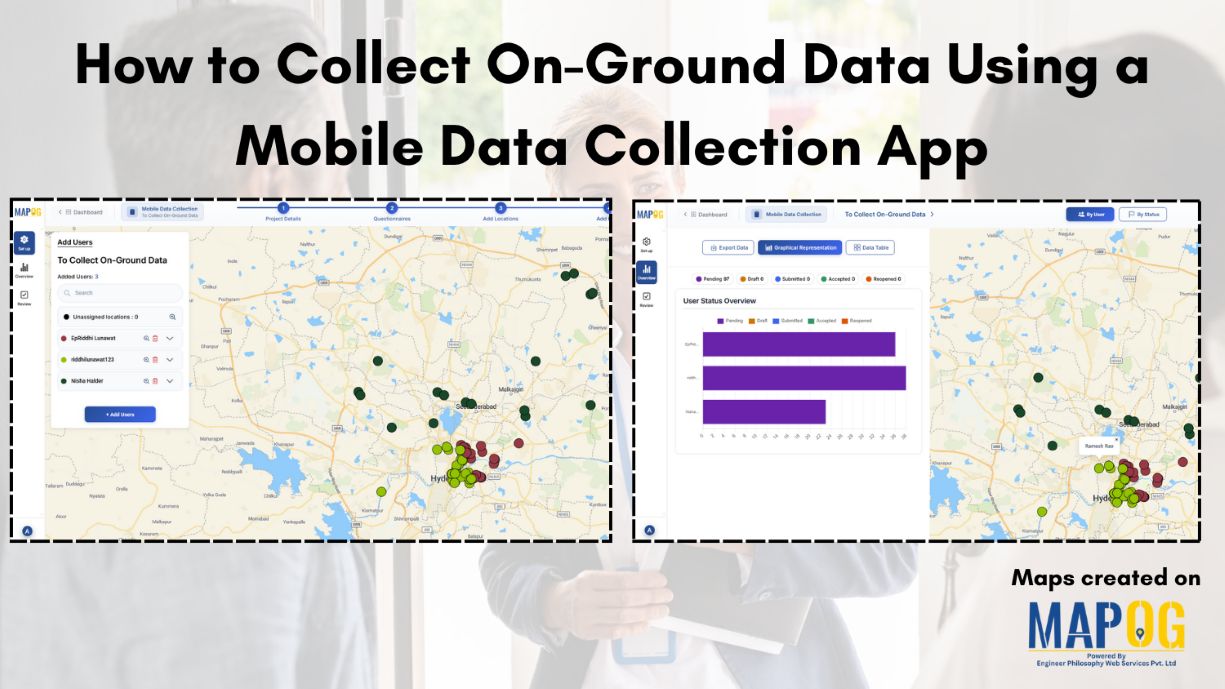
How to Collect On-Ground Data Using a Mobile Data Collection App

How to Collect On-Ground Data Using a Mobile Data Collection App

Collecting accurate on-ground data is essential for organizations involved in field surveys, monitoring, inspections and research. Traditional paper-based methods often lead to delays, data loss, and manual errors, limiting timely access to reliable information. Mobile data collection app provides an efficient alternative by enabling real-time data capture, centralized form management, task assignment, and location tracking … Read more

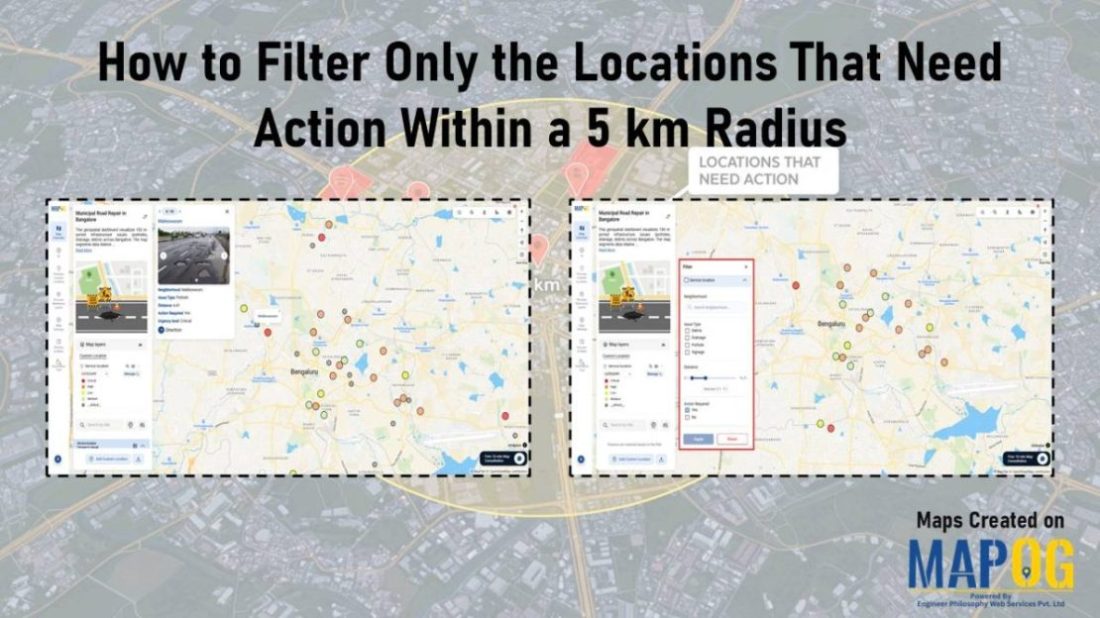
Dashboard view demonstrating how to Filter Only the Locations That Need Action within a 5 km radius on a map using proximity and status-based filters.

How to Filter Only the Locations That Need Action Within a 5 km Radius

Managing multiple locations efficiently becomes challenging when you need to identify which sites require immediate attention. MAPOG‘s dynamic filtering system helps businesses streamline operations by pinpointing critical locations within specific geographic boundaries. Learning how to filter only the locations that need action within a 5 km radius transforms scattered data into actionable insights. Key Concept: … Read more

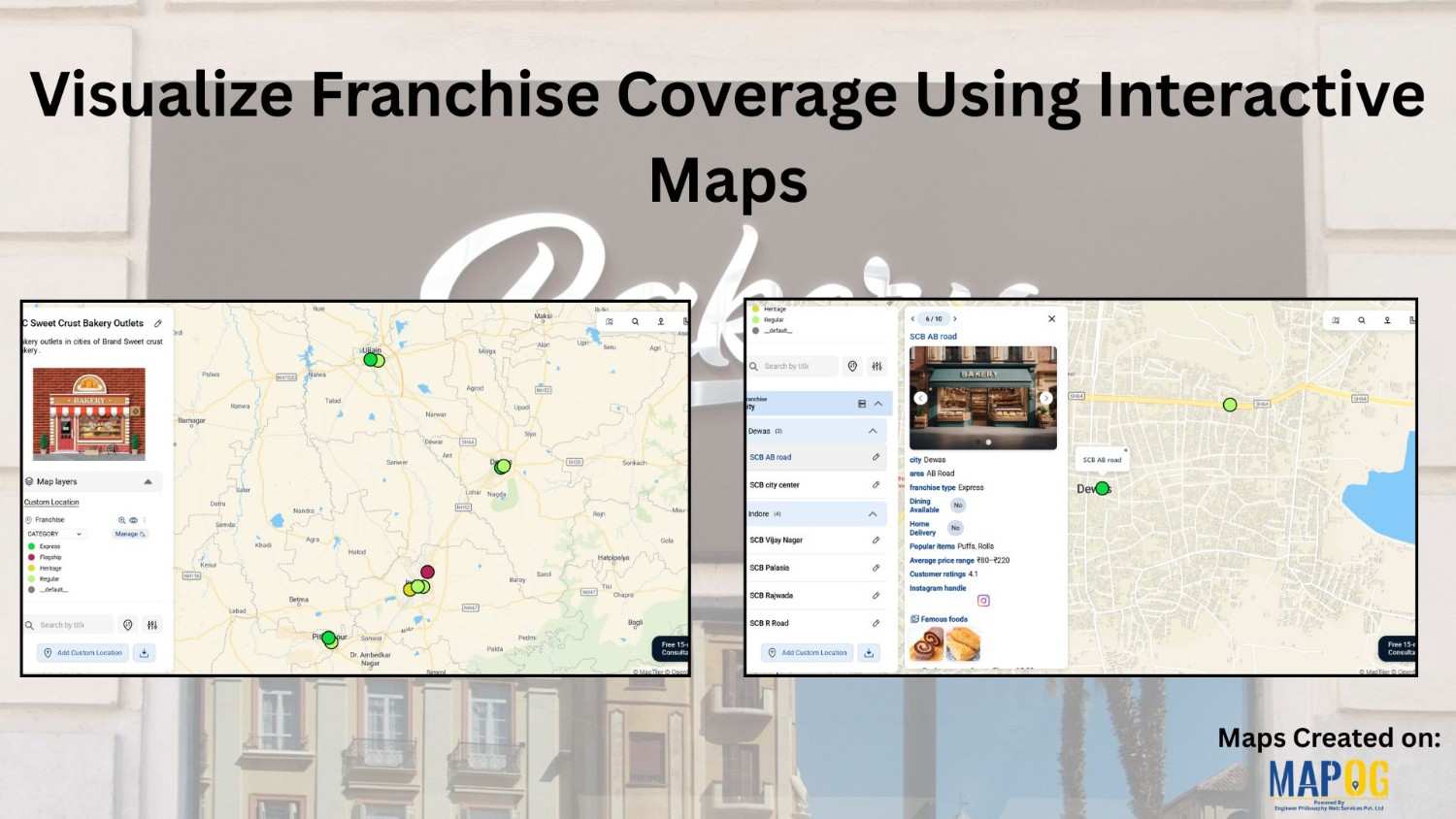
visualize the franchise covergae for a bakery outlet

Visualize Franchise Coverage Using Interactive Maps

Running a franchise business is no longer just about opening outlets in multiple cities. Instead, it is about understanding where your outlets are located, how they perform, and which areas remain untapped. This is where interactive maps play a crucial role. Visualize  franchise coverage on a map, businesses can instantly see location patterns, service reach, … Read more

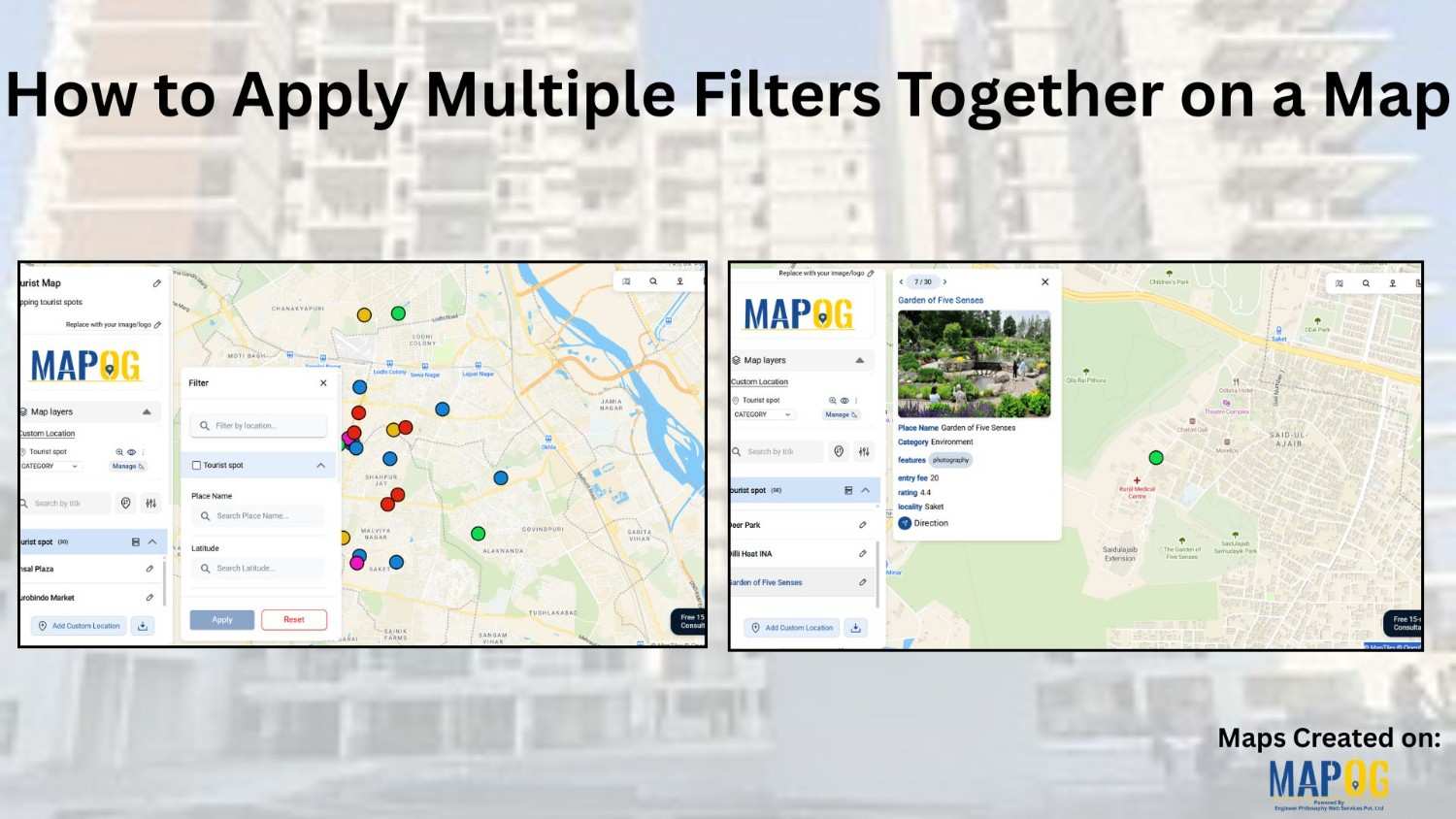
how to apply multiple filters

How to Apply Multiple Filters Together on a Map

When you work with location-heavy data, simply placing points on a map is not enough. You need a way to apply multiple filters on map , compare categories, and instantly highlight visuals that matter. That is why applying multiple filters together on a map becomes so powerful. It helps you narrow down results, spot patterns … Read more

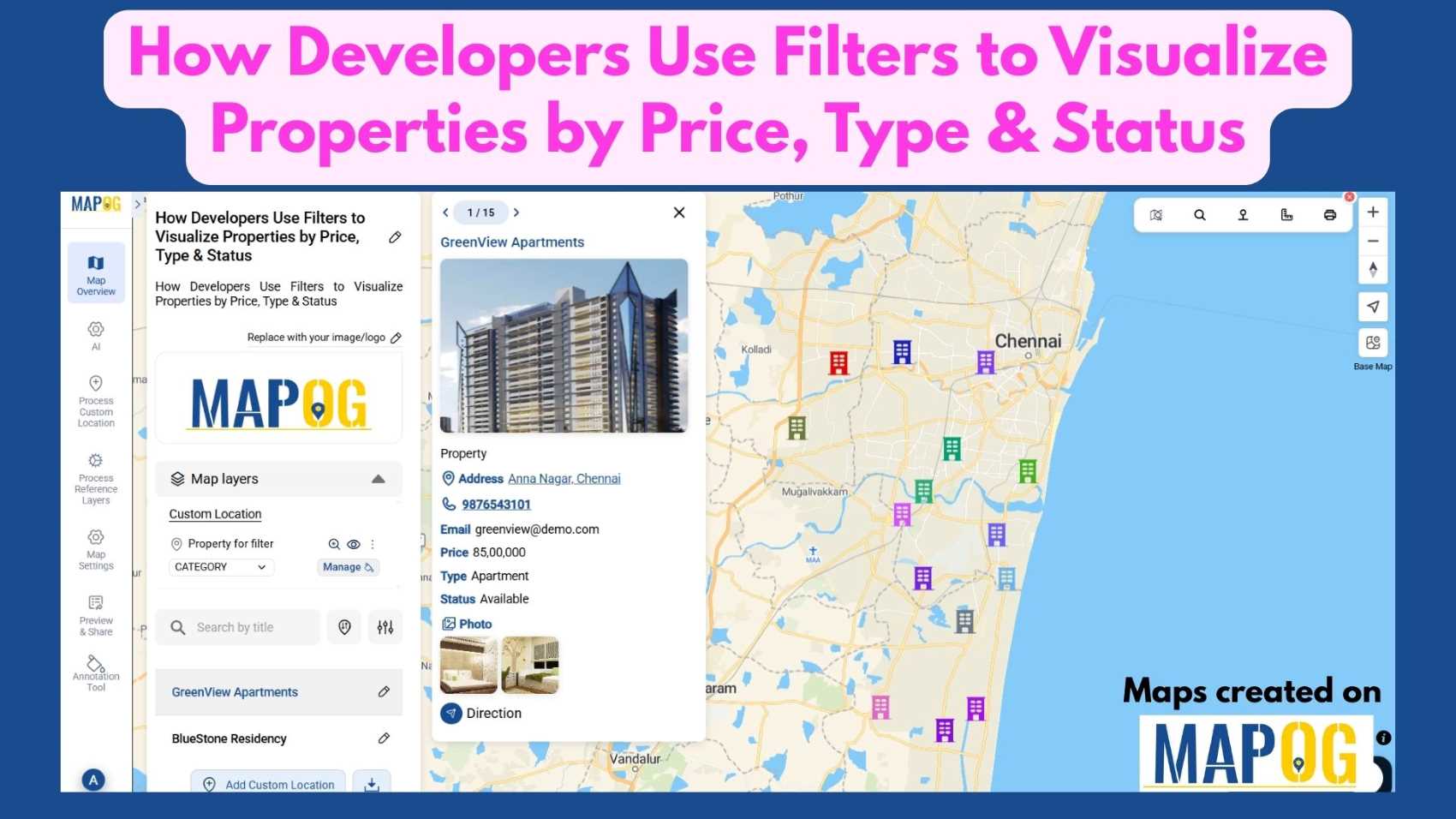
Filter Properties for Insights

How Developers Use Filters to Visualize Properties by Price, Type & Status

In today’s real estate tech landscape, clarity and precision in data visualization are essential for smarter property decisions. Simply listing properties isn’t enough-you need a way to slice, sort, and understand them instantly. That’s where Interactive filters come in. By Filter Properties for Insights based on price range, property type, and availability status, maps become … Read more

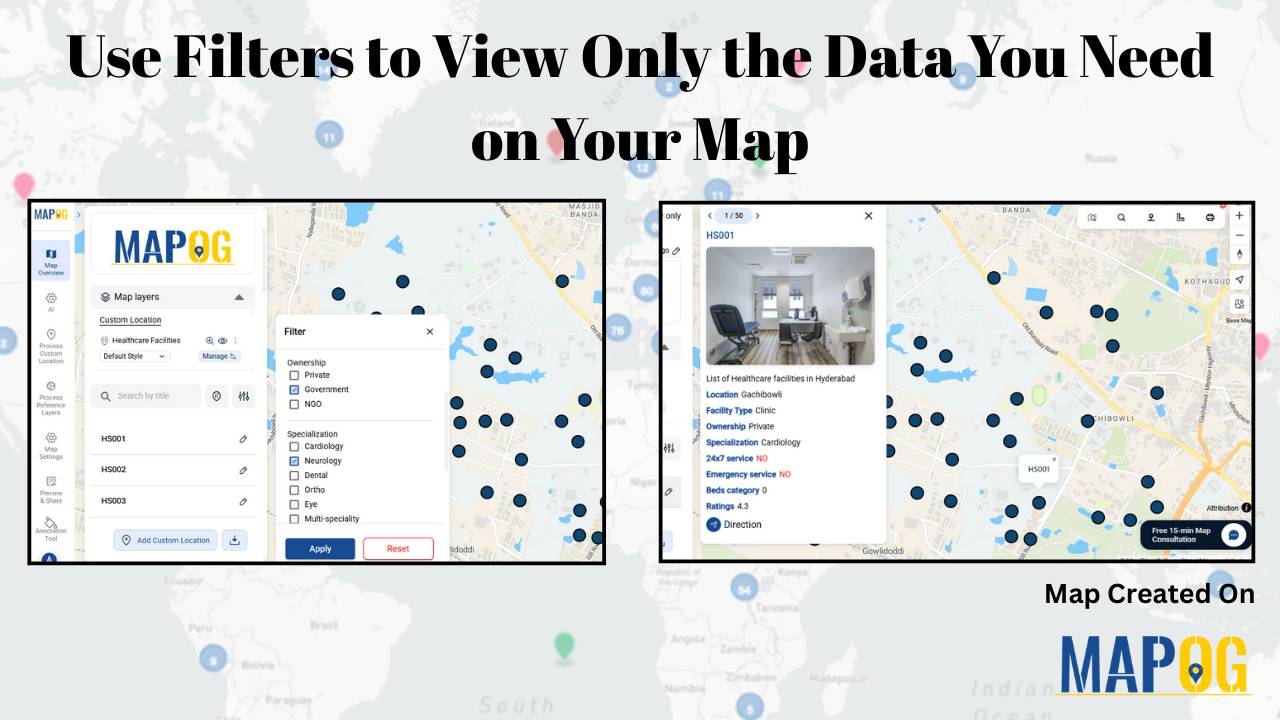
Use Filters to View Only the Data You Need on Your Map

Use Filters to View Only the Data You Need on Your Map

Using filters to view only the data you need on your map is one of the most effective ways to turn complex location datasets into clear, actionable insights. Instead of navigating through cluttered points, filters help you spotlight the information that truly matters, whether it’s by category, status, rating, or any other attribute. This focused … Read more

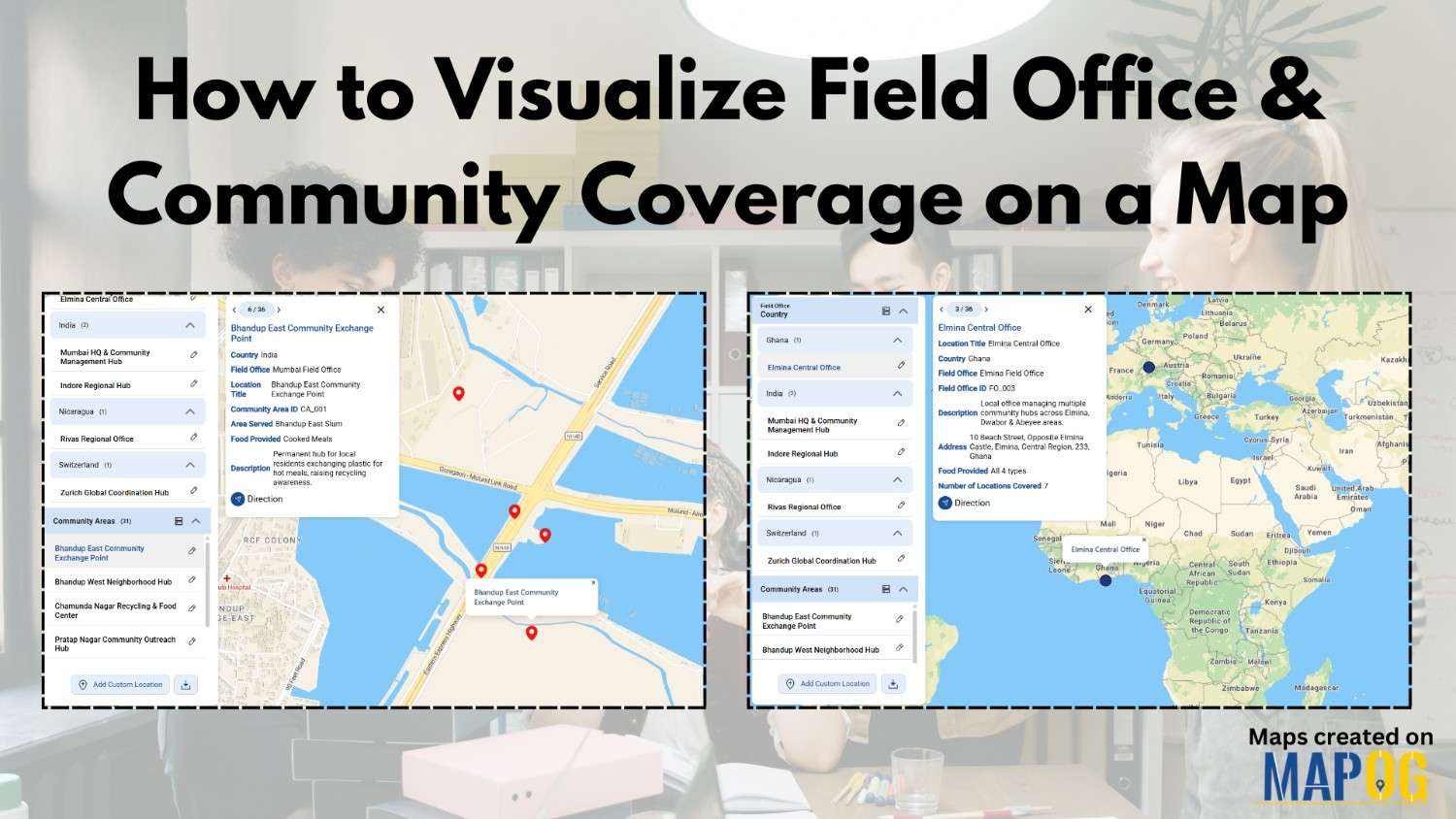
Visualize Field Office

How to Visualize Field Office & Community Coverage on a Map

To visualize field office coverage, organizations increasingly rely on maps because they present operational data clearly and quickly. Instead of managing scattered spreadsheets, you can see how field offices and communities connect spatially. Moreover, when coverage areas are visualized together, planning gaps become obvious. Using MAPOG, which support Excel uploads, GIS Data, and custom location … Read more

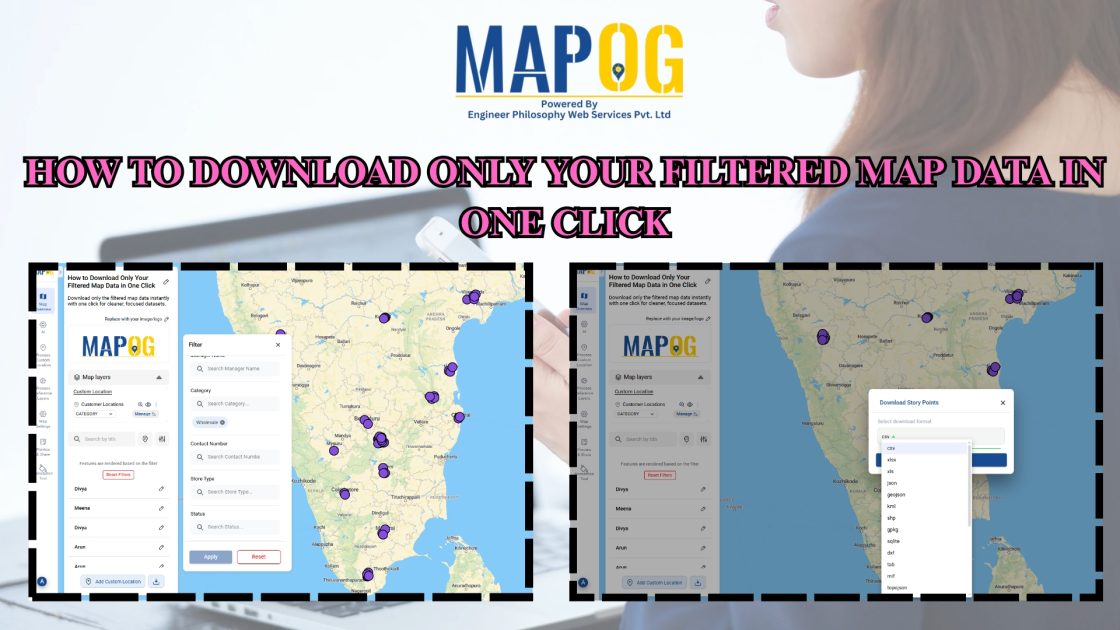
How to Download Only Your Filtered Map Data in One Click

How to Download Only Your Filtered Map Data in One Click

To begin with, downloading only your filtered map data is an easy way to extract clean, relevant datasets without exporting your entire project. Moreover, this approach helps planners, teams, and analysts avoid cluttered exports and get only the insights they need. As a result, you save time and download small, ready-to-use files directly from your … Read more