Category Style

Reuse

Reuse Map Points Across Multiple Maps Without Re-entering Data

Building maps repeatedly with the same locations can quickly feel slow and unnecessary. Moreover, whether you’re creating story map  visuals for planning, reporting, or even fieldwork, entering the same points again and again eventually wastes a huge amount of time. Therefore, a smarter and far more efficient approach is to reuse saved map points instead … Read more

sales area

How to Spot High and Low Sales Areas Using Interactive Maps

When businesses work with sales data spread across multiple locations, spreadsheets alone often fail to reveal meaningful insights. Simply listing numbers does not clearly show where performance is strong or weak. That is why MAPOG  plays a crucial role in sales  visuals . By visualizing sales data geographically, you can instantly high and low sales … Read more

Filter Map Points

Filter Map Points by Attribute Values (From Excel/CSV)

When working with large datasets on a map, it can be difficult to focus on only the information you need. By filtering map points using attribute values stored in an Excel or CSV file, you can quickly highlight specific categories, ranges, or conditions—such as cities above a certain population, demographics, or locations with active status. … Read more

tracking customer

How to track customer visits without calling the team again and again

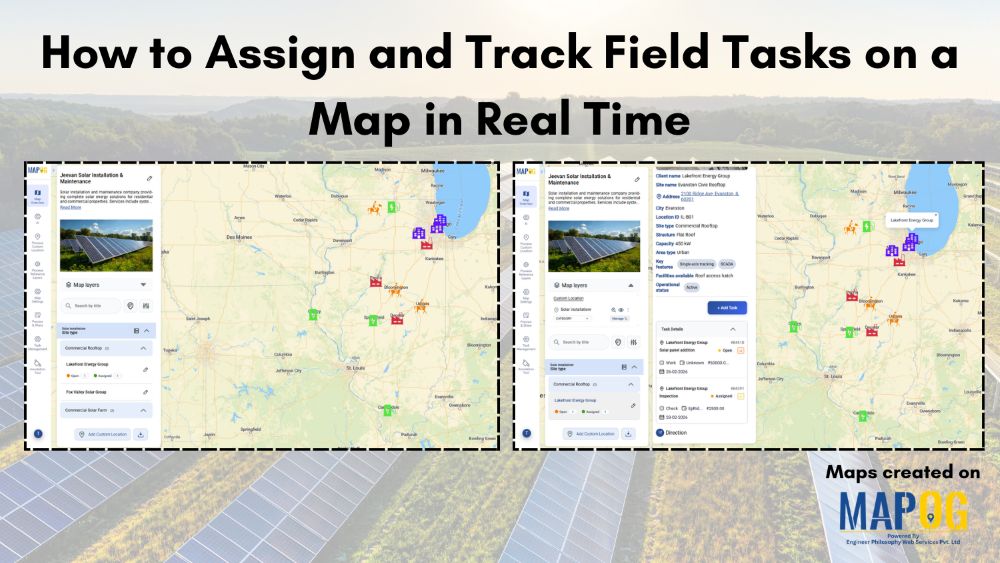
Many organizations struggle to keep track of customer visits without calling in real time zones  , which often leads to repeated phone calls, confused updates, and inefficient coordination. As a result, teams end up relying on scattered verbal reports, causing delays, and inconsistent follow-ups. Consequently, managers find it difficult to monitor field activity, assign tasks, … Read more

cover image

Color-Code Your Customers by Purchase Behavior on a Map

In today’s data-driven retail world, every customer leaves behind a digital footprint — where they live, how often they buy, and how much they spend. Yet, even with this information it can be difficult to decipher the bigger picture or understand where your most valuable customers actually come from. That’s why visualizing customer data matters. … Read more

Image showing customer coverage map across multiple branches using colored pins and branch-level data.

How to Compare Customer Coverage Across Multiple Branches

When managing multiple branches, one persistent challenge is the lack of clarity around how customer coverage compares from one location to another. As a result, teams often struggle to make informed decisions. Without a structured way to compare customer coverage across multiple branches, they may rely on assumptions rather than spatial evidence. MAPOG helps solve … Read more

How to View Your Customers by State, City, or Region on a Map

How to View Your Customers by State, City, or Region on a Map

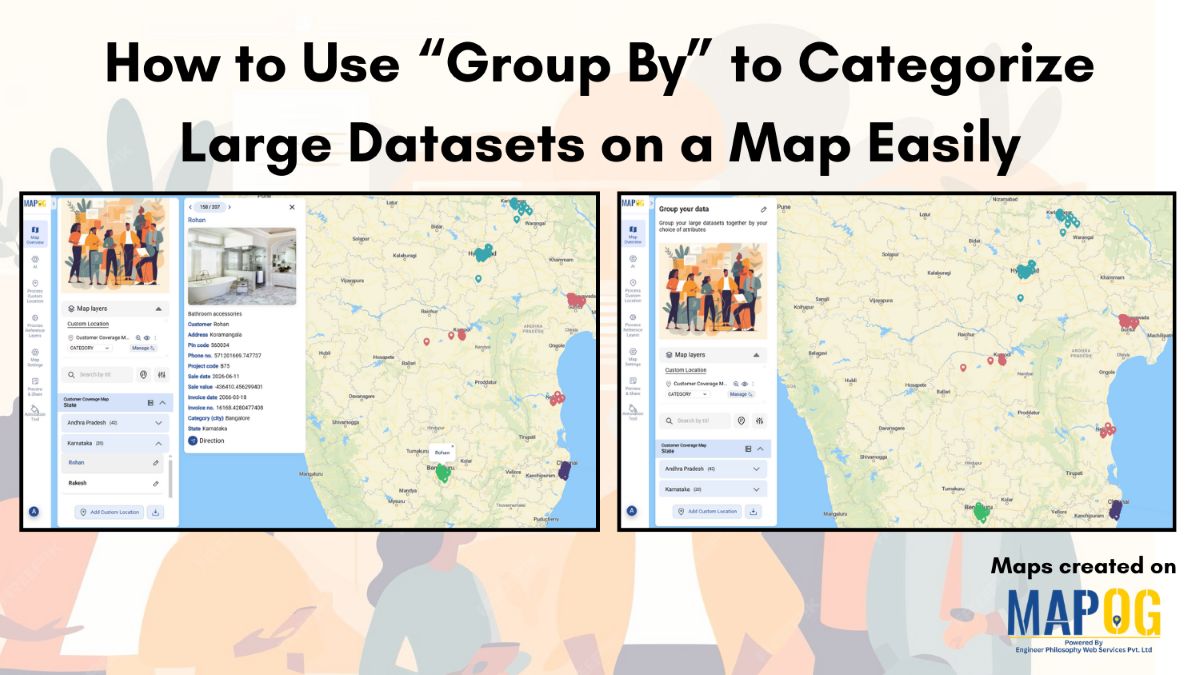
Ever wondered which areas your customers come from or where your business is growing the fastest? Visualizing customer locations on a map can turn raw data into clear, actionable insights. With MAPOG, you can easily map and view your customers by state, city, or region, giving you instant insights into geographic trends and market potential. … Read more

Identify High-Density Customer Areas

How to Identify High-Density Customer Areas Using Interactive Maps

In every business, understanding where your customers truly come from can completely transform your growth strategy. Moreover, when you Identify High-Density Customer Areas, it becomes easier to plan expansion, target marketing efforts, and optimize logistics efficiently. For instance, imagine having a store in one area where only 20% of your customers are local, yet 80% … Read more

Switch Between Map Styles

Switch Between Map Styles to View Customer Trends, Hotspots & Spending Patterns

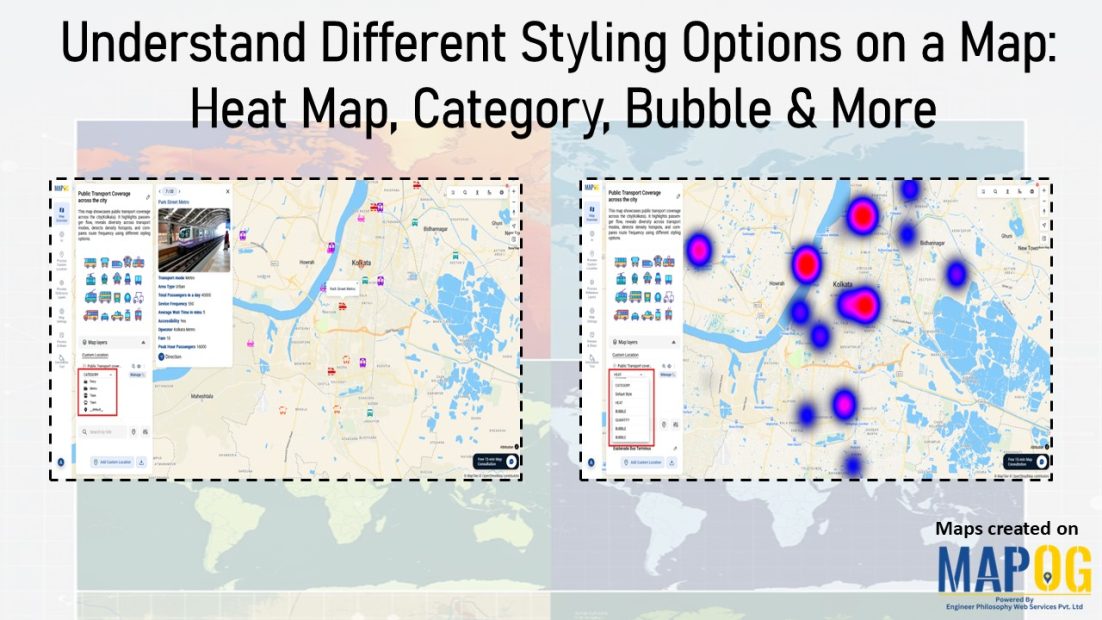
Transform raw data into interactive visuals showing customer locations, spending, and trends. Furthermore, Switch Between Map Styles reveals interactive map insights like top buyers, regional demand, and performance gaps, enabling faster, data-driven decisions without coding. Key Concept: Switch Between Map Styles However, by smoothly Switch map styles, you can easily explore one dataset from multiple … Read more

Add Contact Details and Customer Notes

Add Contact Details and Customer Notes Directly on the Map with Location Points

Whether you are managing a business network, tracking customer locations, or simply organizing site visits, adding contact details and notes directly on the map can make your workflow far more efficient. Traditional GIS platforms can be complex, but MAPOG allows users not only to visualize data but also to attach real-world data to each location … Read more