
#GeoMapping

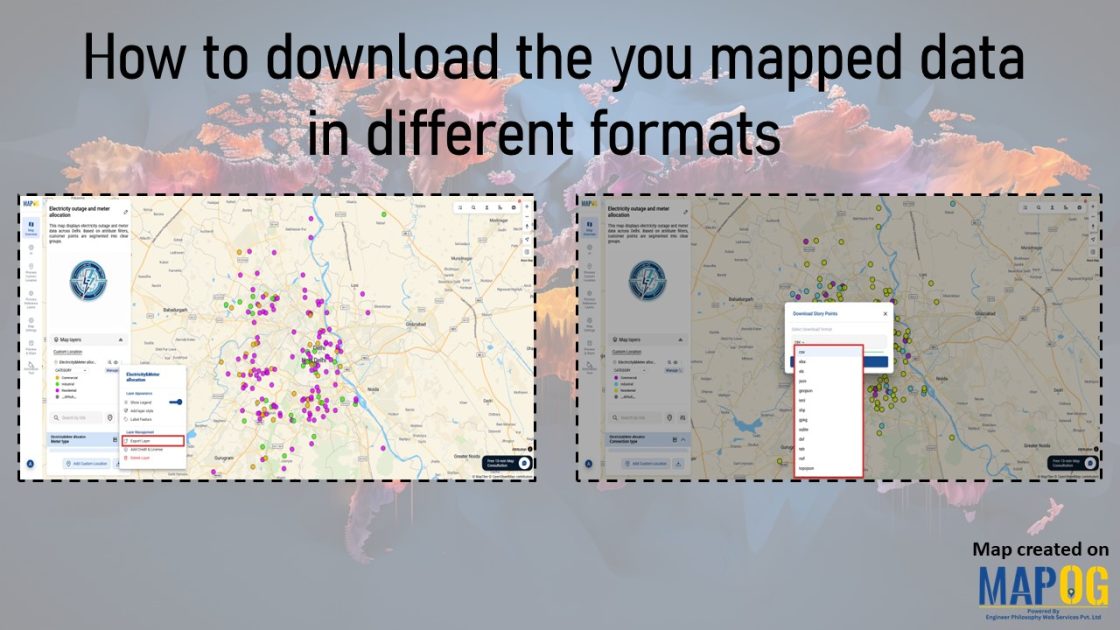
Interface showing how to download the you mapped data in different formats and different ways.

How to download the you mapped data in different formats

In geospatial projects, one of the biggest hurdles is data lock‑in. Often, mapping platforms restrict downloads to limited formats, forcing teams to spend extra time converting files or risking the loss of important attributes. Consequently, collaboration slows and efficiency drops. MAPOG addresses this challenge by making it simple to download mapped data in a format … Read more
How to Download Only Your Filtered Map Data in One Click

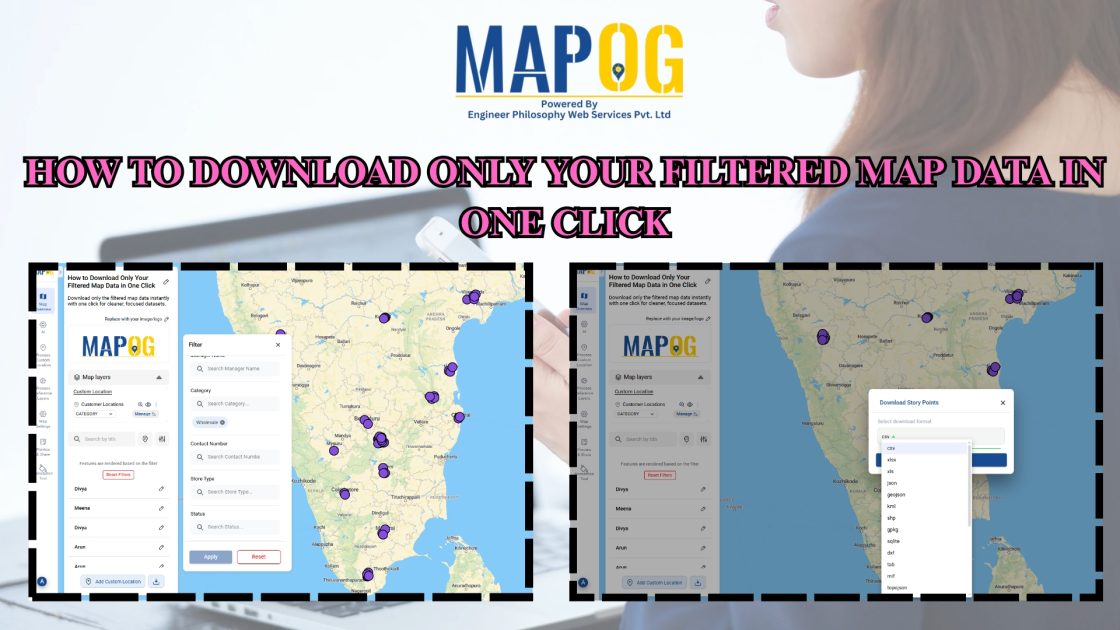
How to Download Only Your Filtered Map Data in One Click

To begin with, downloading only your filtered map data is an easy way to extract clean, relevant datasets without exporting your entire project. Moreover, this approach helps planners, teams, and analysts avoid cluttered exports and get only the insights they need. As a result, you save time and download small, ready-to-use files directly from your … Read more

Create Story Maps Faster Using Reusable Custom Locations Library

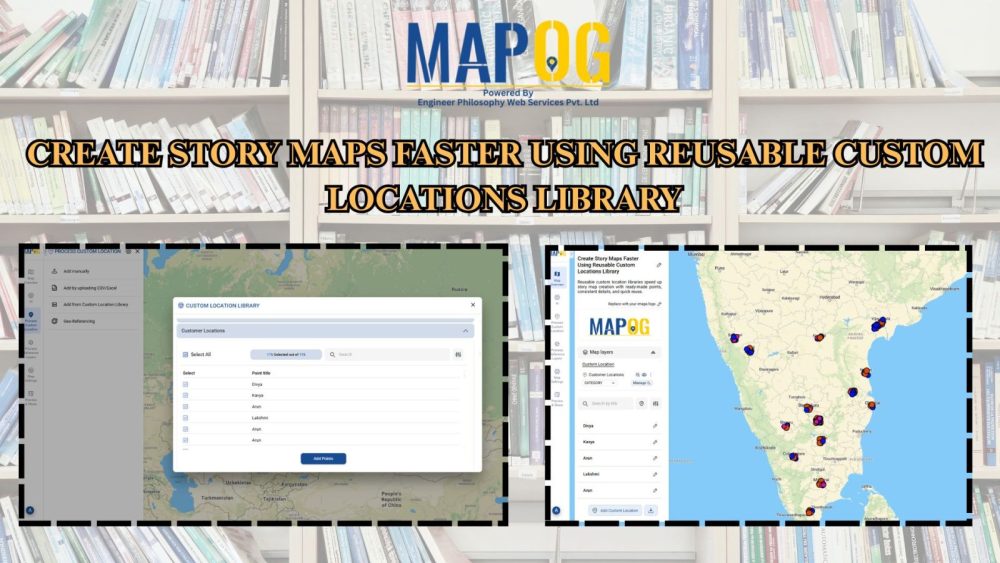
Create Story Maps Faster Using Reusable Custom Locations Library

To begin with, using a reusable custom locations library is a simple yet powerful way to speed up story map creation. Moreover, this approach helps planners, teams, and organizations reuse existing location datasets instead of rebuilding maps each time. As a result, you can instantly drop in pre-saved places such as stores, offices, hotspots, or … Read more