#customermapping

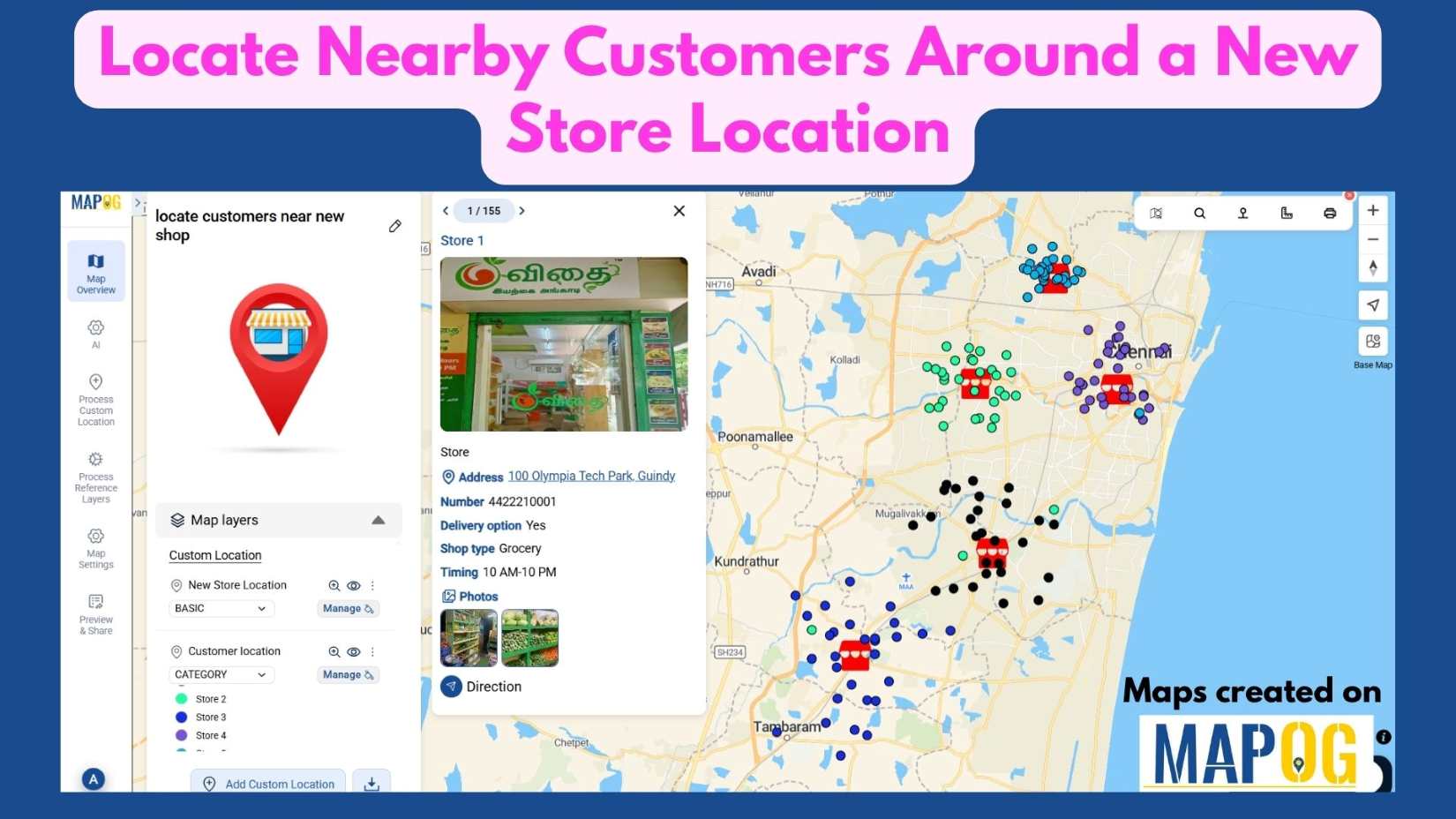
Nearby customers around new store

Locate Nearby Customers Around a New Store Location

In today’s data-driven landscape, understanding your customer geography is key to smart business growth. When opening a new store, it’s not enough to simply choose a location—you need to know who Locate Nearby Customers Around a New Store Location effectively. Interactive maps make this possible by visualizing customer clusters, highlighting high-demand zones, and revealing opportunities … Read more
How to View Your Customers by State, City, or Region on a Map

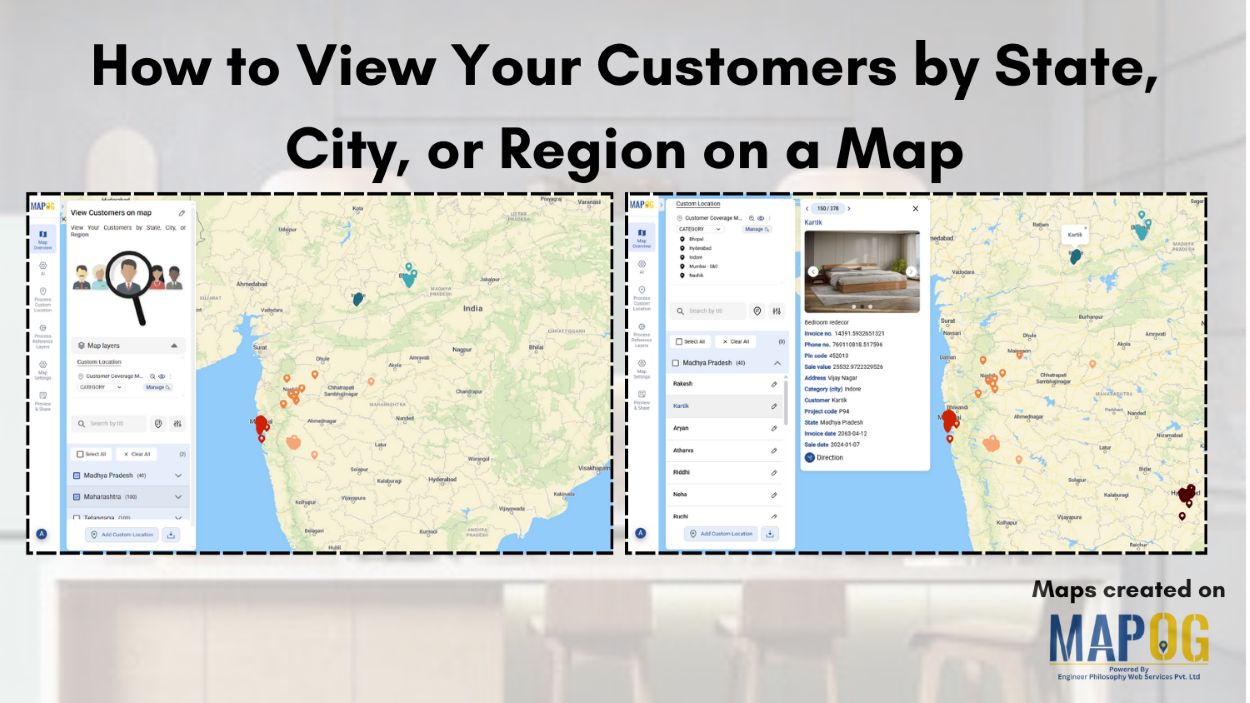
How to View Your Customers by State, City, or Region on a Map

Ever wondered which areas your customers come from or where your business is growing the fastest? Visualizing customer locations on a map can turn raw data into clear, actionable insights. With MAPOG, you can easily map and view your customers by state, city, or region, giving you instant insights into geographic trends and market potential. … Read more

visualize customer segments

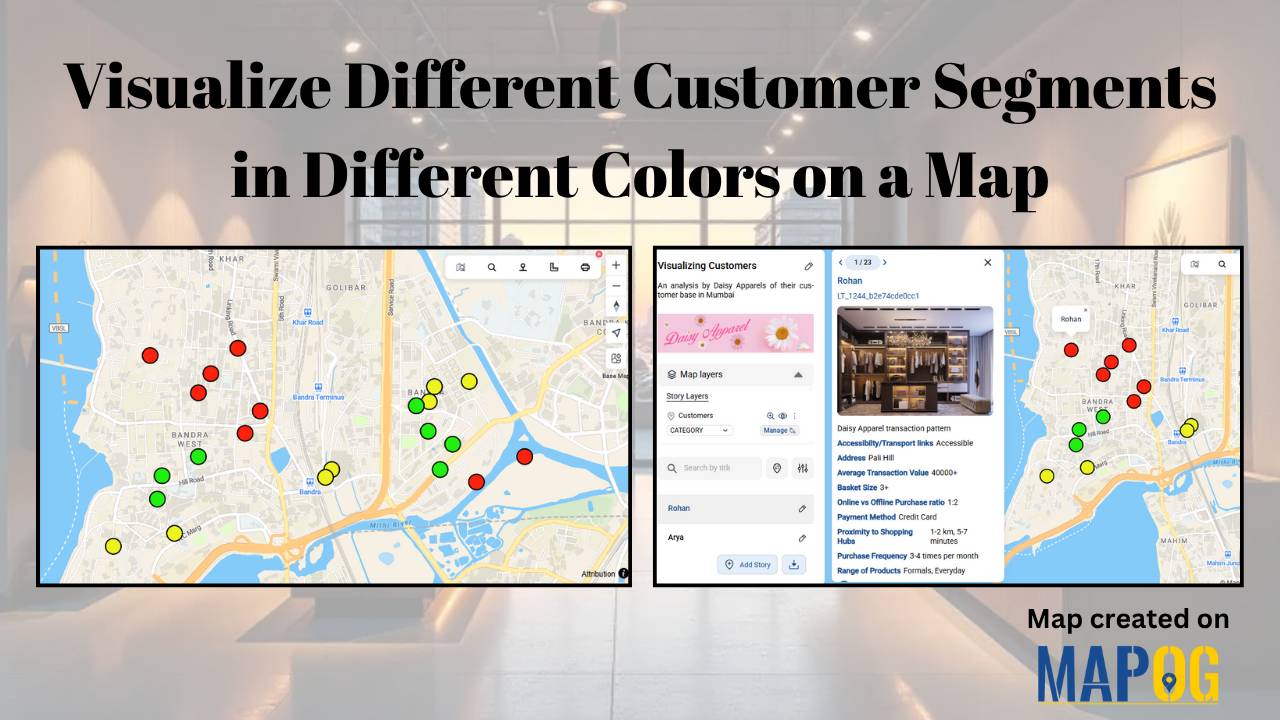
Visualize Different Customer Segments in Different Colors on a Map

Every retail company wants to know where their customers are and how much they spend. Yet, in a busy city, even with full address data, spotting spending patterns can be difficult. High, medium and low-value customers are often scattered, making it hard to plan effectively. As a result, strategic decisions such as store expansion, marketing … Read more

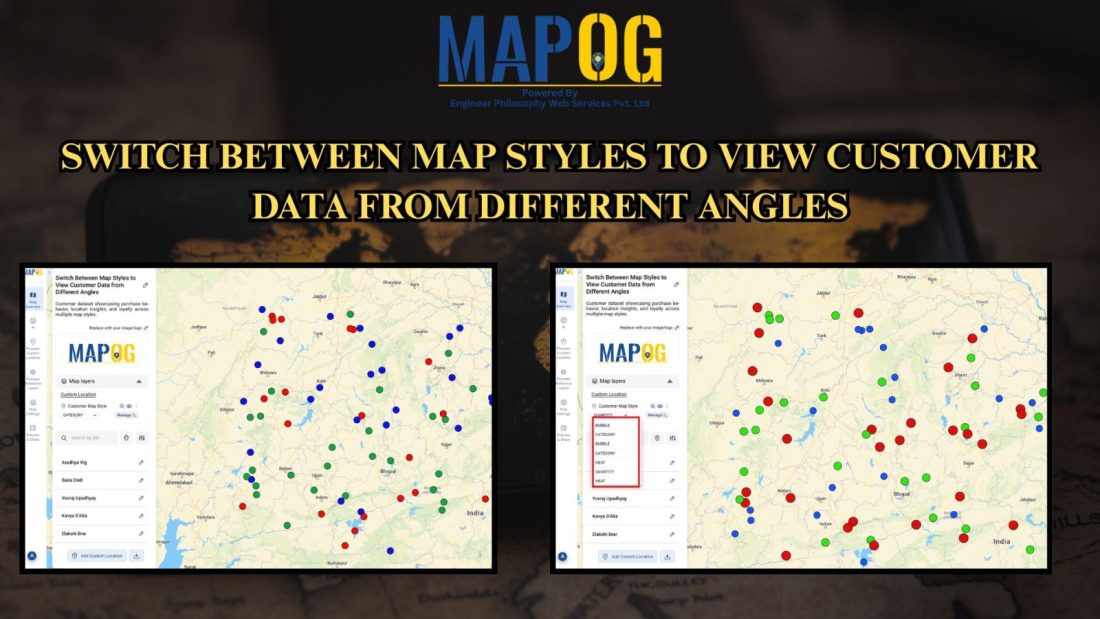
Switch Between Map Styles

Switch Between Map Styles to View Customer Trends, Hotspots & Spending Patterns

Transform raw data into interactive visuals showing customer locations, spending, and trends. Furthermore, Switch Between Map Styles reveals interactive map insights like top buyers, regional demand, and performance gaps, enabling faster, data-driven decisions without coding. Key Concept: Switch Between Map Styles However, by smoothly Switch map styles, you can easily explore one dataset from multiple … Read more