#georeferenceImage

Cover image for how to create a virtual hotel campus tour using maps

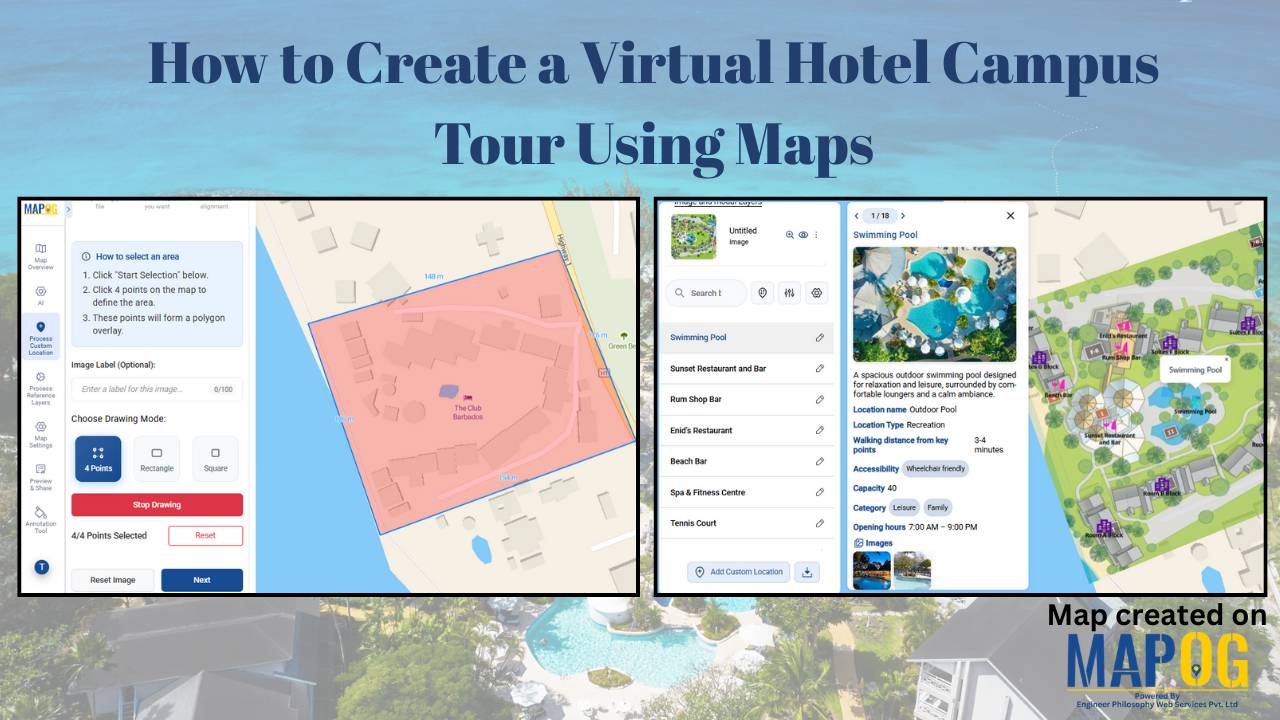
How to Create a Virtual Hotel Campus Tour Using Maps

Booking a hotel is no longer just about room photos or star ratings—today’s travelers want to see and understand the space before they arrive. How far is the pool from the rooms? Where is the restaurant in relation to the lobby? Is the campus walkable?Is the campus walkable? A virtual hotel campus tour using maps … Read more
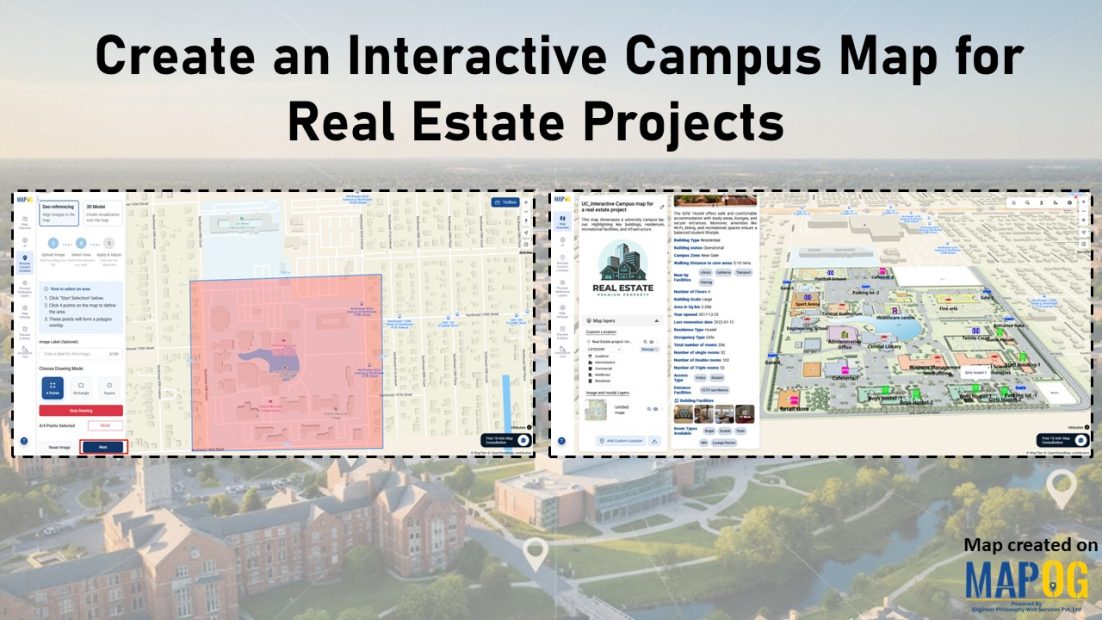
Shows features like geo-referencing layout image and adding attribute details for creating an interactive campus map for real estate projects.

Create an Interactive Campus Map for Real Estate Projects

Modern real estate developments such as campuses, townships, and estates involve many buildings and amenities. However, they are still shown through static layouts or spreadsheets, which fragment information and hinder navigation. Therefore, MAPOG resolves these challenges by enabling an interactive campus map for real estate projects that combines geo-referenced layouts, structured attributes, indicators, and filters. … Read more

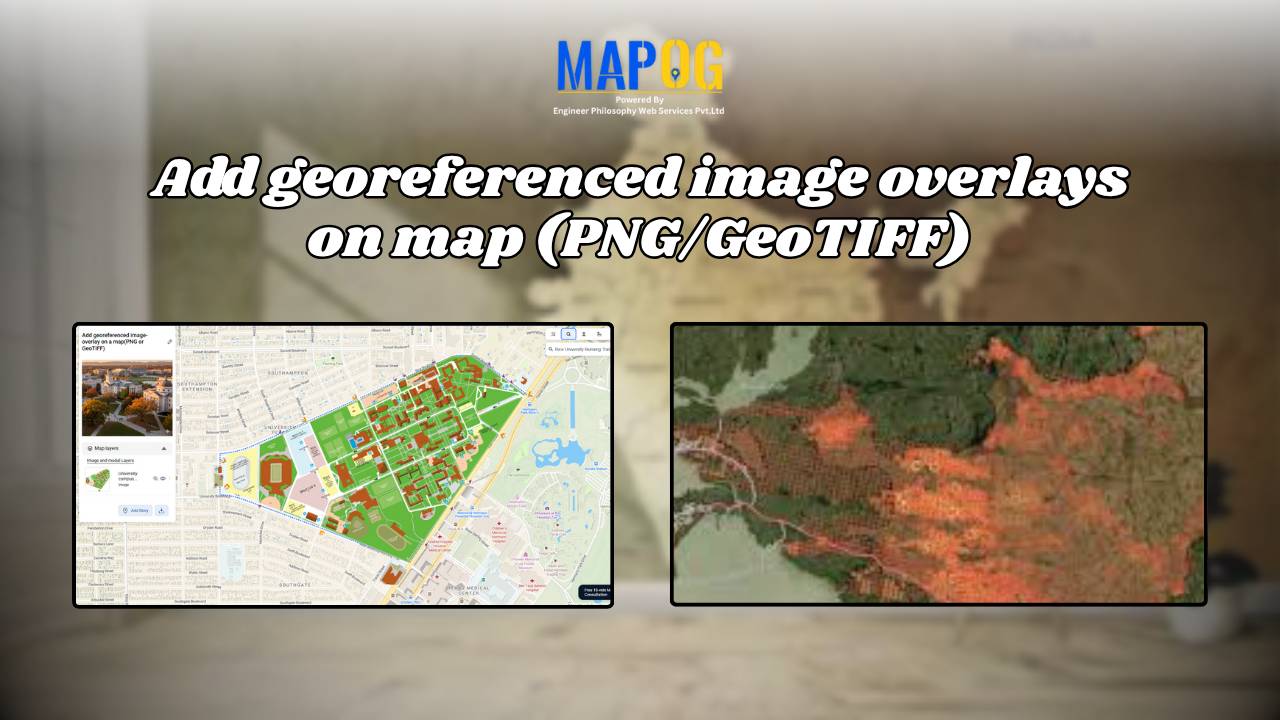
Add Georeferenced Image Overlays on Map (PNG/GeoTIFF)

Adding a georeferenced image overlays, such as PNGs or GeoTIFFs, to a map can be challenging, whether it’s a scanned map, satellite image, or custom visual. The main challenge lies in aligning images with real-world locations so landmarks appear at the correct scale. MAPOG simplifies this process, users can upload PNGs and GeoTIFFs, manually align … Read more

georefrencing the image

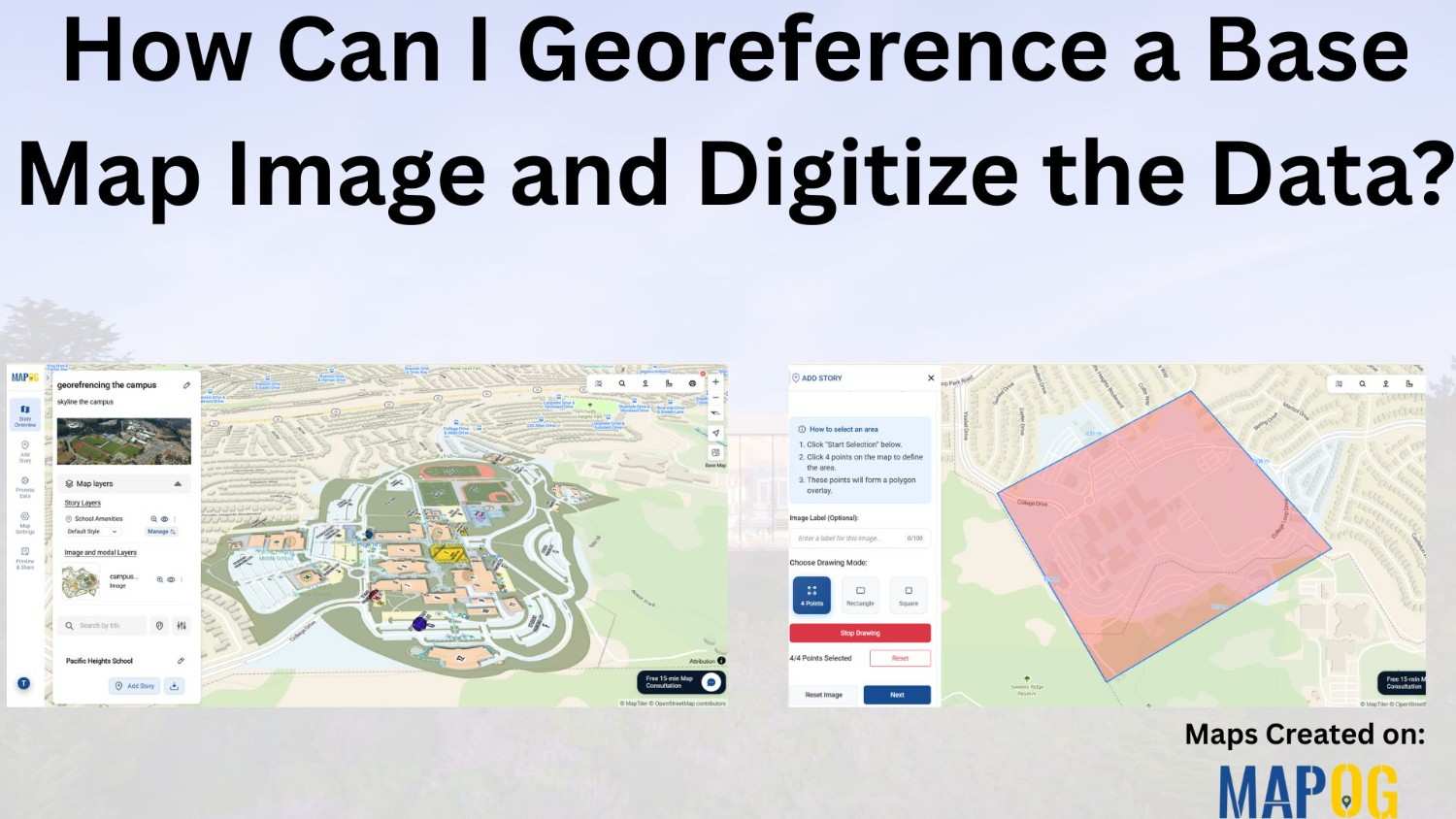
How Can I Georeference a Base Map Image and Digitize the Data?

Adding georeferenced image overlays—such as PNGs or GeoTIFFs—to a map can be challenging. Especially when working with , georeference a base map image or custom visuals. The main difficulty lies in aligning the image with real-world locations so that landmarks and features appear at the correct scale and position. While many GIS platforms support raster … Read more