#categorymaps

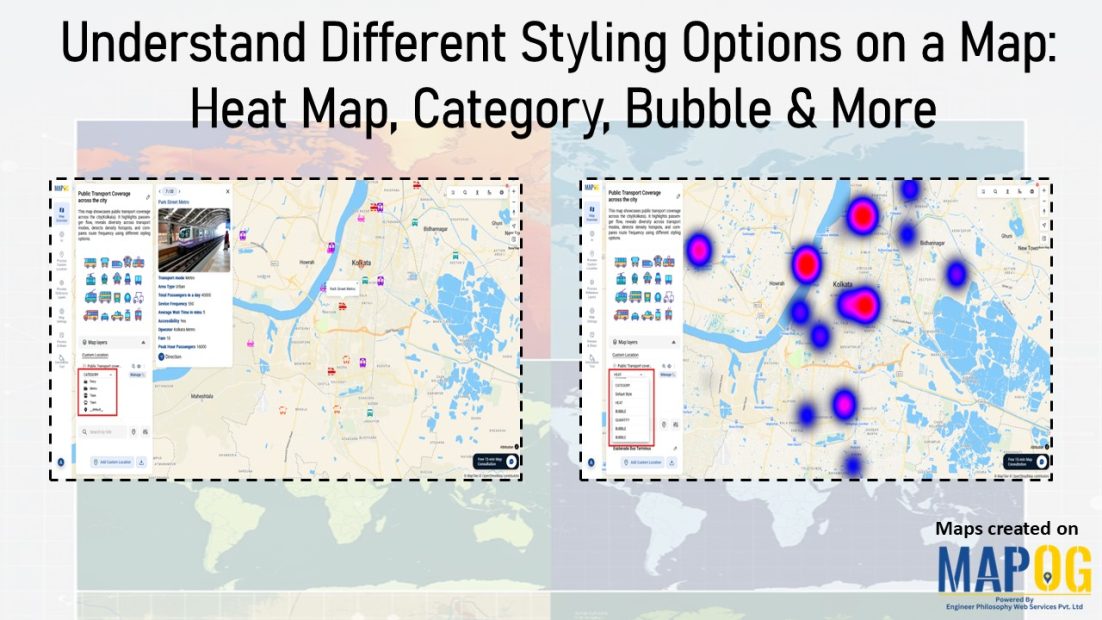
Shows comparison of different map styling options: including heatmap, category, bubble and quantity

Understand Different Styling Options on a Map: Heat Map, Category, Bubble & More

At first glance, raw data on a map often looks like scattered points with little meaning. Although the information is there, the story remains hidden. As a result, patterns are difficult to spot, categories blur together, and intensity feels impossible to judge. That’s why it matters to understand different styling options on a map . … Read more
how to apply multiple filters

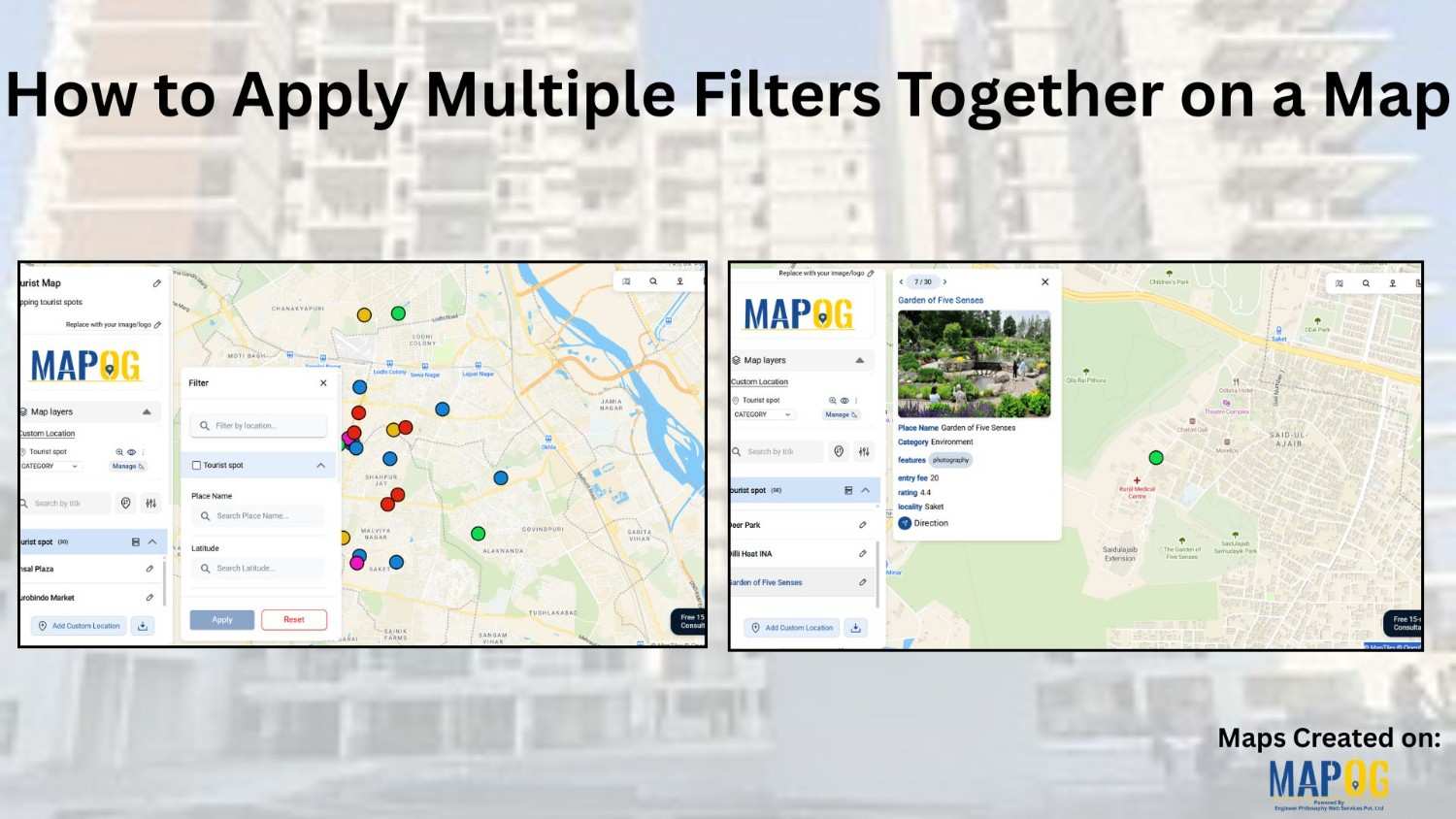
How to Apply Multiple Filters Together on a Map

When you work with location-heavy data, simply placing points on a map is not enough. You need a way to apply multiple filters on map , compare categories, and instantly highlight visuals that matter. That is why applying multiple filters together on a map becomes so powerful. It helps you narrow down results, spot patterns … Read more

Reuse

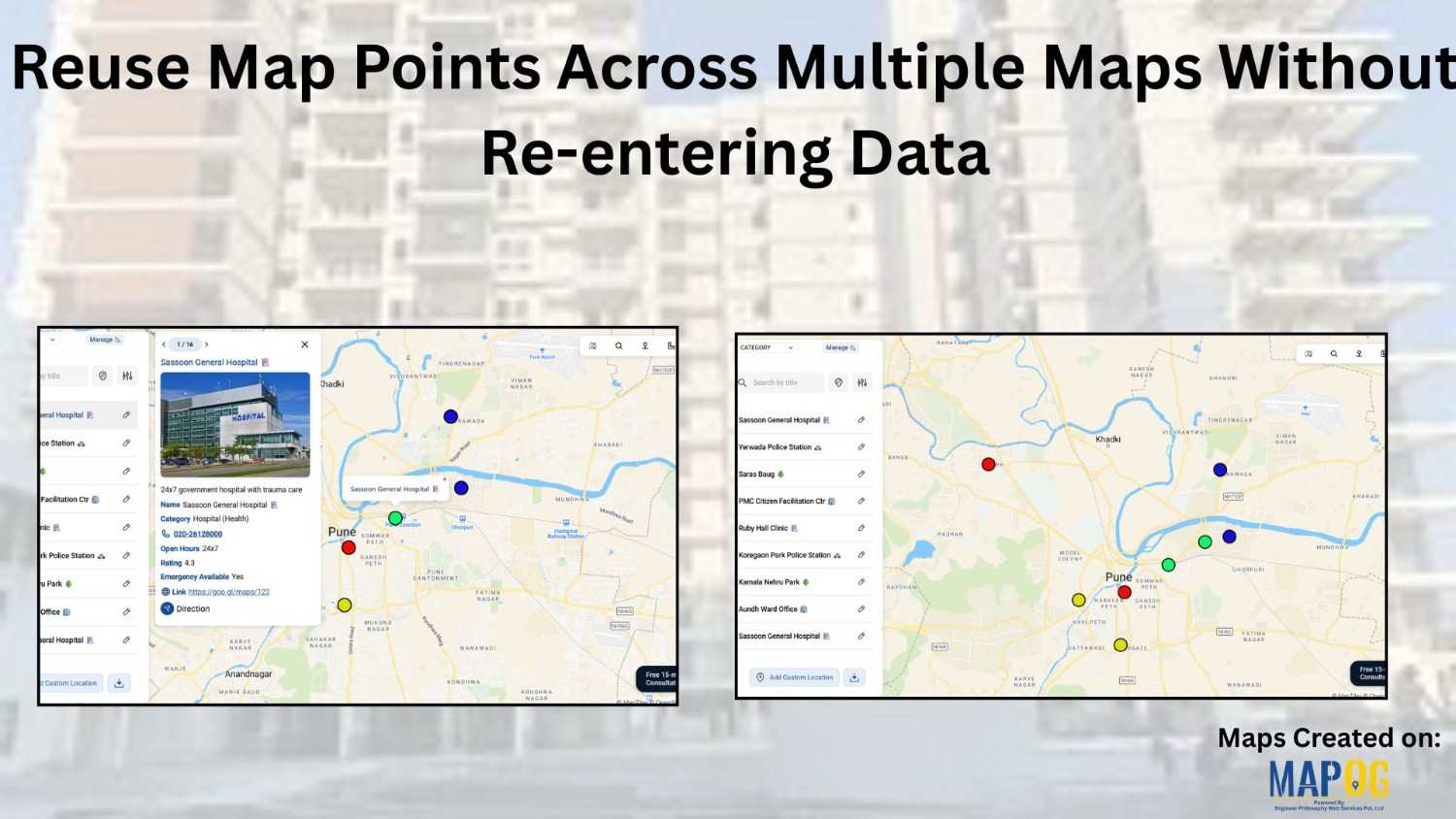
Reuse Map Points Across Multiple Maps Without Re-entering Data

Building maps repeatedly with the same locations can quickly feel slow and unnecessary. Moreover, whether you’re creating story map  visuals for planning, reporting, or even fieldwork, entering the same points again and again eventually wastes a huge amount of time. Therefore, a smarter and far more efficient approach is to reuse saved map points instead … Read more

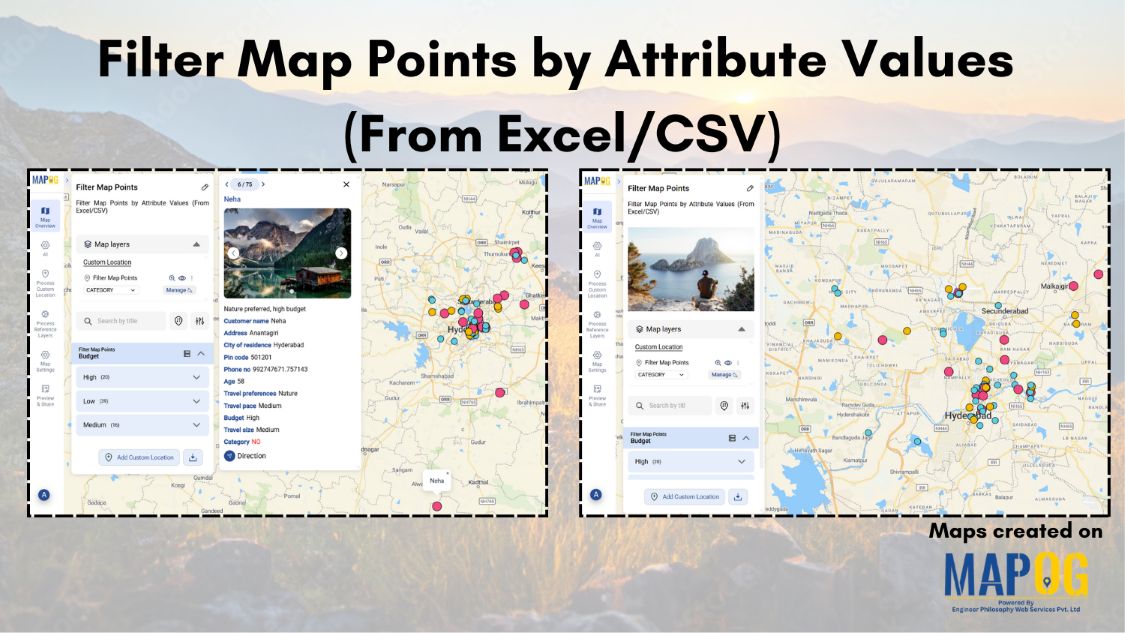
Filter Map Points

Filter Map Points by Attribute Values (From Excel/CSV)

When working with large datasets on a map, it can be difficult to focus on only the information you need. By filtering map points using attribute values stored in an Excel or CSV file, you can quickly highlight specific categories, ranges, or conditions—such as cities above a certain population, demographics, or locations with active status. … Read more