Interactive Mapping

Assign & Track Field Tasks Directly on a Map (With Photos & Status)

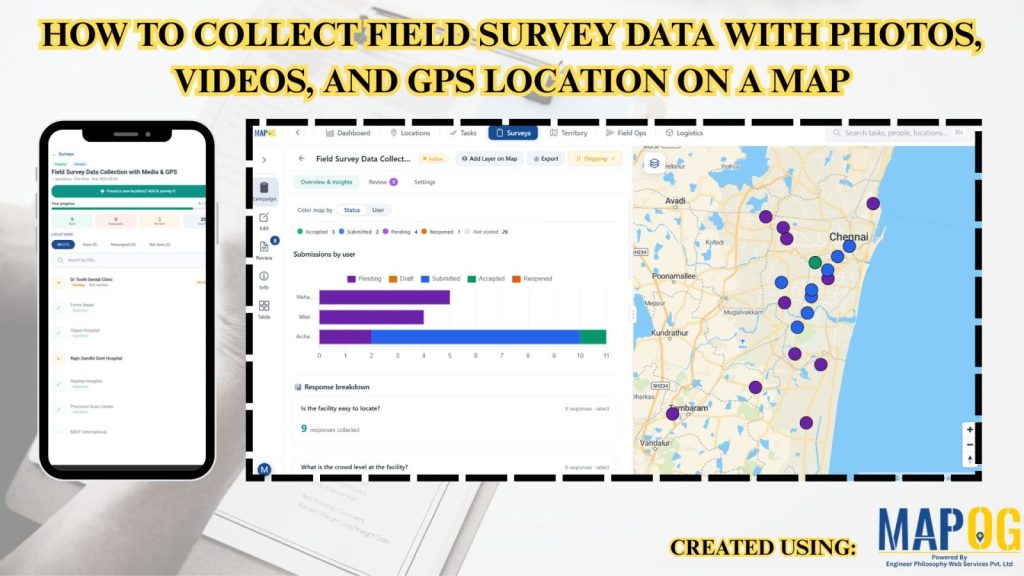
Assign & Track Field Tasks Directly on a Map (With Photos & Status)

Interactive maps turn static operations into visual workflows to assign and track field tasks, monitor routes, verify cleaning with real-time updates and photos.. Key Concept: Assign & Track Field Tasks Interactive task mapping centralizes field work, assigns tasks, tracks completion, verifies results with photos, and improves coordination and transparency. What is Assign & Track Field … Read more

how to collect correct customer details without manual mistakes

How to Collect Correct Customer Details Without Manual Mistakes

Accurate customer details are the backbone of reliable surveys, market analysis, and business decision-making. However, traditional paper-based methods and manual data entry often lead to errors such as missing information, incorrect locations, and delays in processing. As a result, it has become challenging to collect correct customer details becomes challenging when data is handled manually, … Read more

Add New Customer Locations

How to Add New Customer Locations Quickly While Visiting Them

In field surveys, speed and accuracy are everything. Whether collecting customer data, mapping market outlets or conducting household surveys, field teams often struggle with manually recording locations or entering customer details long after the visit. MAPOG solves these challenges by allowing surveyors to capture and register new customer locations instantly, right at the point of … Read more

Nearby customers around new store

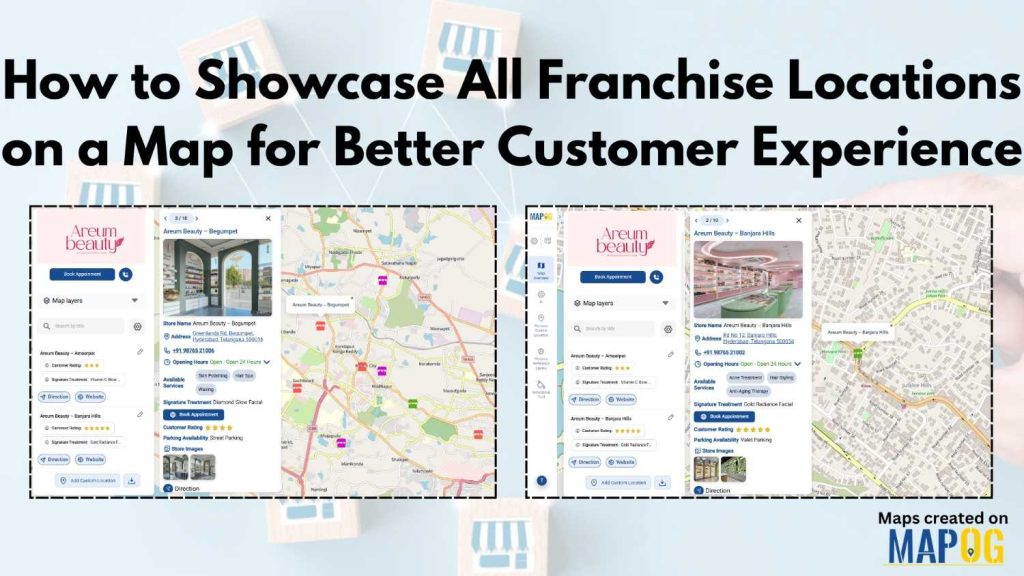
Locate Nearby Customers Around a New Store Location

In today’s data-driven landscape, understanding your customer geography is key to smart business growth. When opening a new store, it’s not enough to simply choose a location—you need to know who Locate Nearby Customers Around a New Store Location effectively. Interactive maps make this possible by visualizing customer clusters, highlighting high-demand zones, and revealing opportunities … Read more

Filter Map Points

Filter Map Points by Attribute Values (From Excel/CSV)

When working with large datasets on a map, it can be difficult to focus on only the information you need. By filtering map points using attribute values stored in an Excel or CSV file, you can quickly highlight specific categories, ranges, or conditions—such as cities above a certain population, demographics, or locations with active status. … Read more

Interactive map created on MAPOG showing how to add multimedia to your maps, with embedded videos, images, and links displayed in popups.

Add Multimedia to Your Maps: Videos, Images & Links in One View

Many mapped datasets feel incomplete because sometimes locations aren’t enough, context is needed too. Important details like site visuals, progress updates, or reference links often stay disconnected from the map itself. That’s why it’s essential to add multimedia to your maps. By including videos, images, and external links, you can turn each point into a … Read more

Interface showing customer data points segmented and filtered instantly using dynamic filters, with color-coded clusters for real-time insights

Segment and Filter Customers Instantly with Interactive Filters

Most teams already have customer data, but the way it’s managed often hides the details that matter. Consequently, diverse attributes collapse into uniform rows, obscuring meaningful distinctions. As a result, strategies become generic, and critical signals stay hidden. However, static reports flatten complexity, leaving no room for precision. With MAPOG, teams can segment and filter … Read more

Export Your Map with All Data and Details Intact (GeoJSON, SHP, CSV)

Export Your Map with All Data and Details Intact (GeoJSON, SHP, CSV)

In mapping and spatial data, live interactive maps are incredibly powerful; however, there are times when offline access becomes essential. That’s why MAPOG lets you export your map seamlessly, ensuring all data and details remain intact. As a result, you can analyse, present, or share your information with your team without losing any important elements. … Read more

edit update points

Import Customer Feedback and Ratings into an Online Mapping Tool

Customer data often comes in spreadsheets filled with names, addresses, coordinates, and feedback—but viewing such information in raw tables can limit insight. By importing this data into MAPOG, additionally visualize customer locations, projects or buildings ratings, or import customer feedback into online mapping tool and reviews directly on an interactive map. This not only makes … Read more

Cover image

How to Combine All Customer Data from the Field Into One Clean Map

To combine all the customer data from the field is a common challenge for organizations. Teams collect location details, service feedback, and on-site observations through a mix of mobile apps, paper forms, and spreadsheets, but this mix of formats often leaves the data scattered and hard to interpret.  A unified map solves this problem by … Read more